Wabi-Sabi Login
A ready-to-paste login screen prompt for web apps. Paste it into Lovable, v0, Cursor, Bolt or Claude and you get this interface back.
Prompt
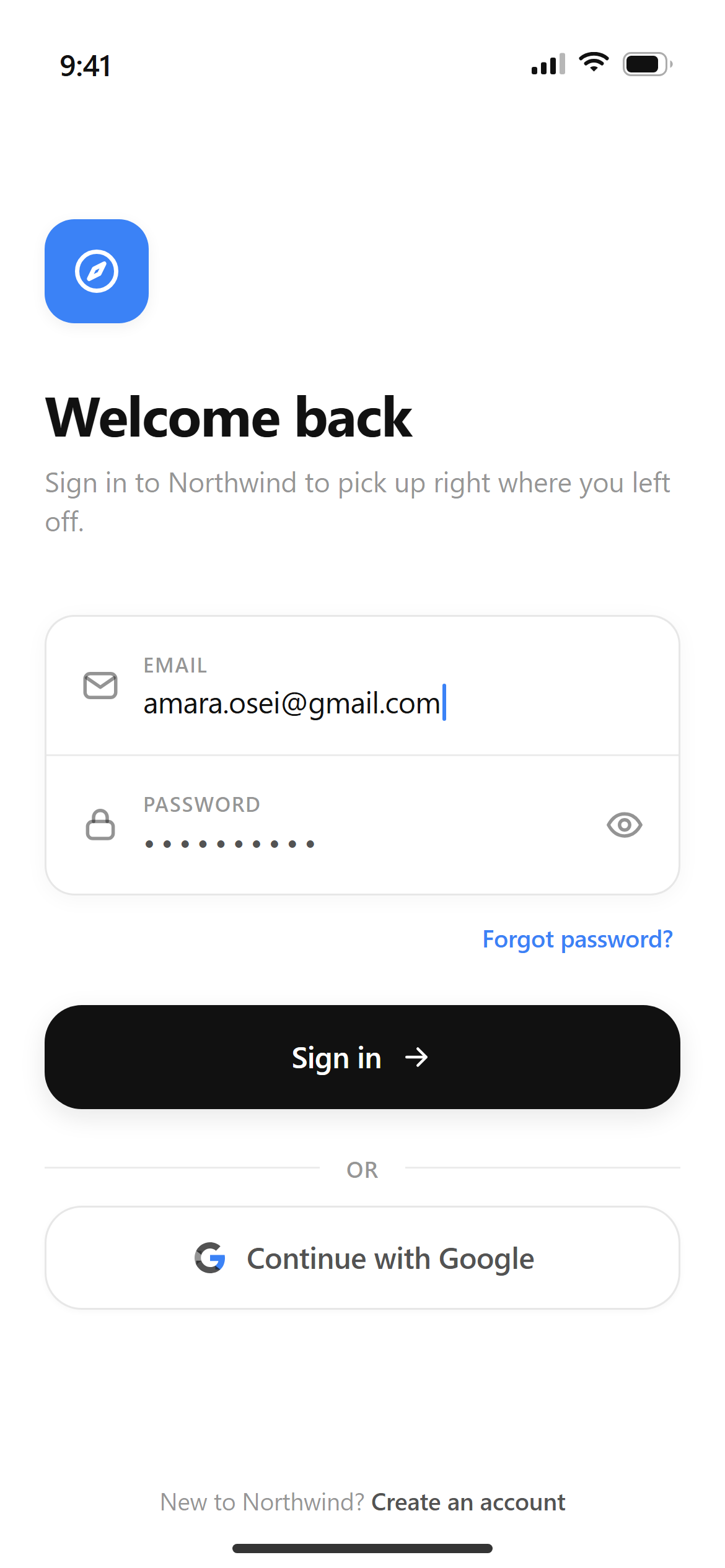
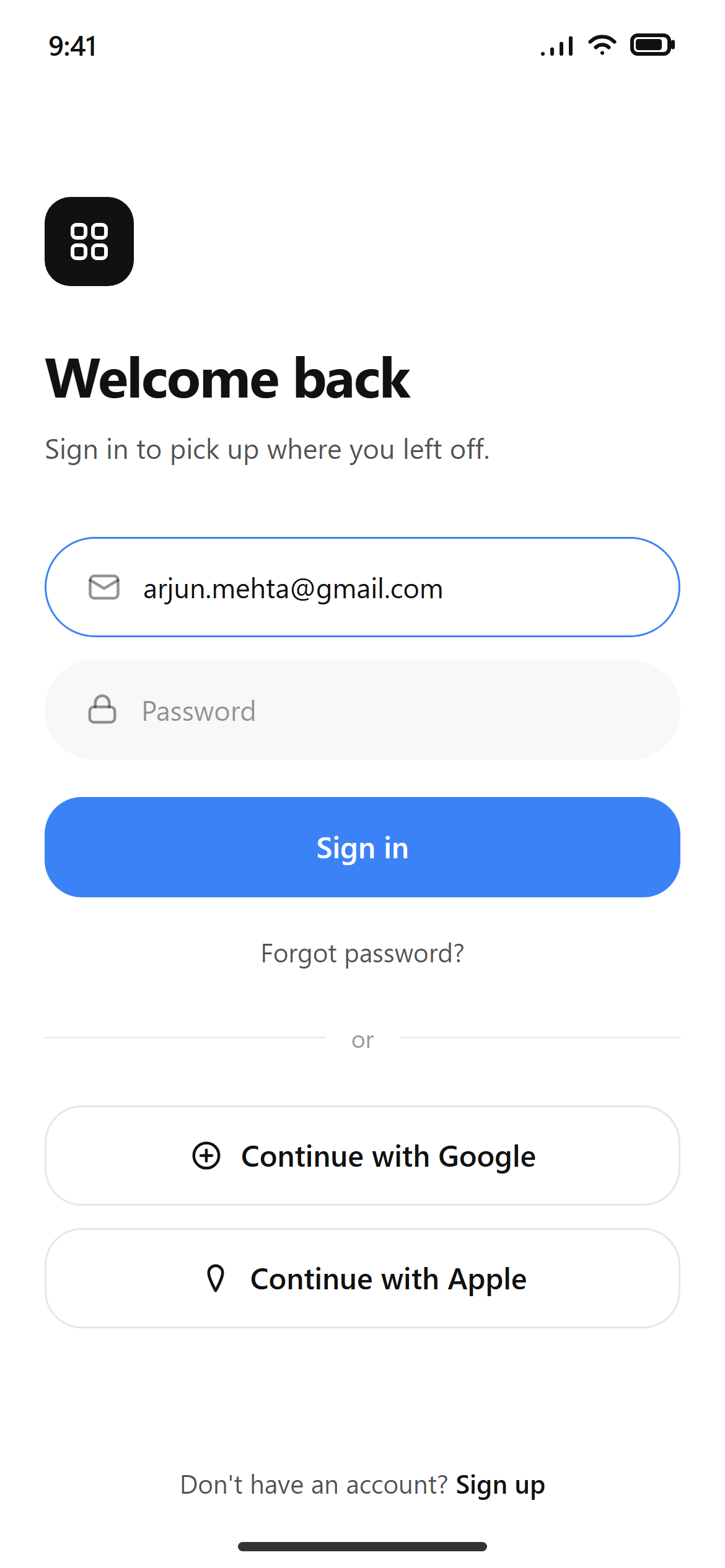
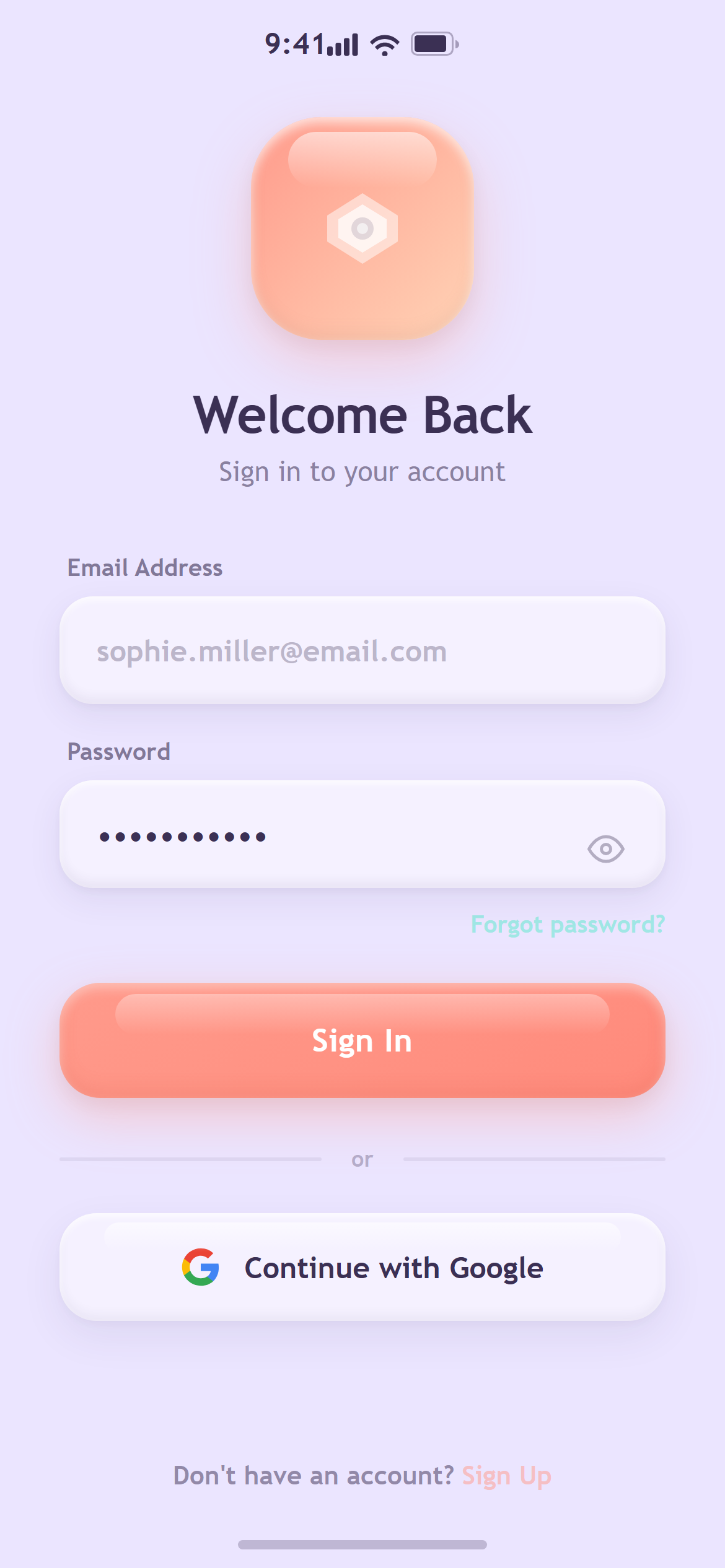
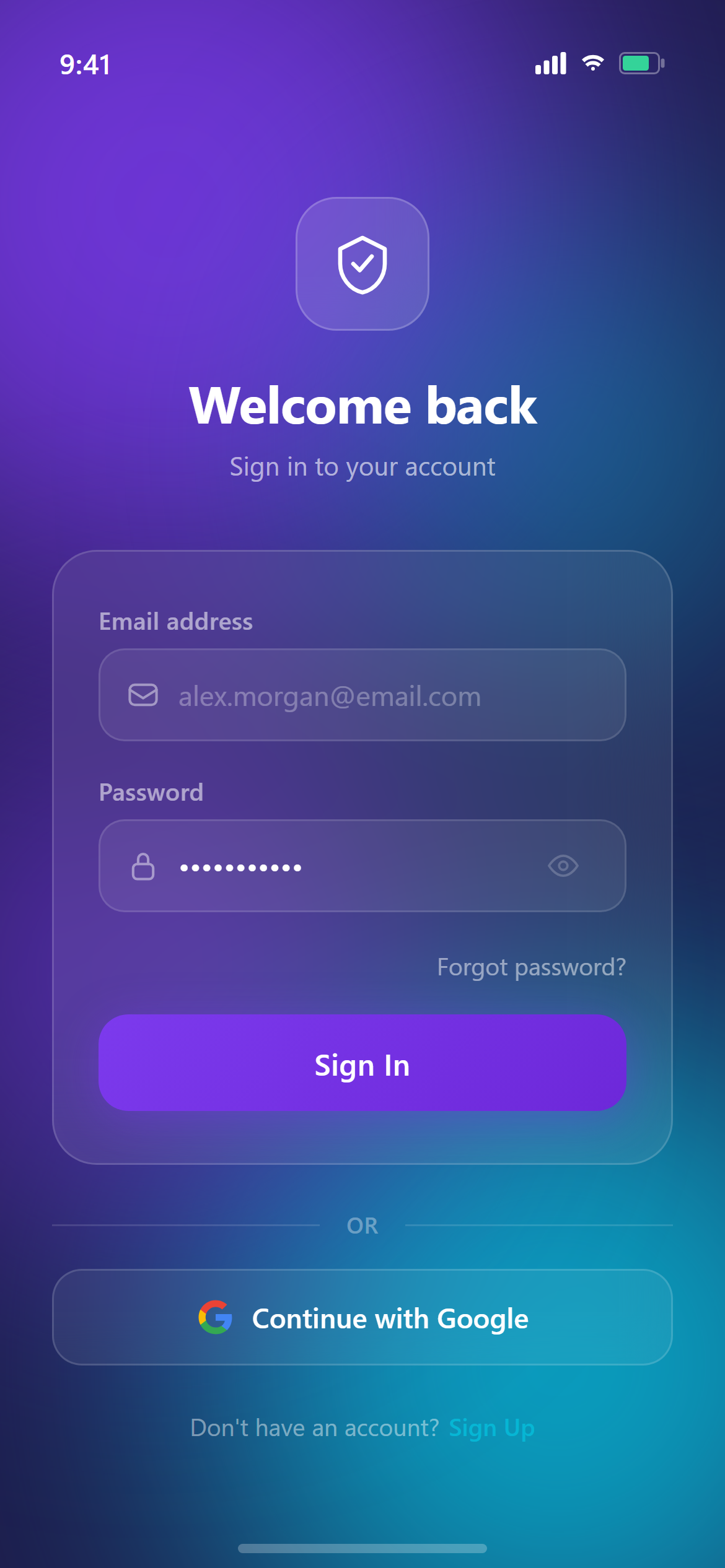
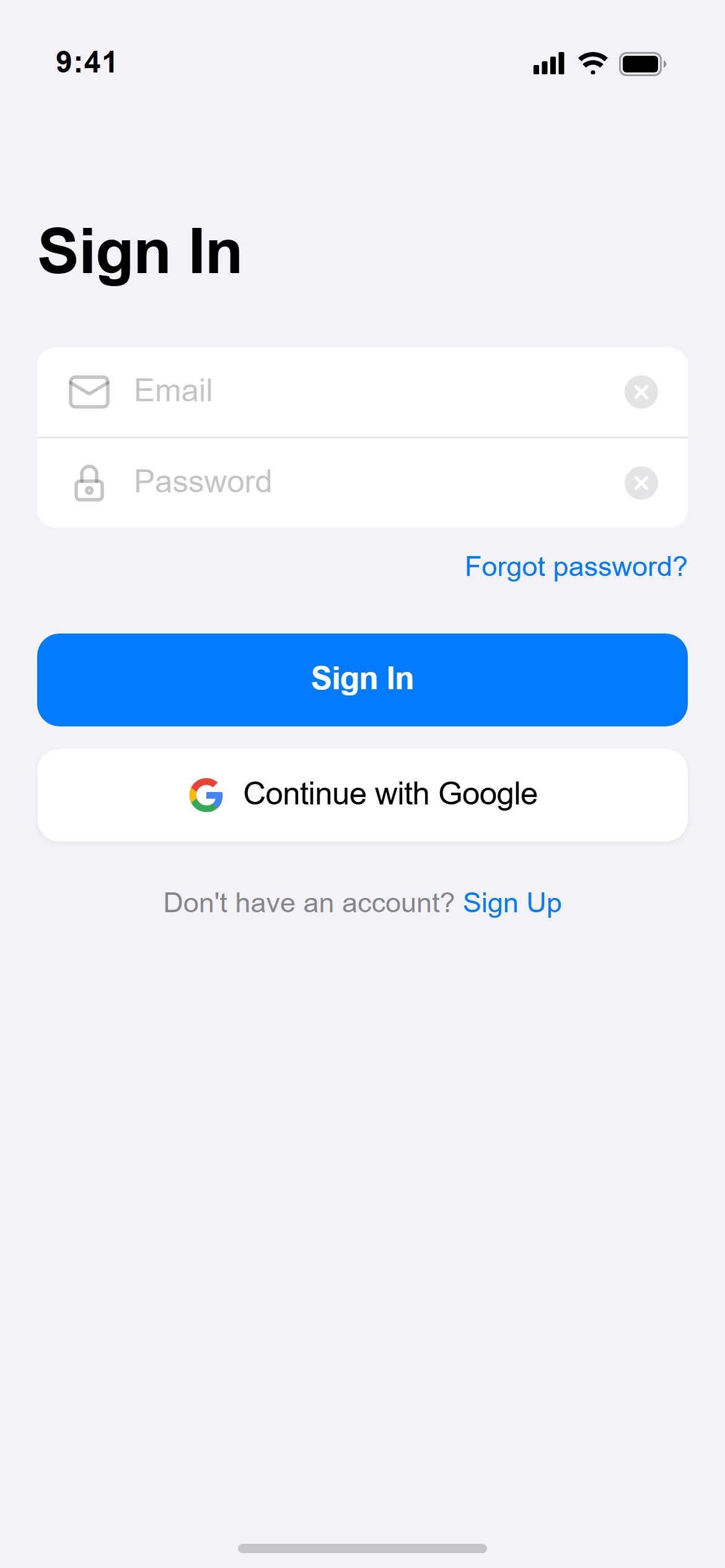
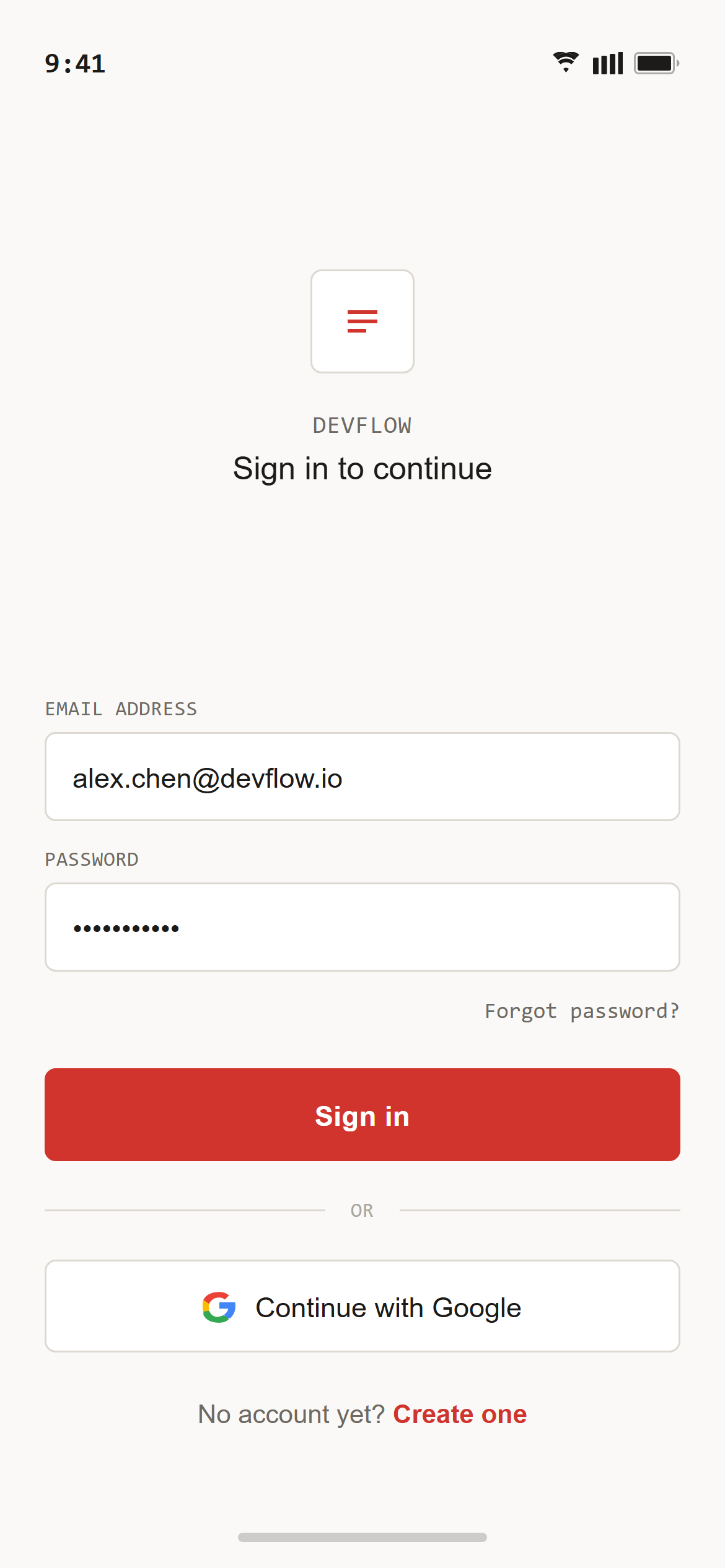
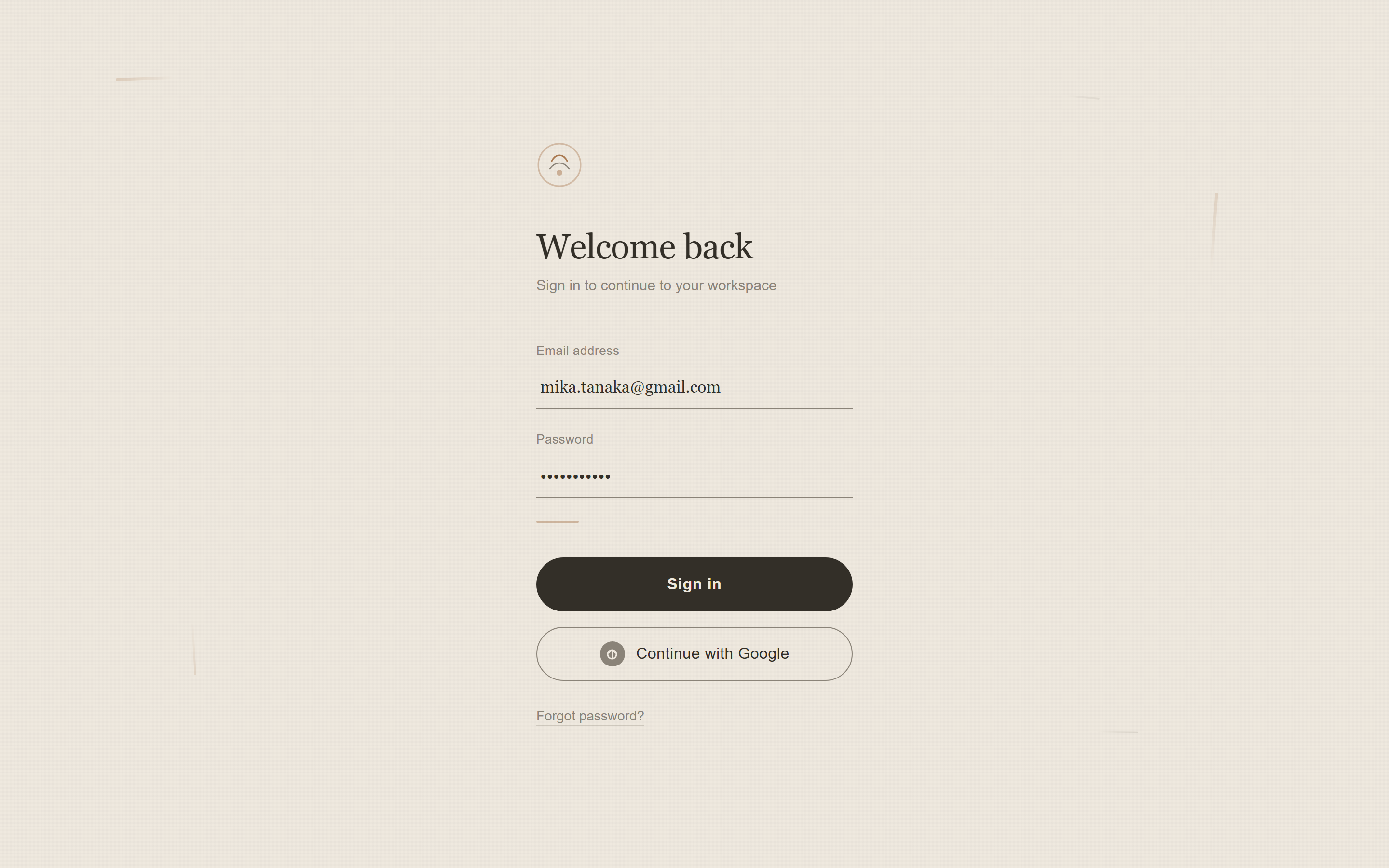
Design a login screen with email and password fields, a primary sign-in button, a secondary social-login button with a small neutral circular icon glyph (no real brand logo) and "Continue with Google" label, and a small "Forgot password?" link for a responsive mobile and web app.

Visual style — Wabi-Sabi:
Deliberately imperfect hand-drawn-feeling borders with slightly irregular line weight, a raw-linen background texture, and asymmetric generous negative space in muted earthen tones. Thin brush-stroke accent lines replace dividers. Serene, imperfect-on-purpose, Japanese minimalism.

Color palette — Clay Ash:
Background #EFE9DF. Text #332F28. Accent clay #A9784F, ash gray #8A8378.

Commit fully to this style — it should be unmistakable at a glance. Use realistic content, not placeholder text. Keep animations smooth (200ms ease-out).
Part of the Wabi-Sabi style pack — 14 screens that share one palette and type scale, so a whole app stays consistent.
How to use it
- Copy the prompt above.
- Paste it into your AI coding tool.
- Add your own product details — screen name, real copy, data fields.
- Attach the screenshot too. Vision models match a design far more closely when they can see it.