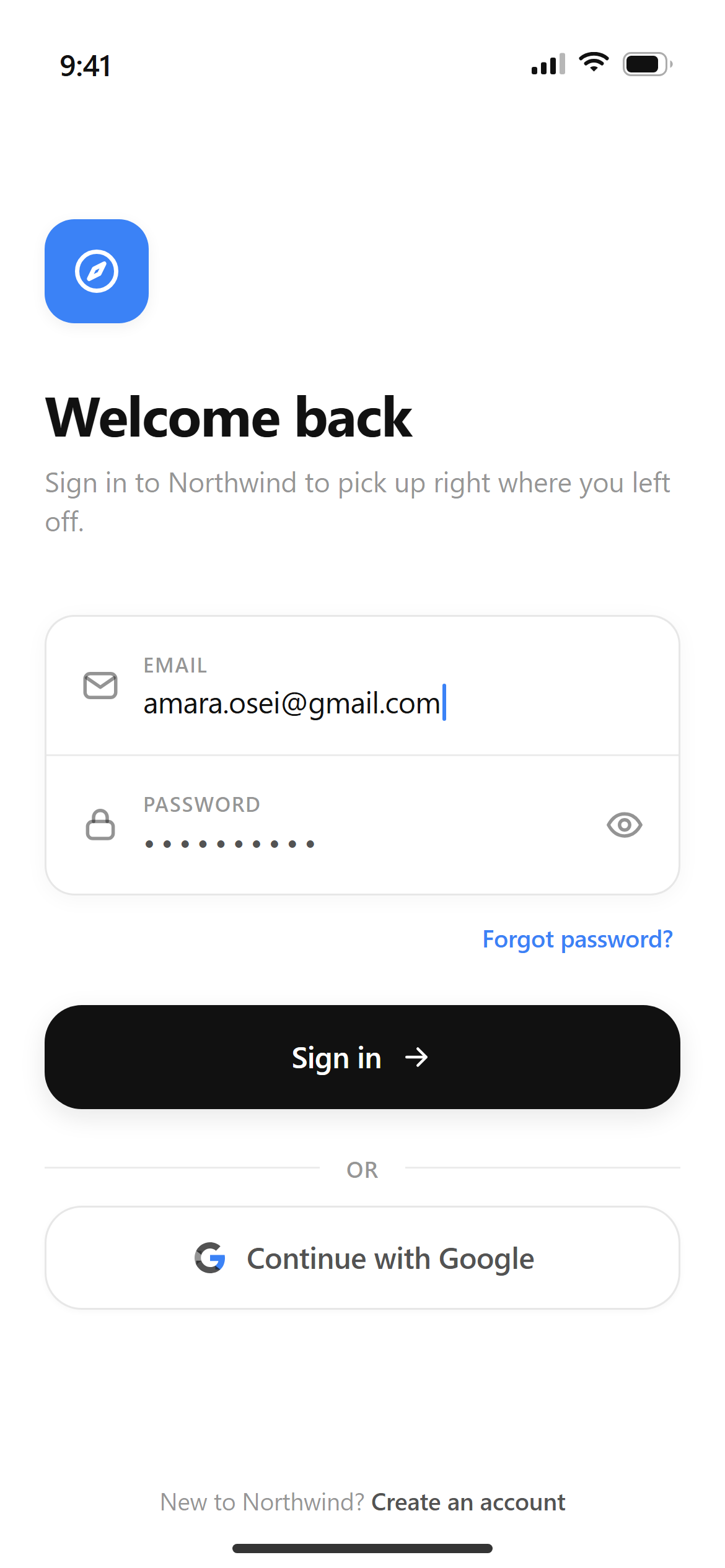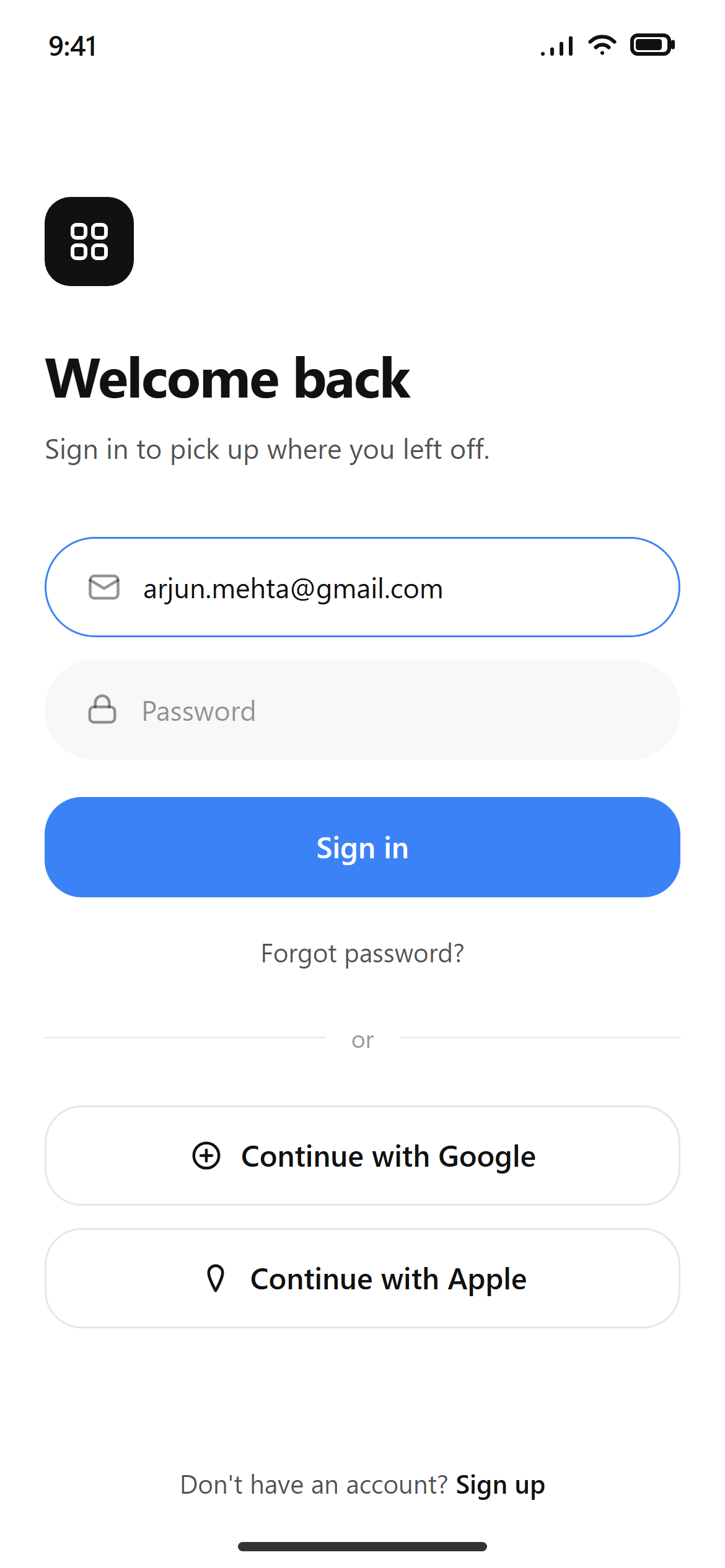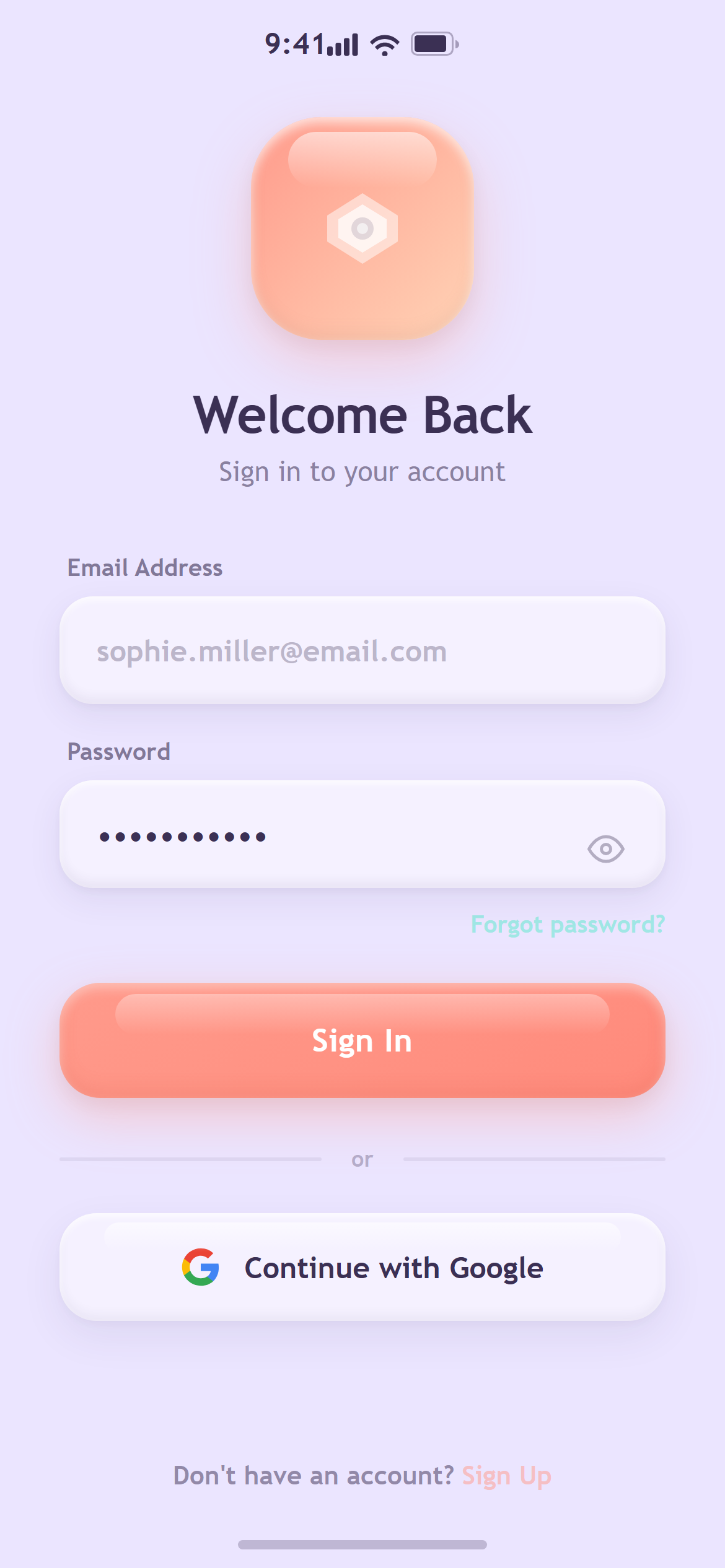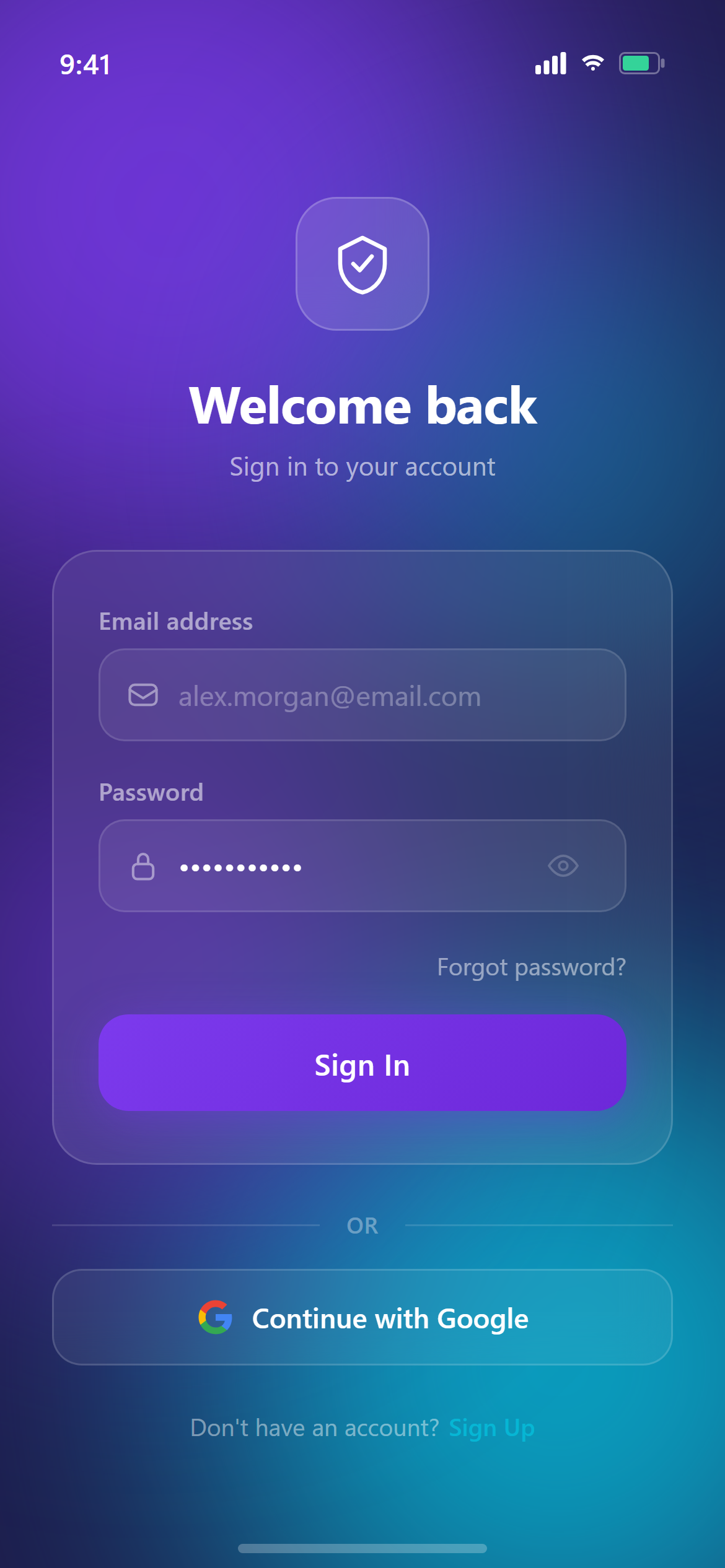
Vibrant Gradient Email Login
A ready-to-paste login screen prompt for mobile apps. Paste it into Lovable, v0, Cursor, Bolt or Claude and you get this interface back.
Prompt
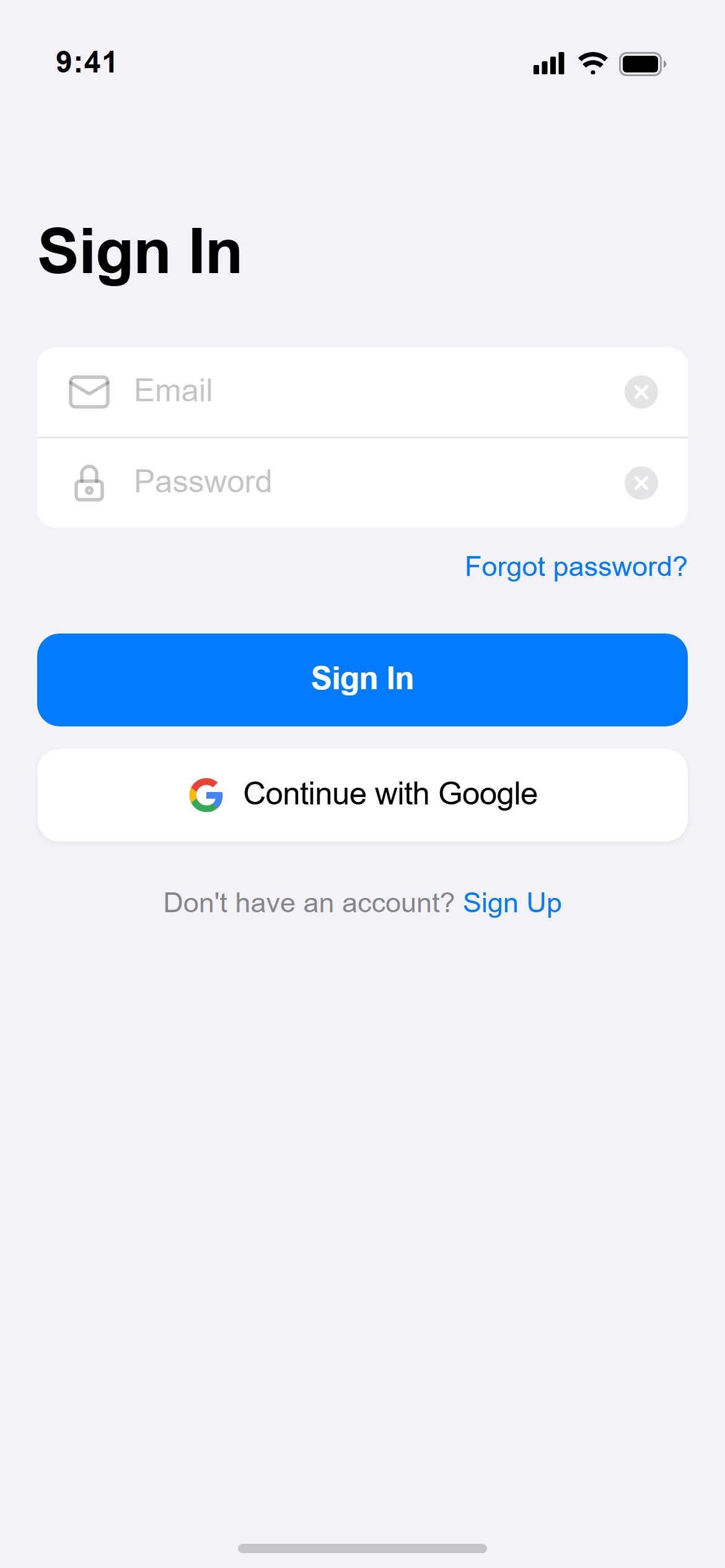
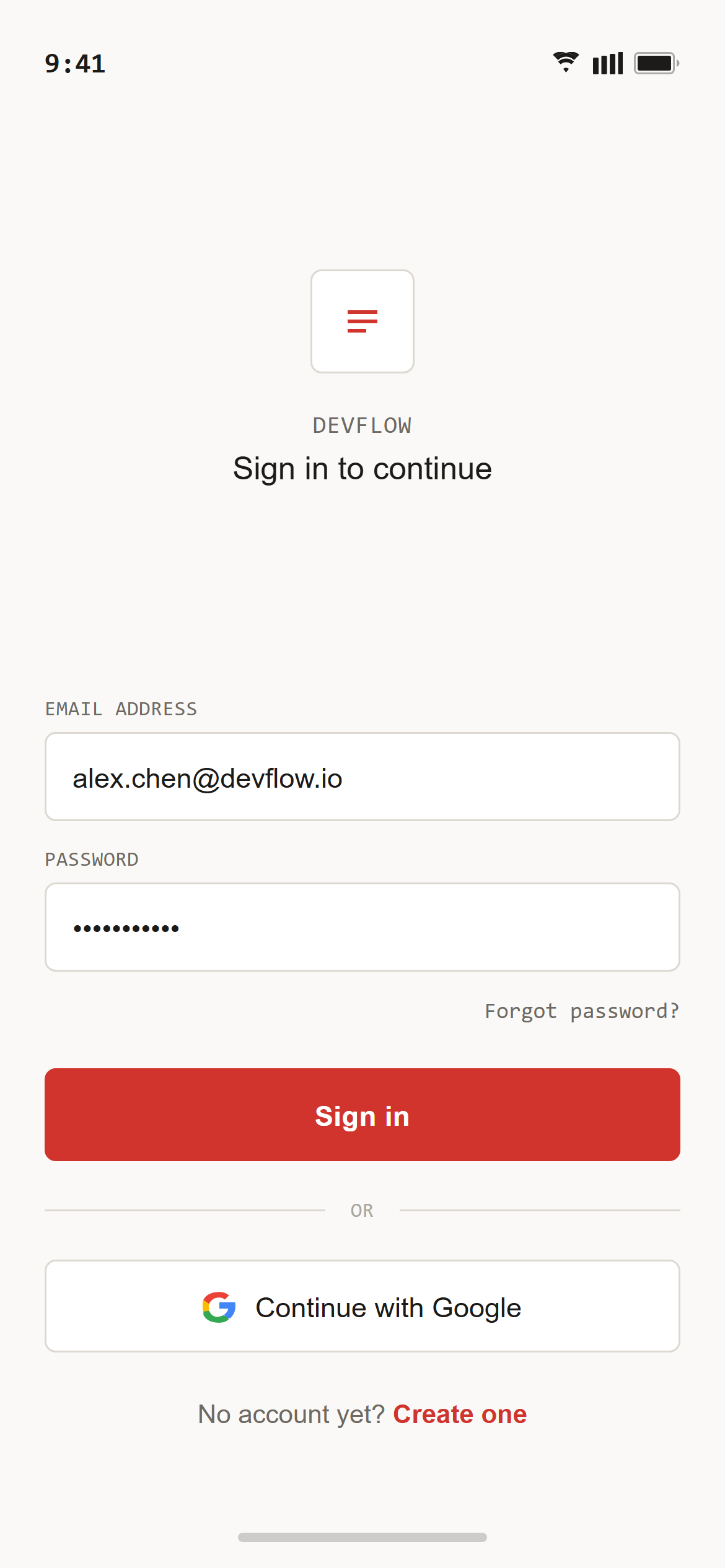
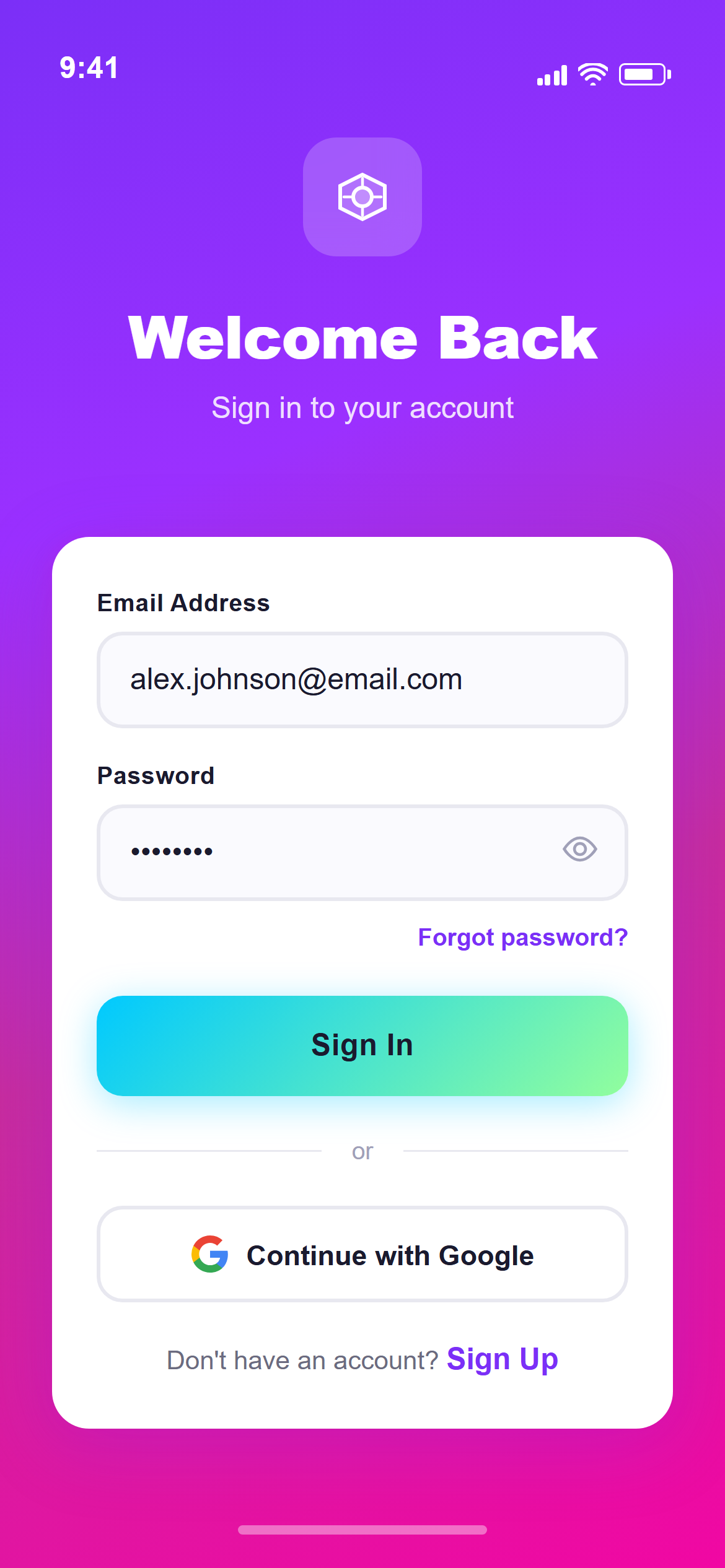
Design a login screen with email and password fields, a primary sign-in button, a "Continue with Google" secondary button, and a small "Forgot password?" link for a mobile app.

Visual style — Vibrant Gradient:
Bold full-bleed gradients are the primary design element, with a second gradient reserved for buttons. White cards float on top at 20px radius with generous colored shadows tinted to match the gradient beneath them. Heavy bold sans-serif headings in white. Energetic, saturated, confident.

Color palette — Purple Magenta:
Main gradient #7B2FF7 purple into #F107A3 magenta. Button gradient #00C9FF into #92FE9D.

Commit fully to this style — it should be unmistakable at a glance. Use realistic content, not placeholder text. Keep animations smooth (200ms ease-out).
How to use it
- Copy the prompt above.
- Paste it into your AI coding tool.
- Add your own product details — screen name, real copy, data fields.
- Attach the screenshot too. Vision models match a design far more closely when they can see it.