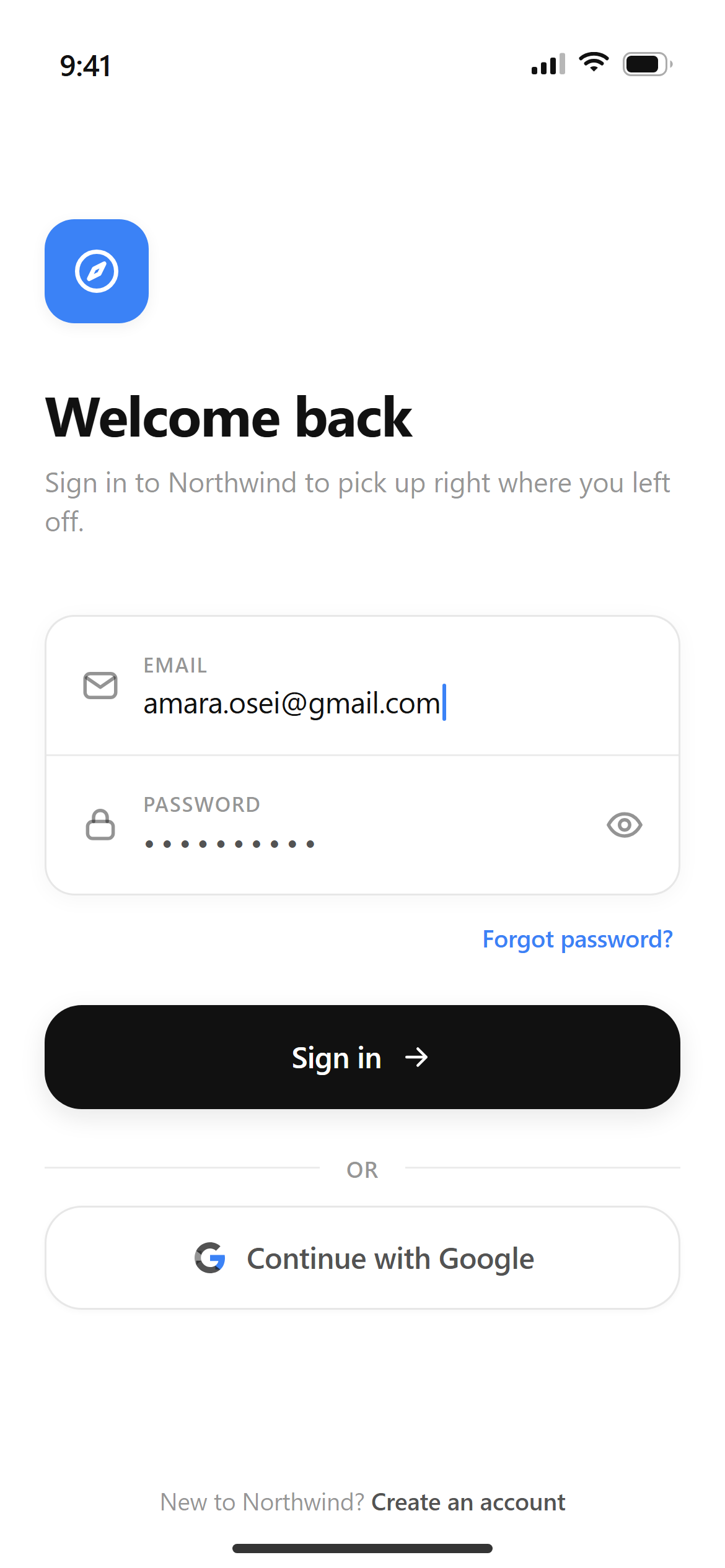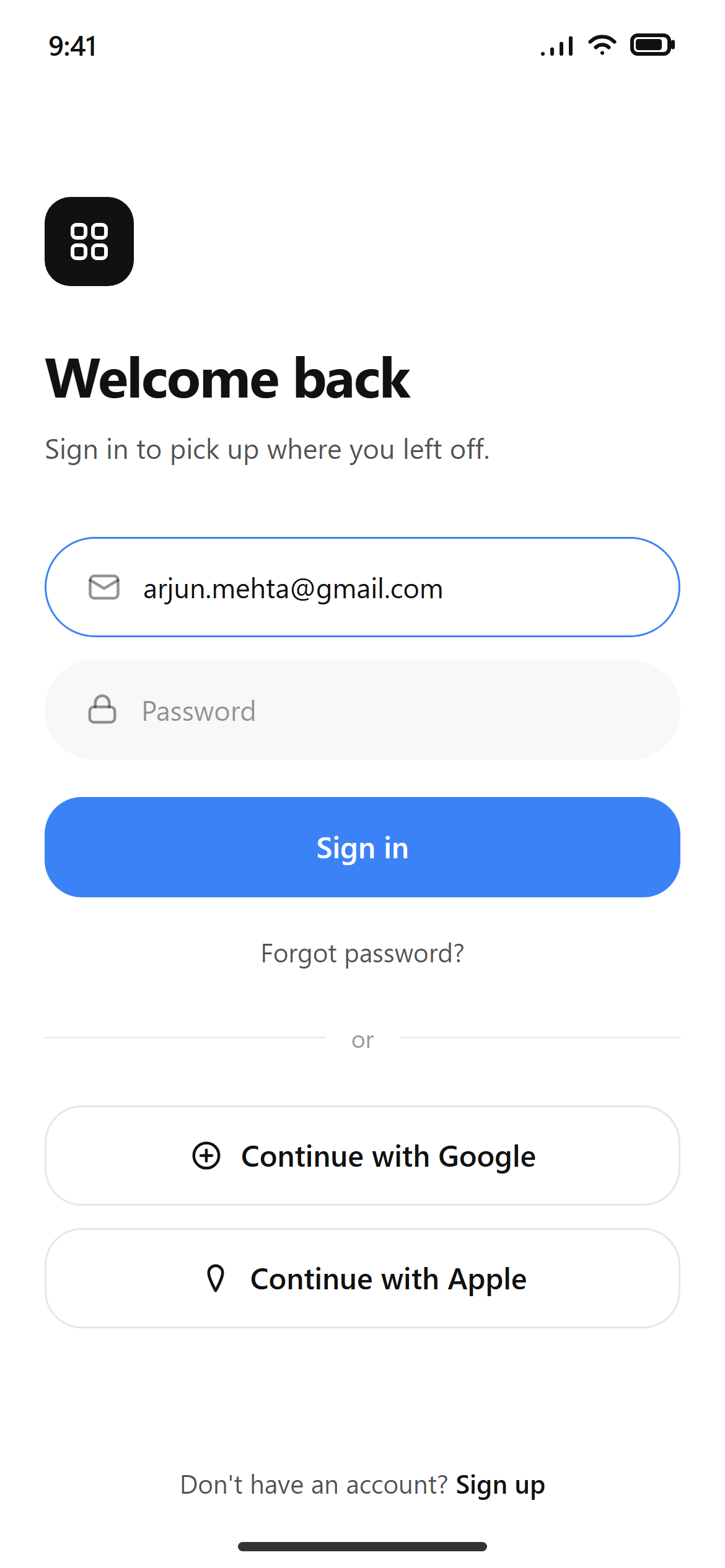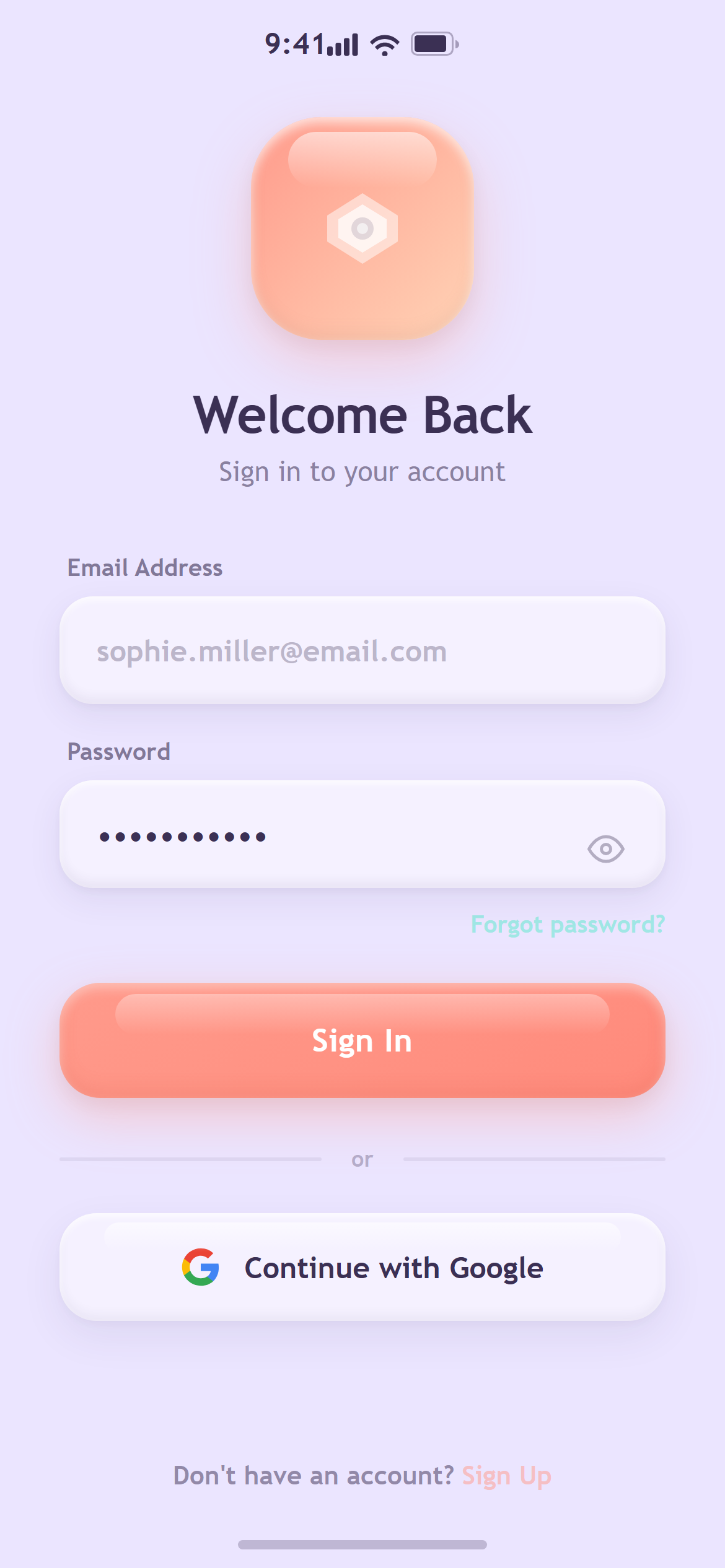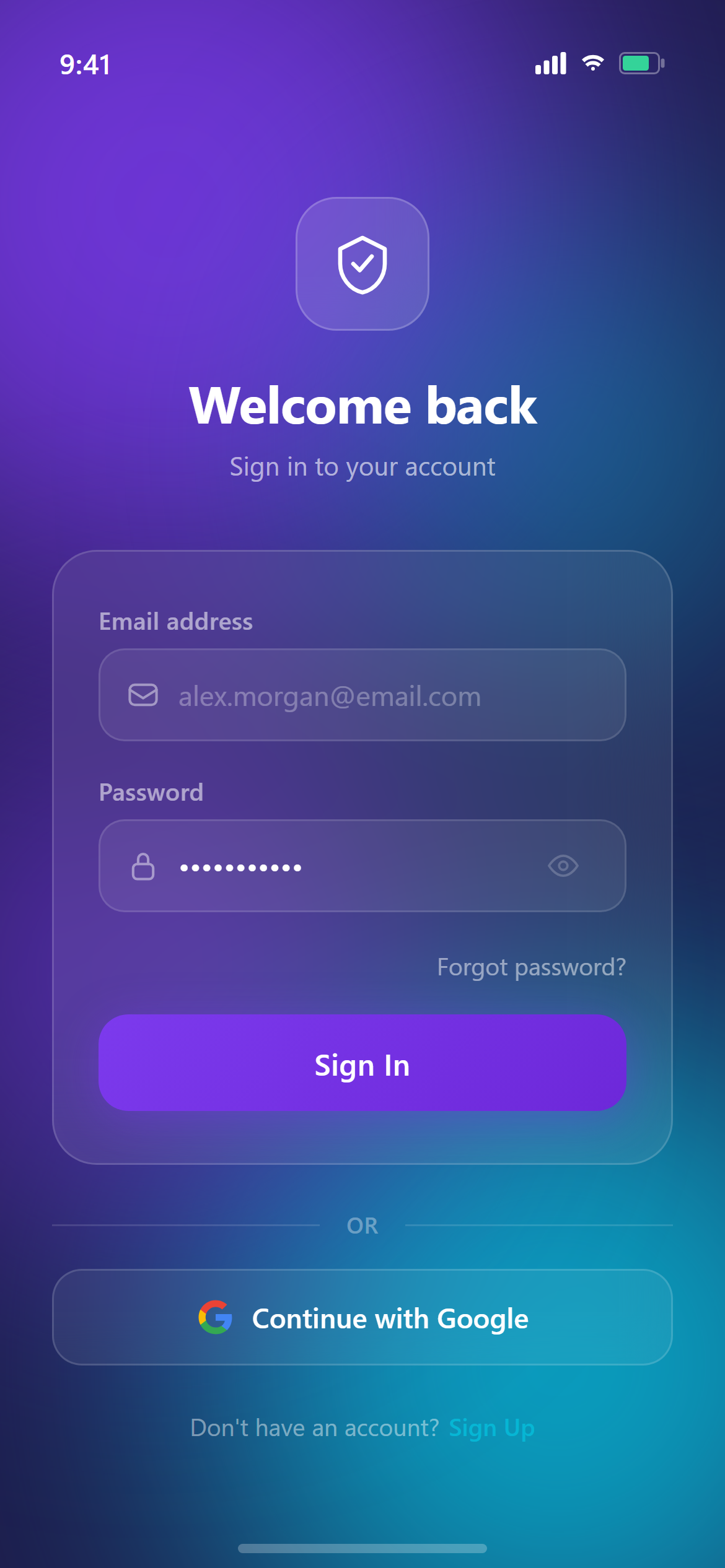
Soft Dark Email Login
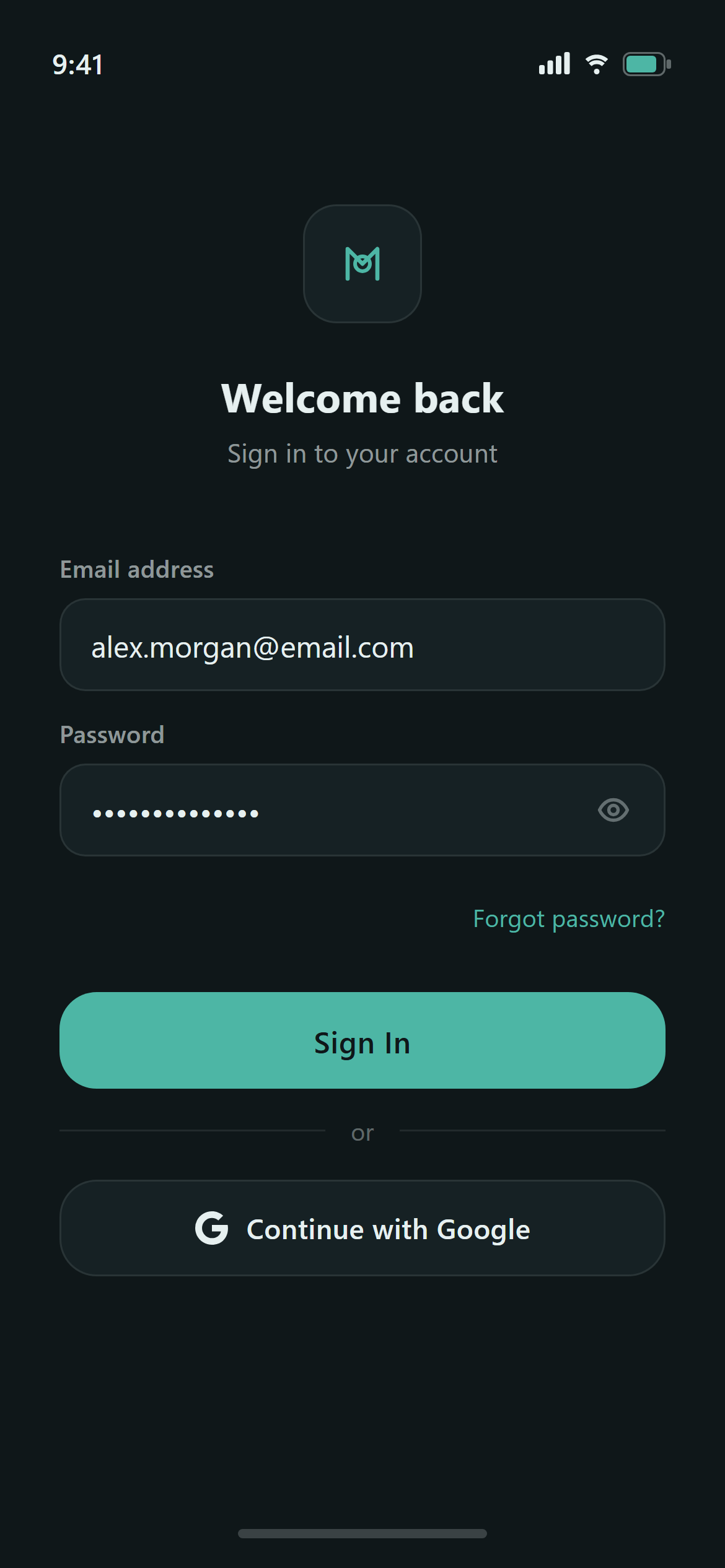
A ready-to-paste login screen prompt for mobile apps. Paste it into Lovable, v0, Cursor, Bolt or Claude and you get this interface back.
Prompt
Design a login screen with email and password fields, a primary sign-in button, a "Continue with Google" secondary button, and a small "Forgot password?" link for a mobile app.

Visual style — Soft Dark:
A dark canvas with slightly lighter elevated surfaces — elevation is shown by surface tone, never by shadow. Hairline 1px borders at low opacity. Cards 16px radius, buttons 20px. Outline icons, 2px stroke. Restrained, comfortable for night use — no glow, no neon.

Color palette — Midnight Teal:
Background #0F1719, surfaces #162124. Text #E6F0F0 / rgba(230,240,240,0.62) / rgba(230,240,240,0.38). Borders rgba(230,240,240,0.09). Accent teal #4DB6A5.

Commit fully to this style — it should be unmistakable at a glance. Use realistic content, not placeholder text. Keep animations smooth (200ms ease-out).
How to use it
- Copy the prompt above.
- Paste it into your AI coding tool.
- Add your own product details — screen name, real copy, data fields.
- Attach the screenshot too. Vision models match a design far more closely when they can see it.