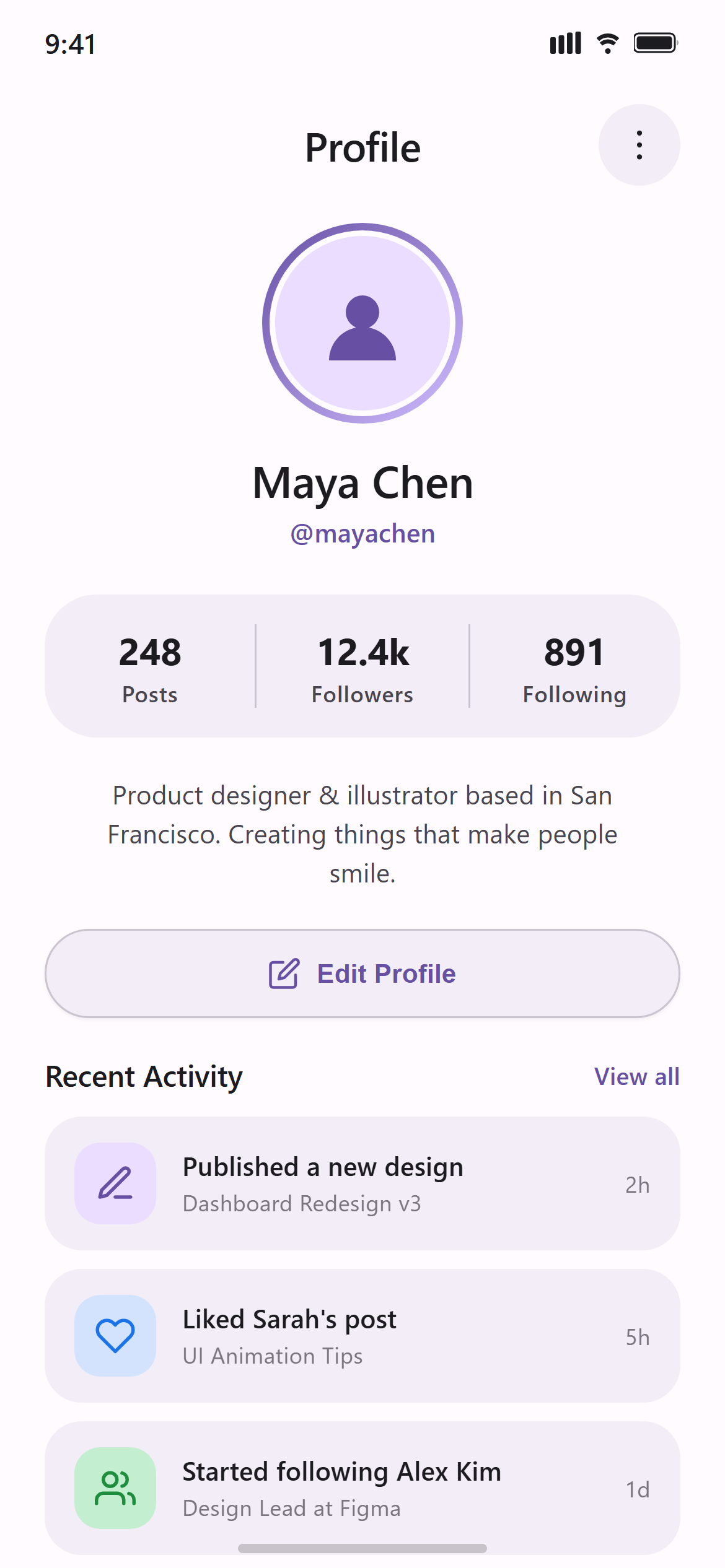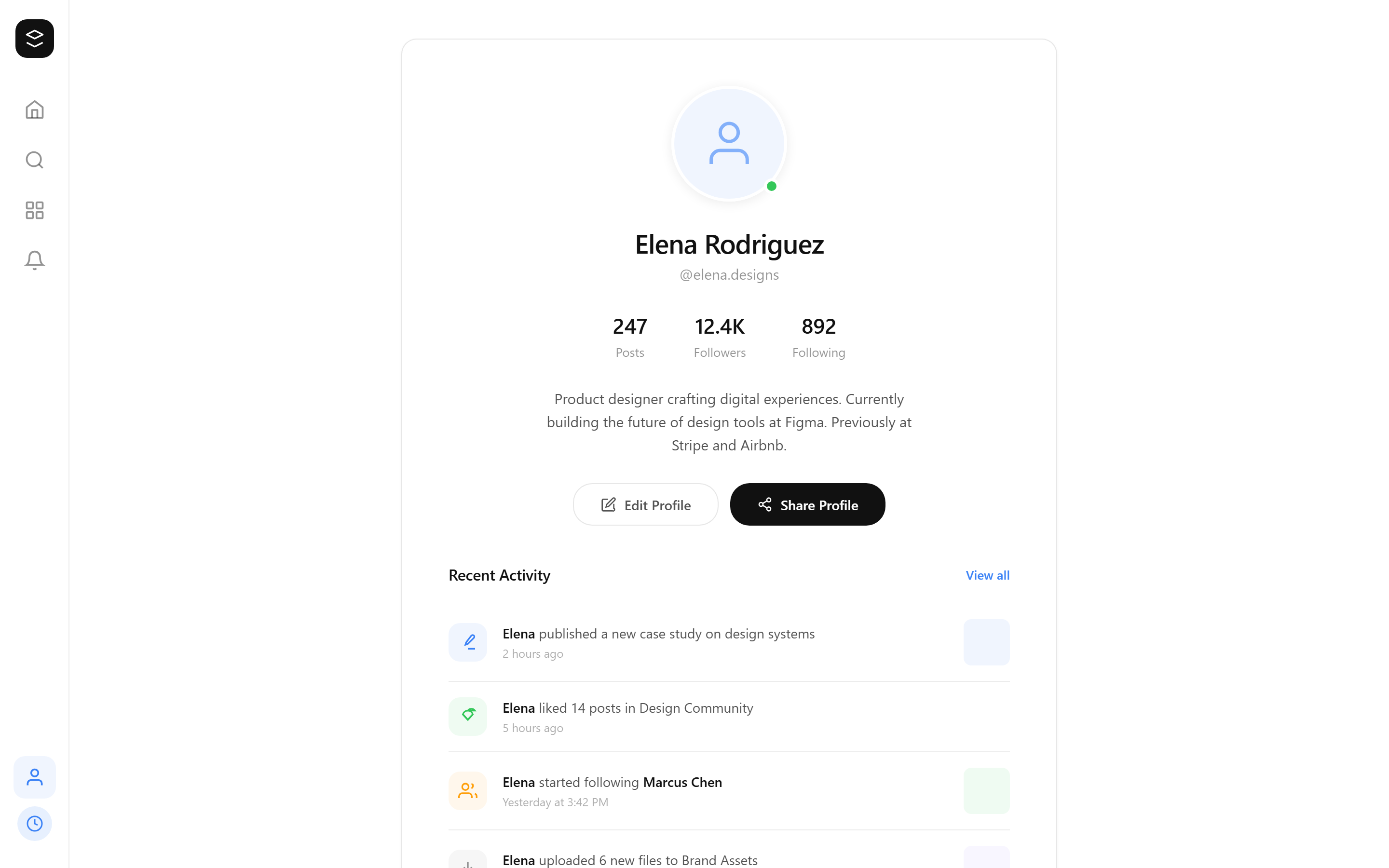
Print Newspaper Profile & Settings
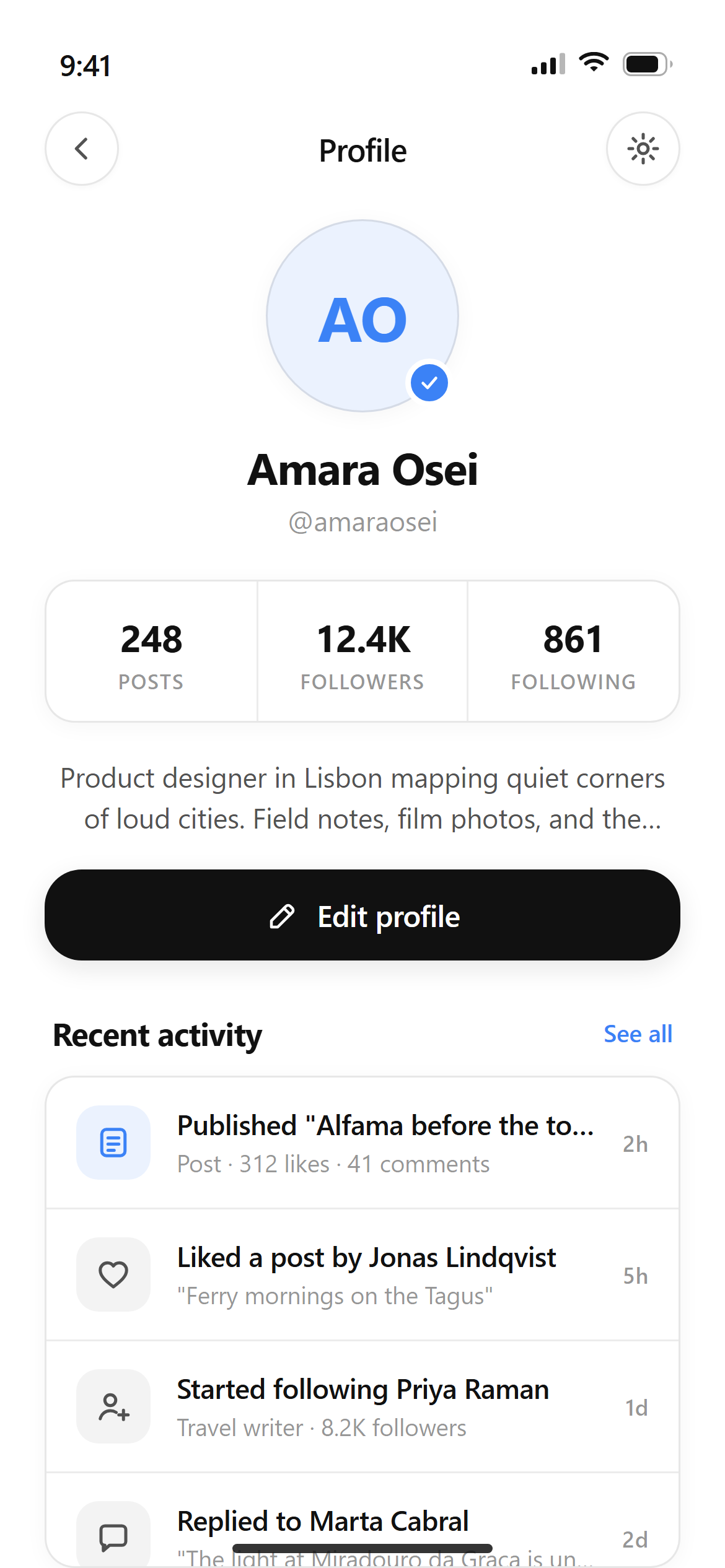
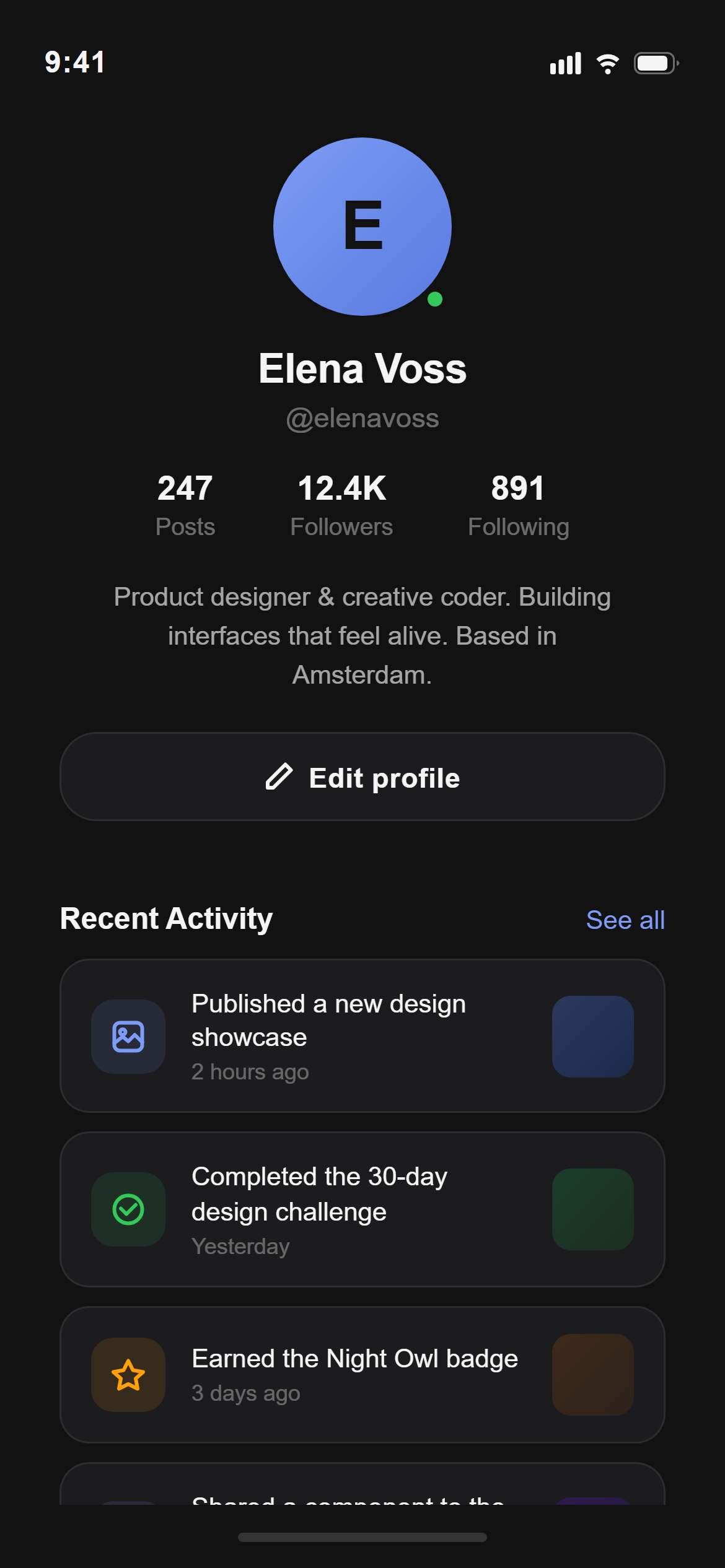
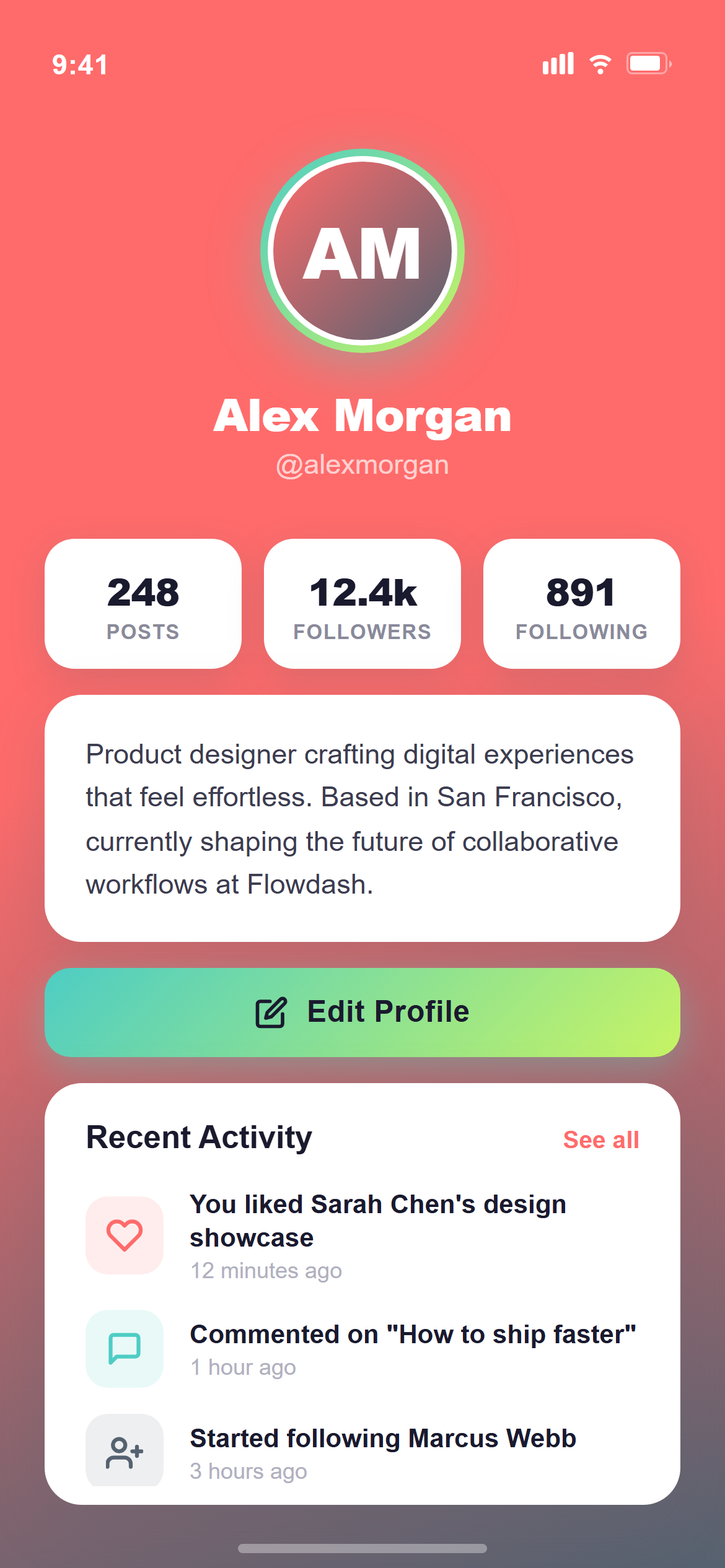
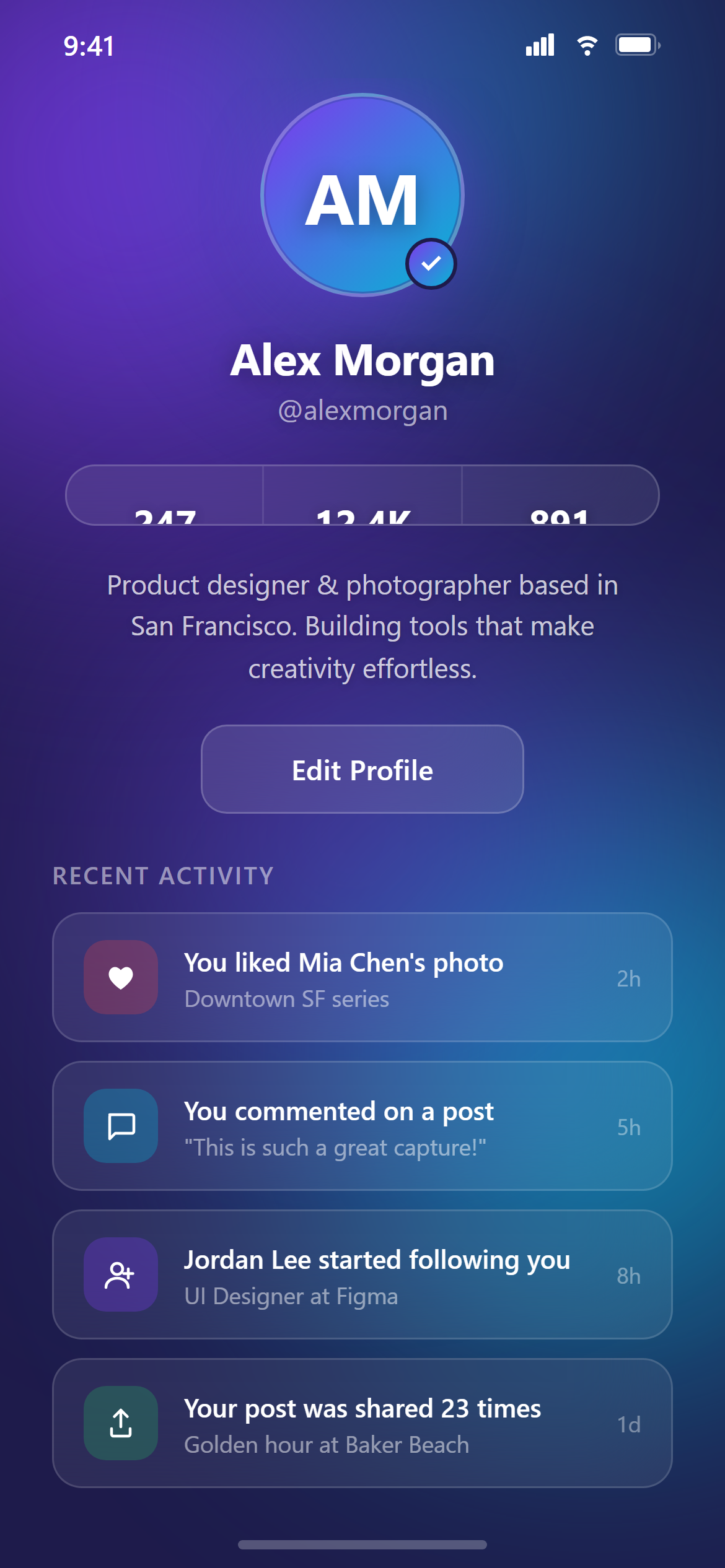
A ready-to-paste profile screen prompt for web apps. Paste it into Lovable, v0, Cursor, Bolt or Claude and you get this interface back.
Prompt
Act like a frontend developer with 15 years of experience. I want the exact same UI with 95-99% similarity.

Platform: This is a RESPONSIVE design — it should work on both mobile and desktop. Use mobile layout patterns (bottom nav, stacked content) for mobile, and desktop layout patterns (sidebar/nav bar, wider content areas) for web.

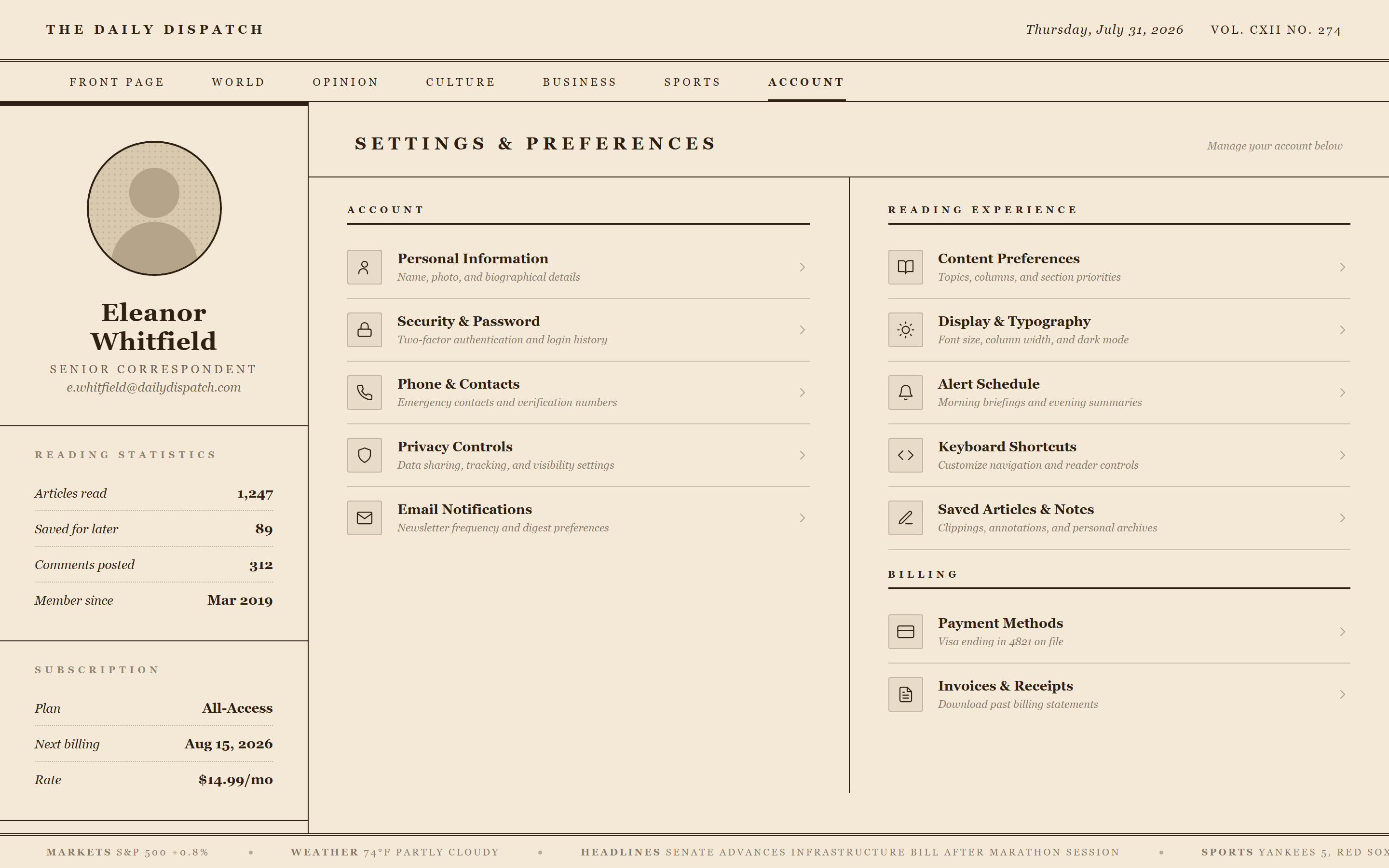
Design a profile screen with a circular avatar, name and email, and grouped settings rows separated by thin dividers, each with an icon and a chevron.

Visual style — Print Newspaper:
A multi-column text layout with a bold masthead-style headline in a condensed serif, thin black rules between columns, and a halftone-dot texture on image placeholders. Justified body text. Ink-on-newsprint, dense, classic broadsheet feel.

Color palette — Sepia Print:
Background #F3E9D6. Text #2E2013. Rules #2E2013.

Typography — use these exact font families:
- Headings / display: Georgia, "Times New Roman", serif

Commit fully to this style — it should be unmistakable at a glance. Use realistic content, not placeholder text. Keep animations smooth (200ms ease-out).
How to use it
- Copy the prompt above.
- Paste it into your AI coding tool.
- Add your own product details — screen name, real copy, data fields.
- Attach the screenshot too. Vision models match a design far more closely when they can see it.