Neon Cyber Chat Inbox
A ready-to-paste chat screen prompt for web apps. Paste it into Lovable, v0, Cursor, Bolt or Claude and you get this interface back.
Prompt
Act like a frontend developer with 15 years of experience. I want the exact same UI with 95-99% similarity.

Platform: This is a RESPONSIVE design — it should work on both mobile and desktop. Use mobile layout patterns (bottom nav, stacked content) for mobile, and desktop layout patterns (sidebar/nav bar, wider content areas) for web.

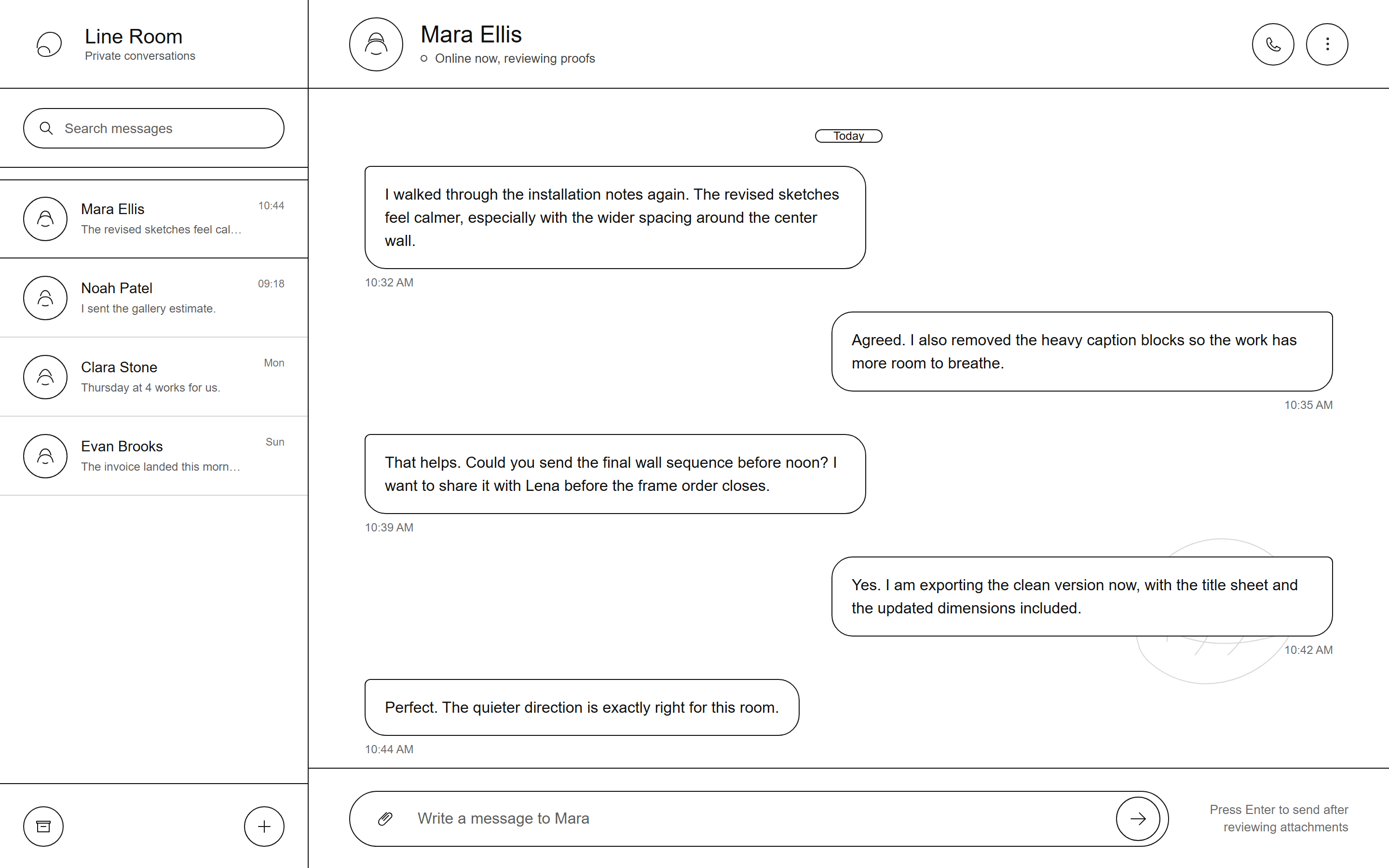
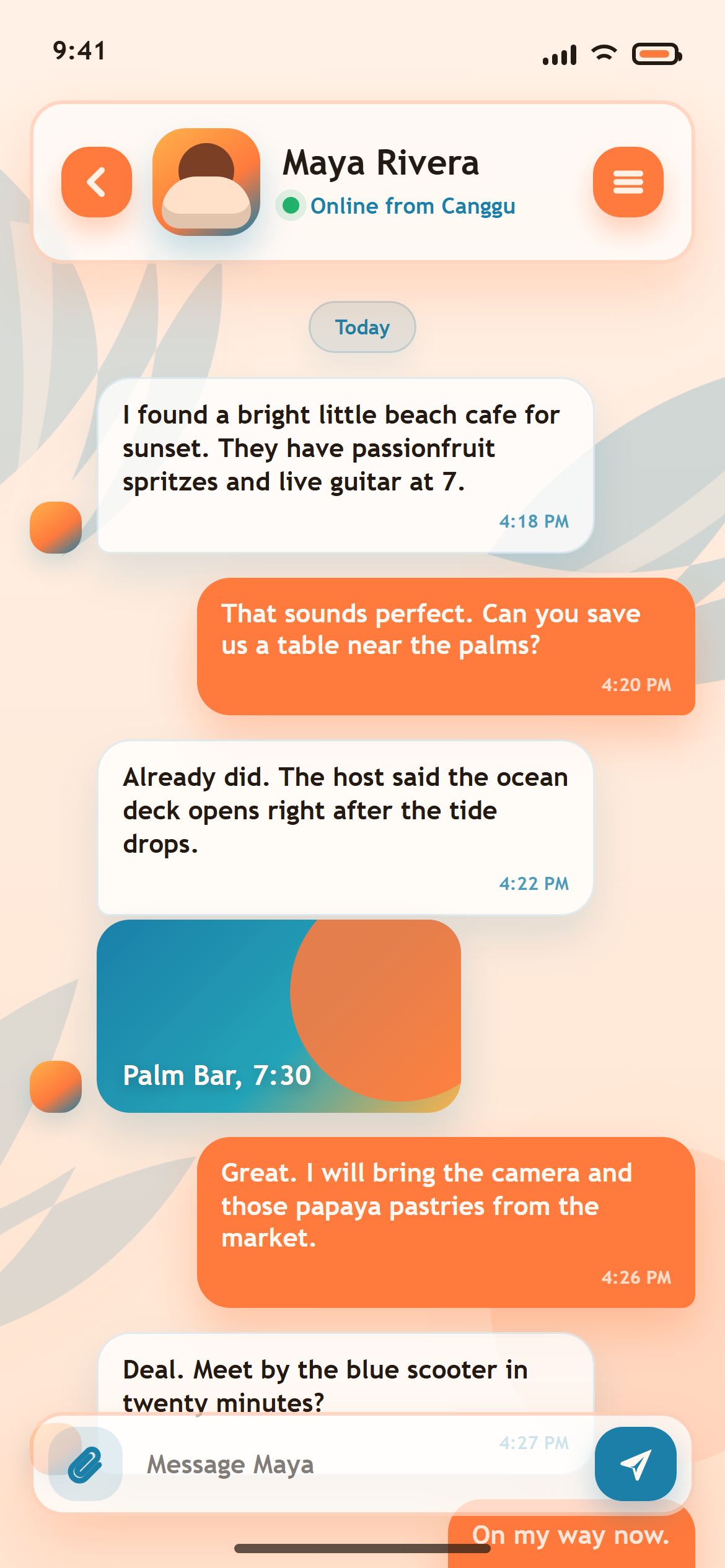
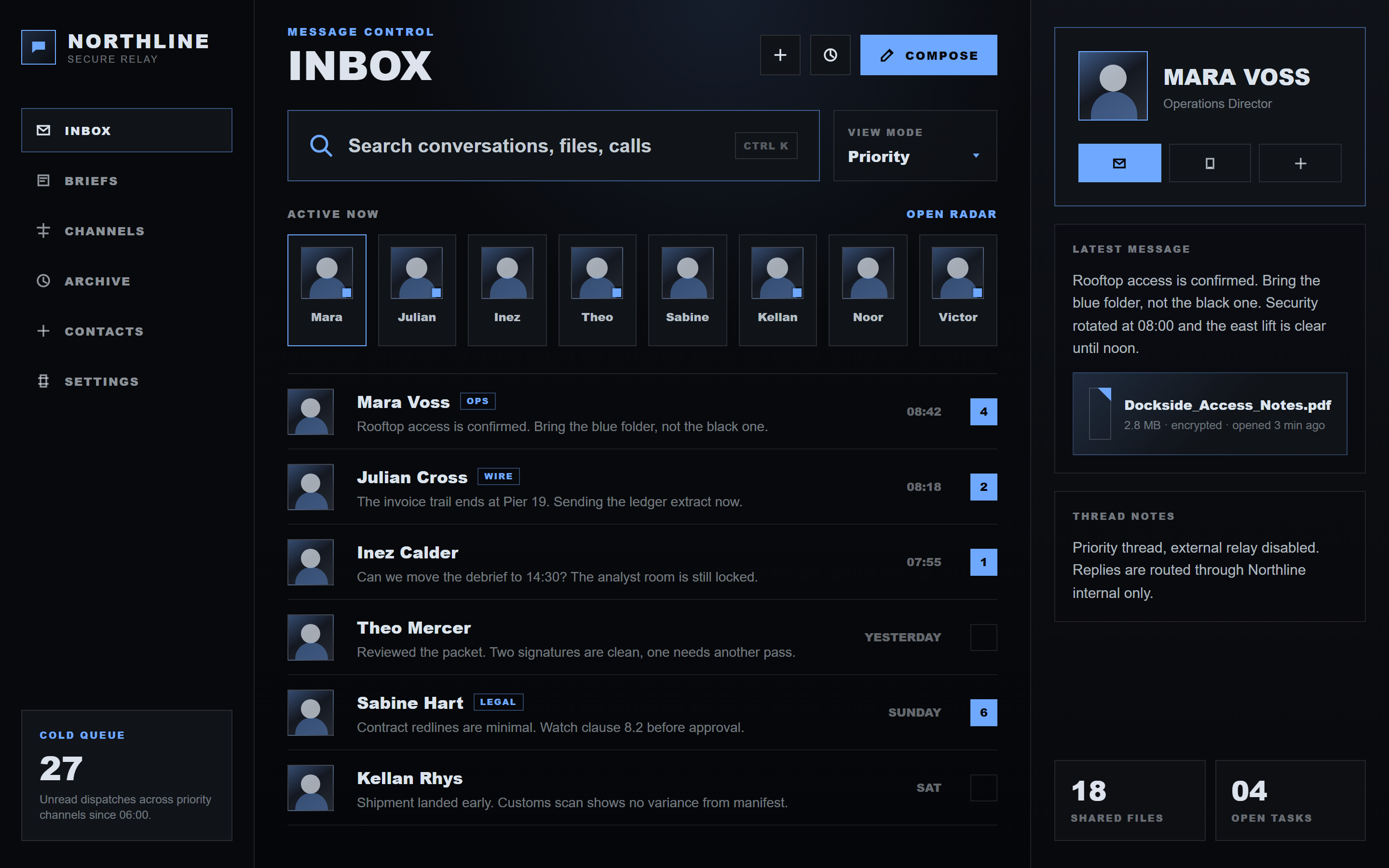
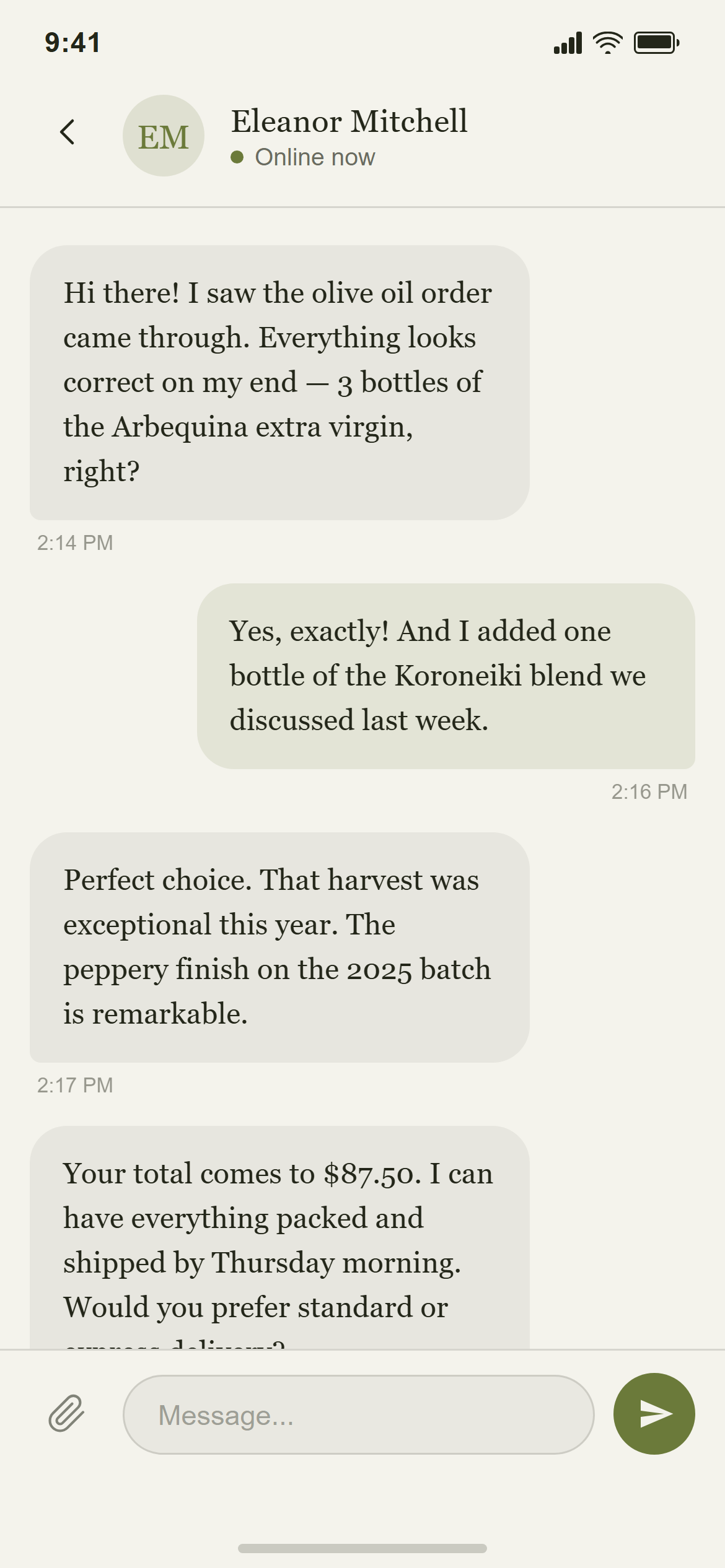
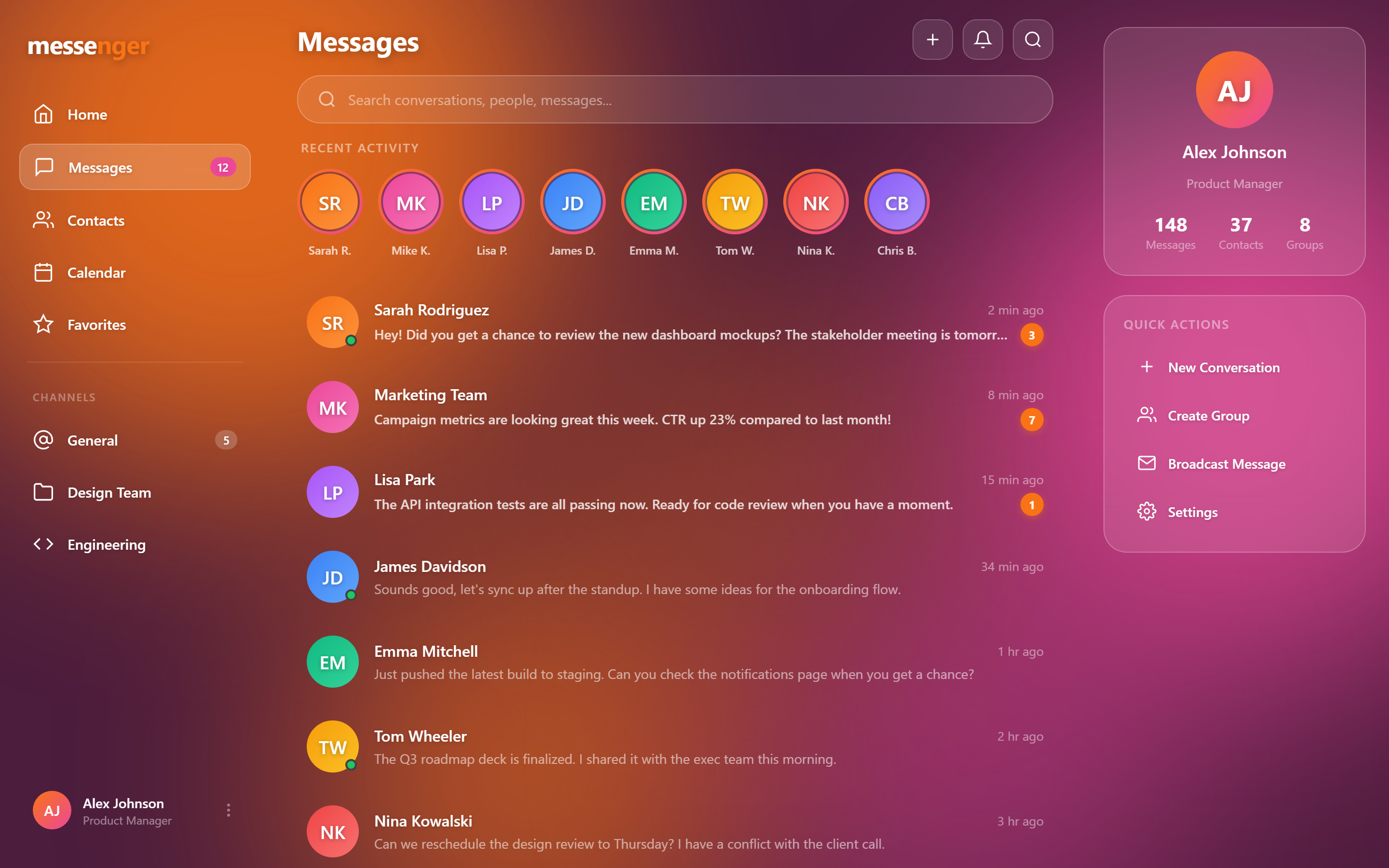
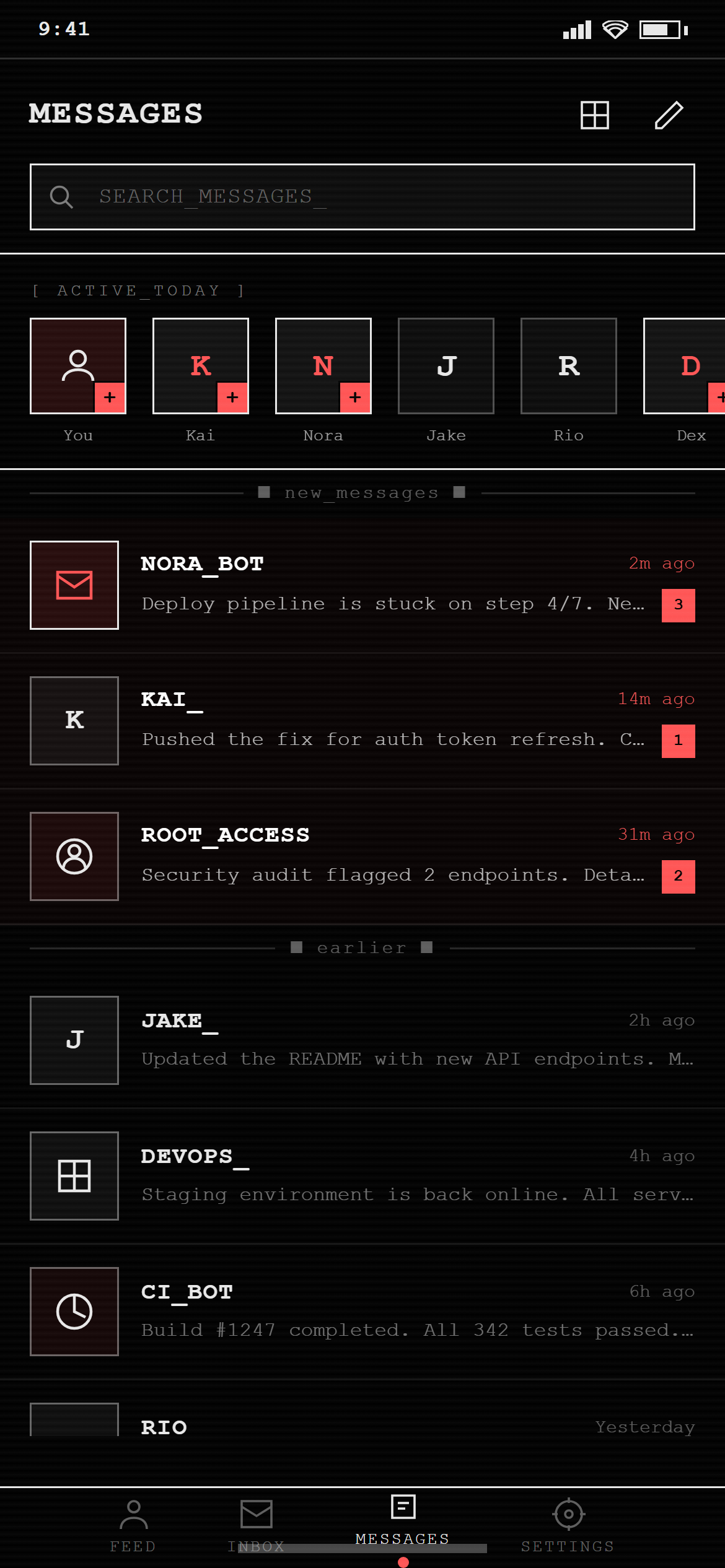
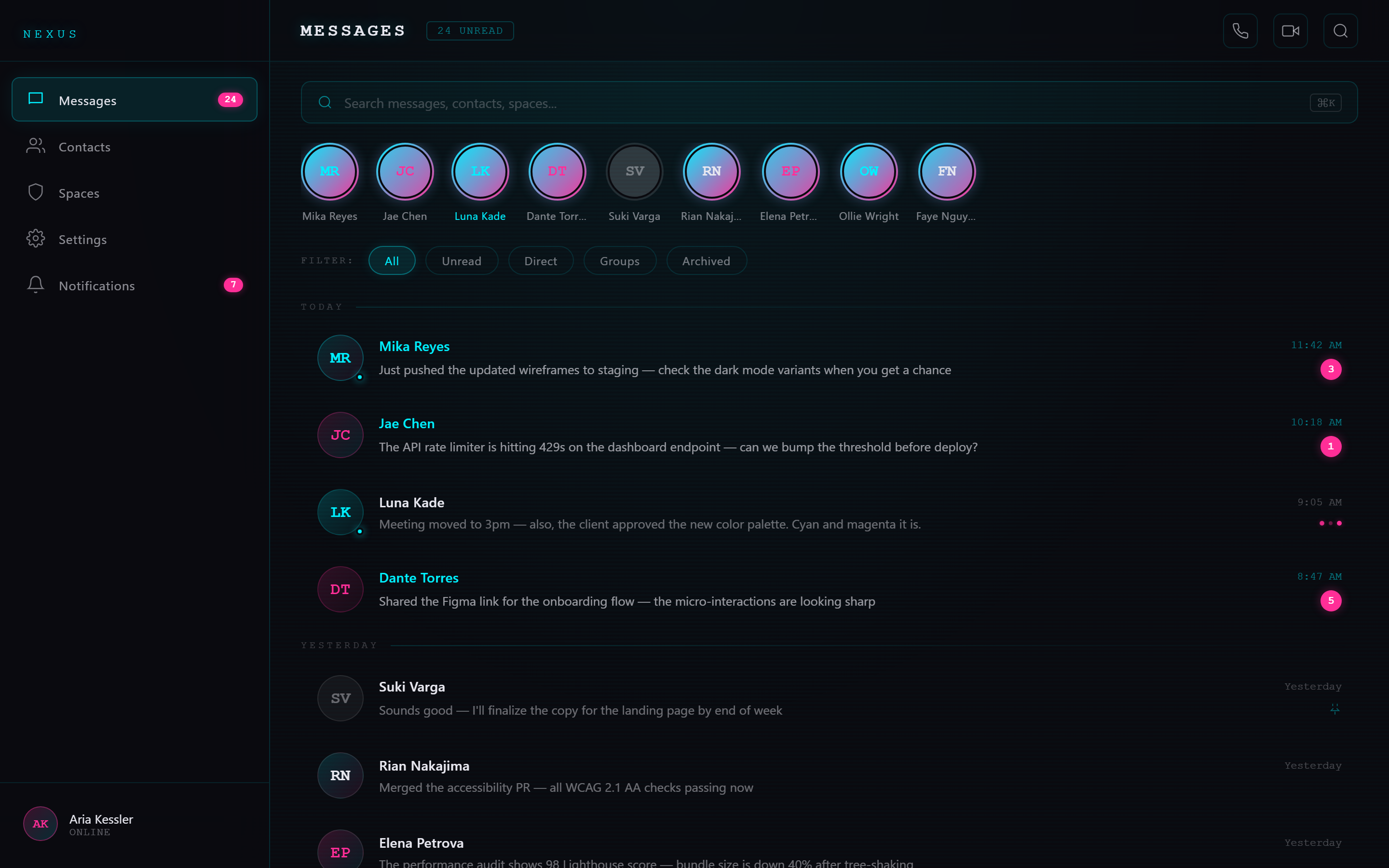
Design a message inbox with a search bar, a horizontal row of story-style avatars, and a list of conversation rows each with avatar, name, message preview, time and an unread count badge.

Visual style — Neon Cyber:
A near-black canvas with a faint grid or scanline texture. Two neon accents that actually glow — each carries a matching outer box-shadow, and key numbers get a text glow. Thin 1px neon borders on cards. Monospace or wide-tracked uppercase labels. High-contrast, electric, cyberpunk.

Color palette — Cyan Magenta:
Background #0A0A0F, text #E8E8F0. Neons #00F0FF cyan and #FF2E97 magenta.

Typography — use these exact font families:
- Headings / display: "SF Mono", "Cascadia Code", "Courier New", monospace
- Body / labels: -apple-system, BlinkMacSystemFont, "Segoe UI", sans-serif
- Monospace / data: "SF Mono", "Cascadia Code", "Courier New", monospace

Commit fully to this style — it should be unmistakable at a glance. Use realistic content, not placeholder text. Keep animations smooth (200ms ease-out).
How to use it
- Copy the prompt above.
- Paste it into your AI coding tool.
- Add your own product details — screen name, real copy, data fields.
- Attach the screenshot too. Vision models match a design far more closely when they can see it.