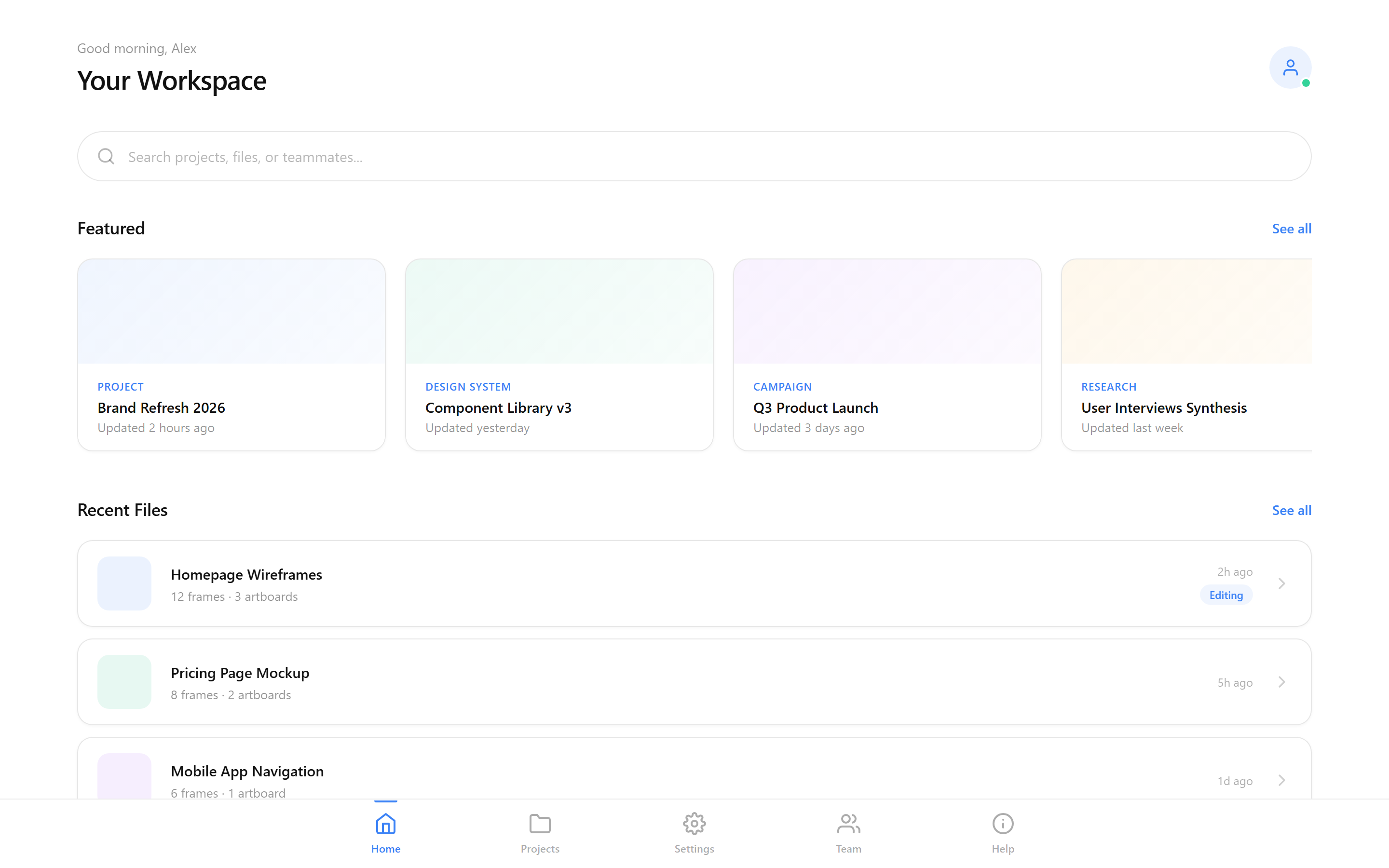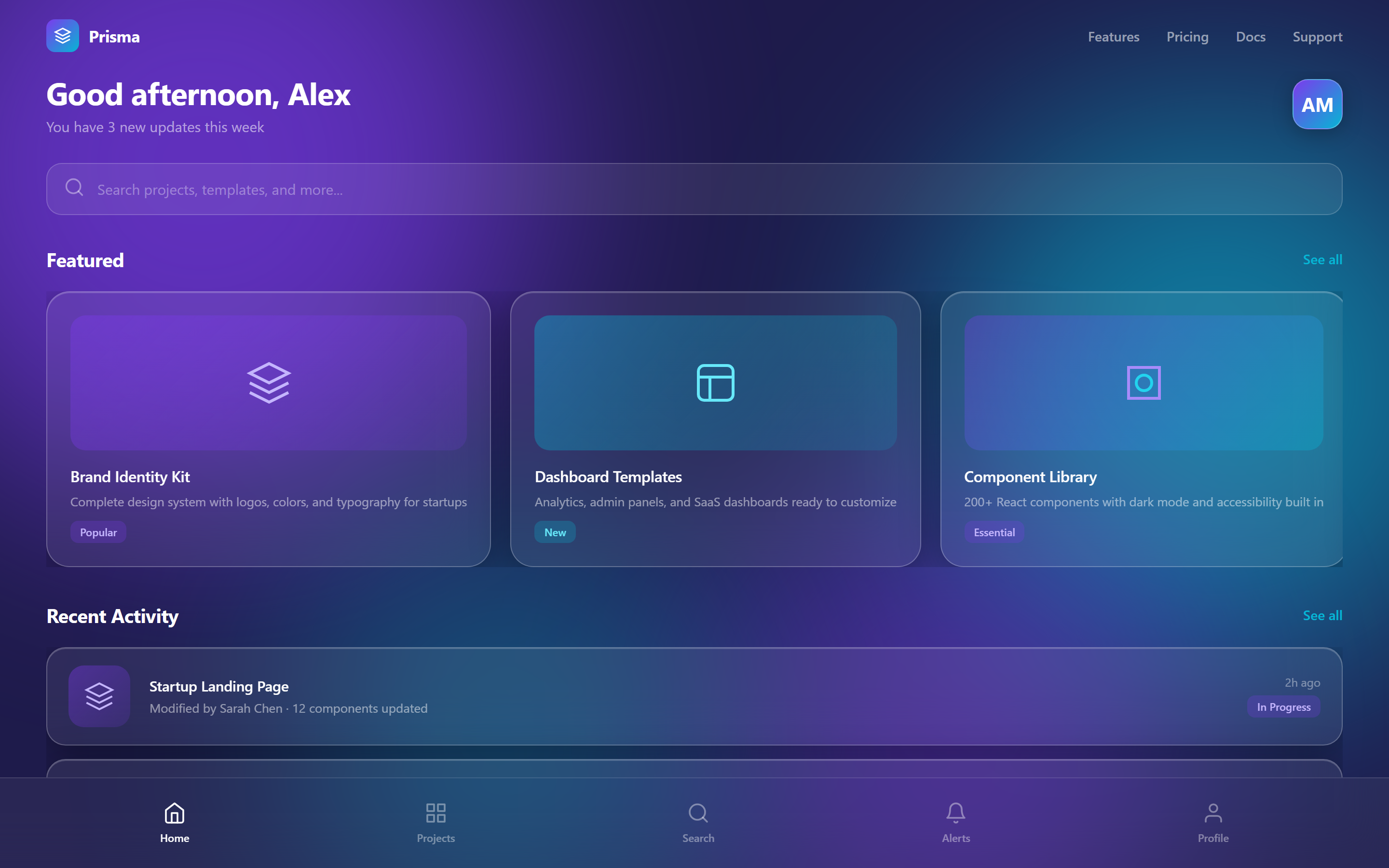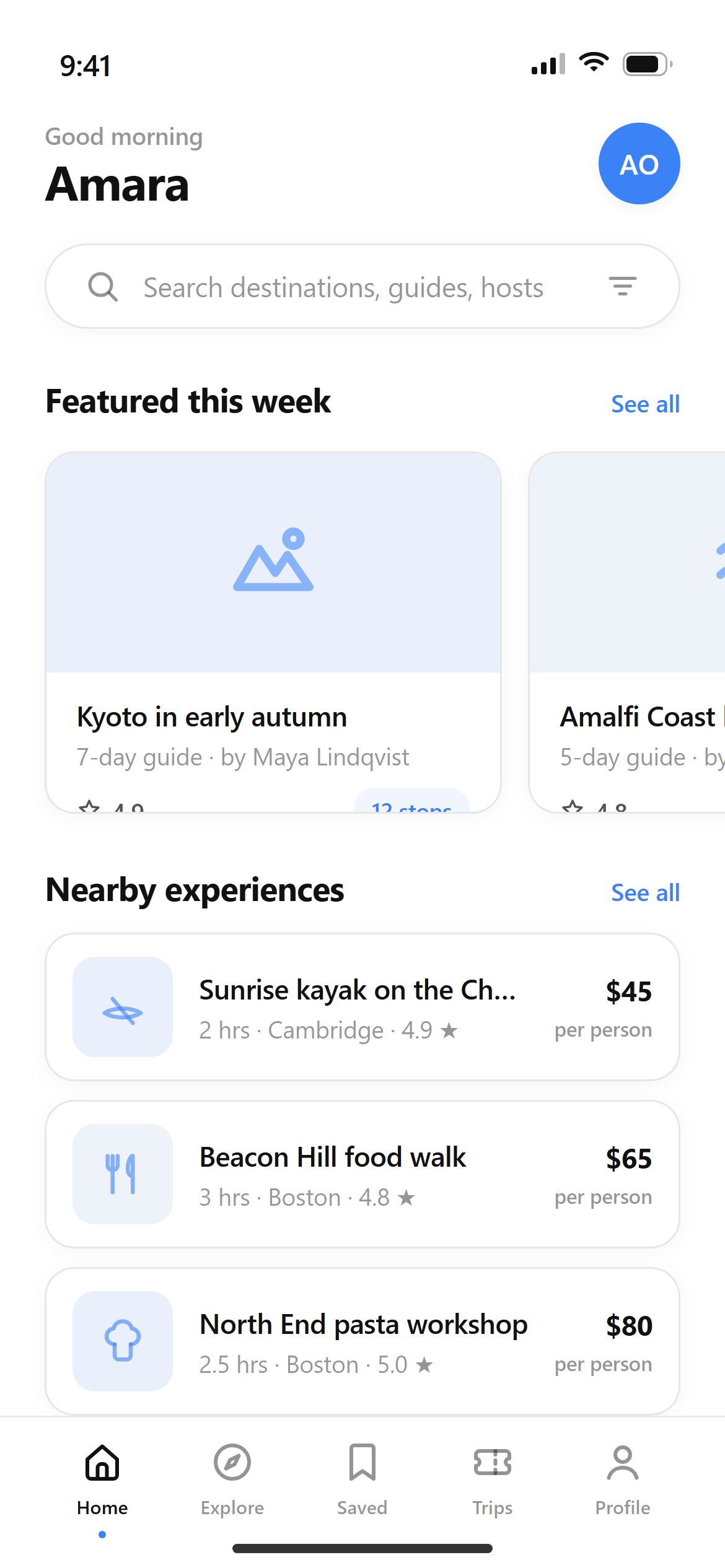
Modern Minimalist Home
A ready-to-paste home screen prompt for mobile apps. Paste it into Lovable, v0, Cursor, Bolt or Claude and you get this interface back.
Prompt
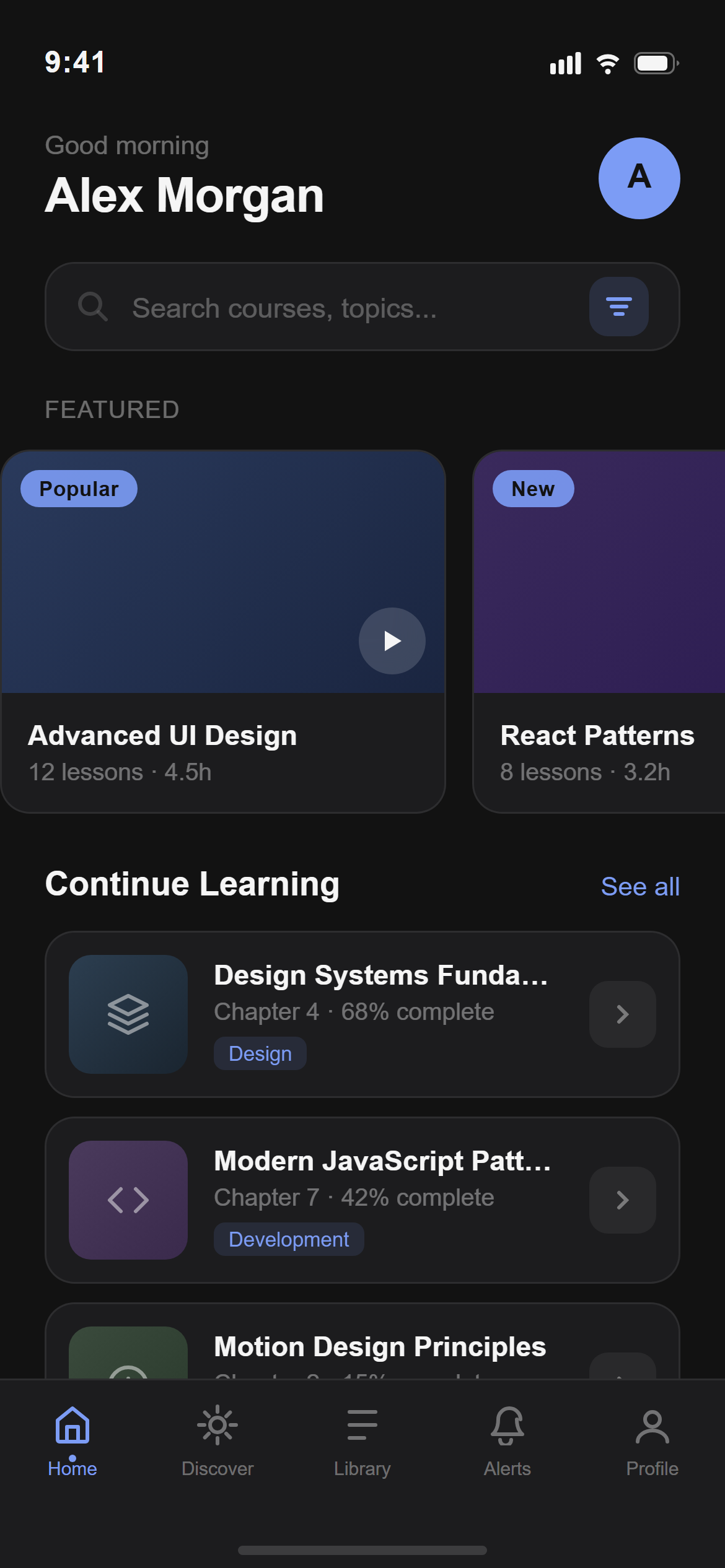
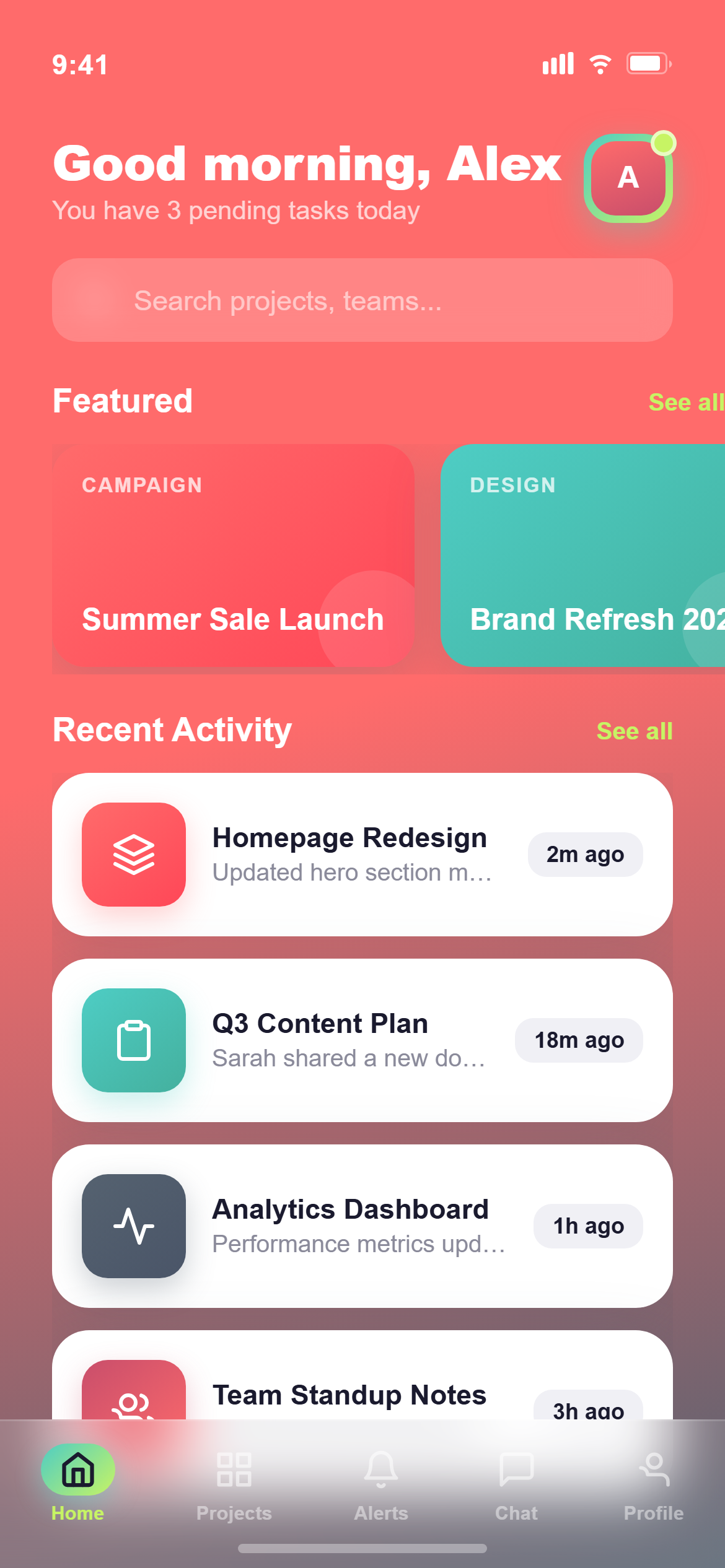
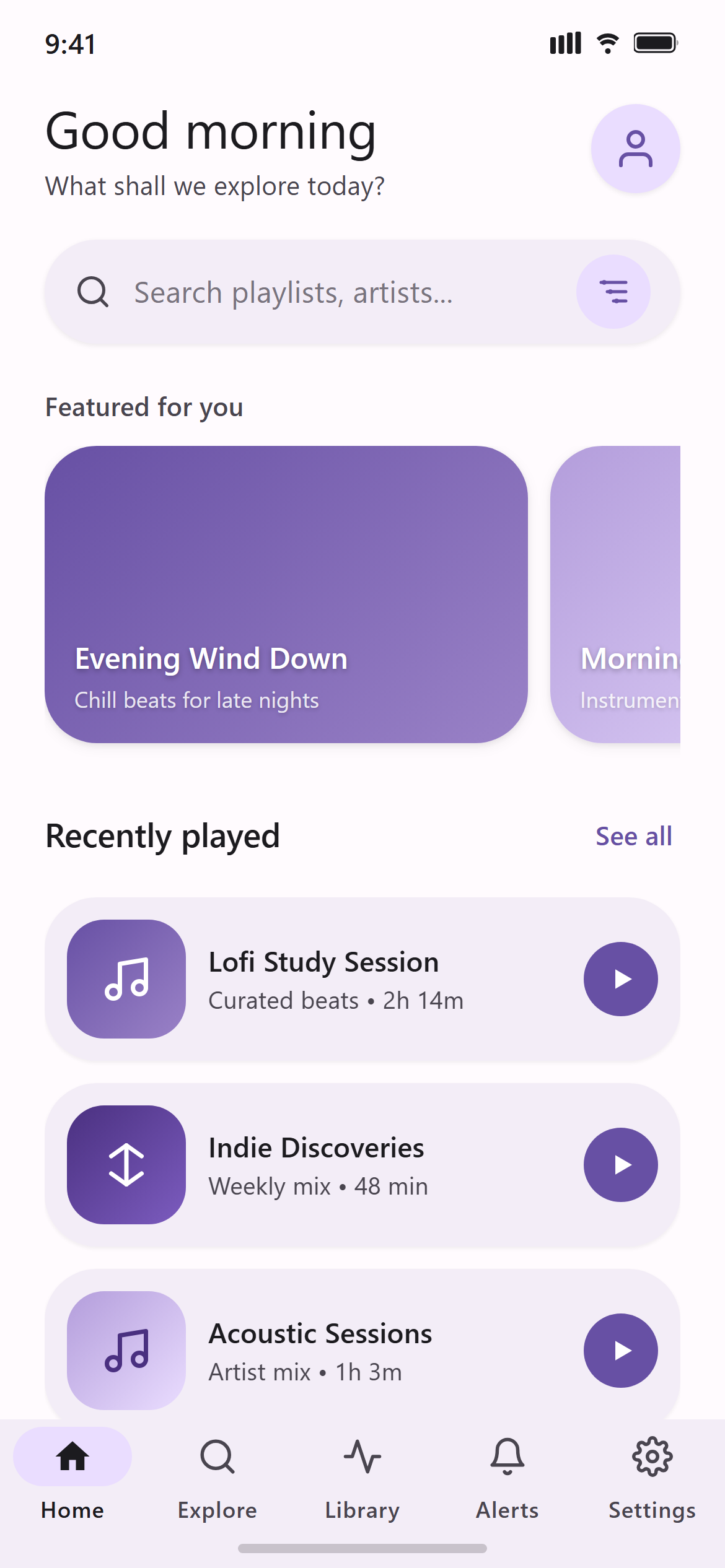
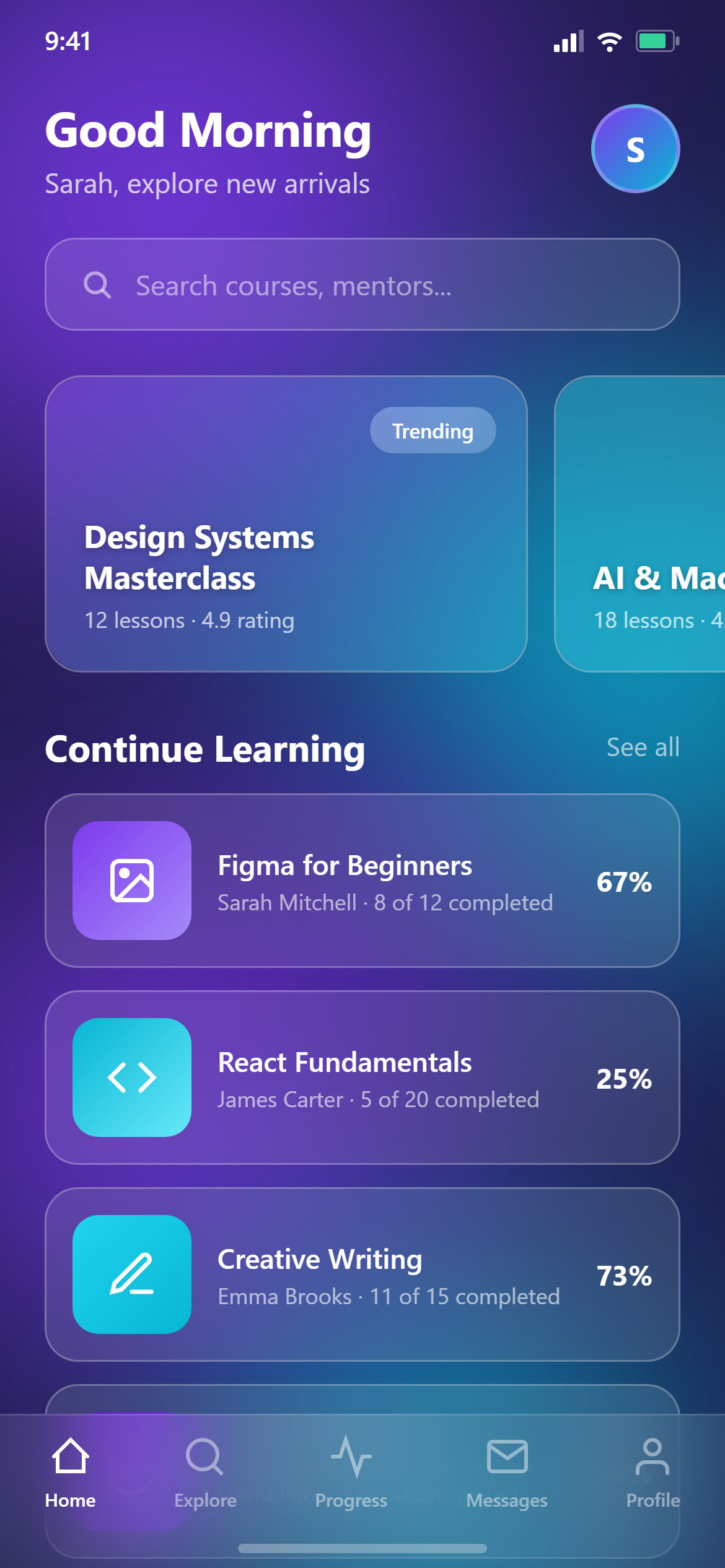
Design a home screen with a greeting header and small avatar, a search bar, a horizontally scrolling row of featured cards, a section header with a "See all" link above a vertical list of content cards, and a five-icon bottom navigation bar with home active for a mobile app.

Visual style — Modern Minimalist:
Typography carries the hierarchy through opacity levels of a single near-black ink rather than through different colors. Cards sit on the background with almost invisible 1px borders and a very soft shadow. Corner radii: cards 16px, buttons 20px, search bar 28px. Simple outline icons with 2px stroke. Generous whitespace and Apple-inspired spacing. Flat — no gradients, no glass. Calm, premium, elegant and highly readable.

Color palette — Ink Blue:
White #FFFFFF background. Ink #111111 at 100% / 72% / 45% opacity for primary / secondary / hint text. Dividers rgba(17,17,17,0.08), borders rgba(17,17,17,0.10). Accent soft blue #3B82F6.

Commit fully to this style — it should be unmistakable at a glance. Use realistic content, not placeholder text. Keep animations smooth (200ms ease-out).
Part of the Modern Minimalist style pack — 14 screens that share one palette and type scale, so a whole app stays consistent.
How to use it
- Copy the prompt above.
- Paste it into your AI coding tool.
- Add your own product details — screen name, real copy, data fields.
- Attach the screenshot too. Vision models match a design far more closely when they can see it.