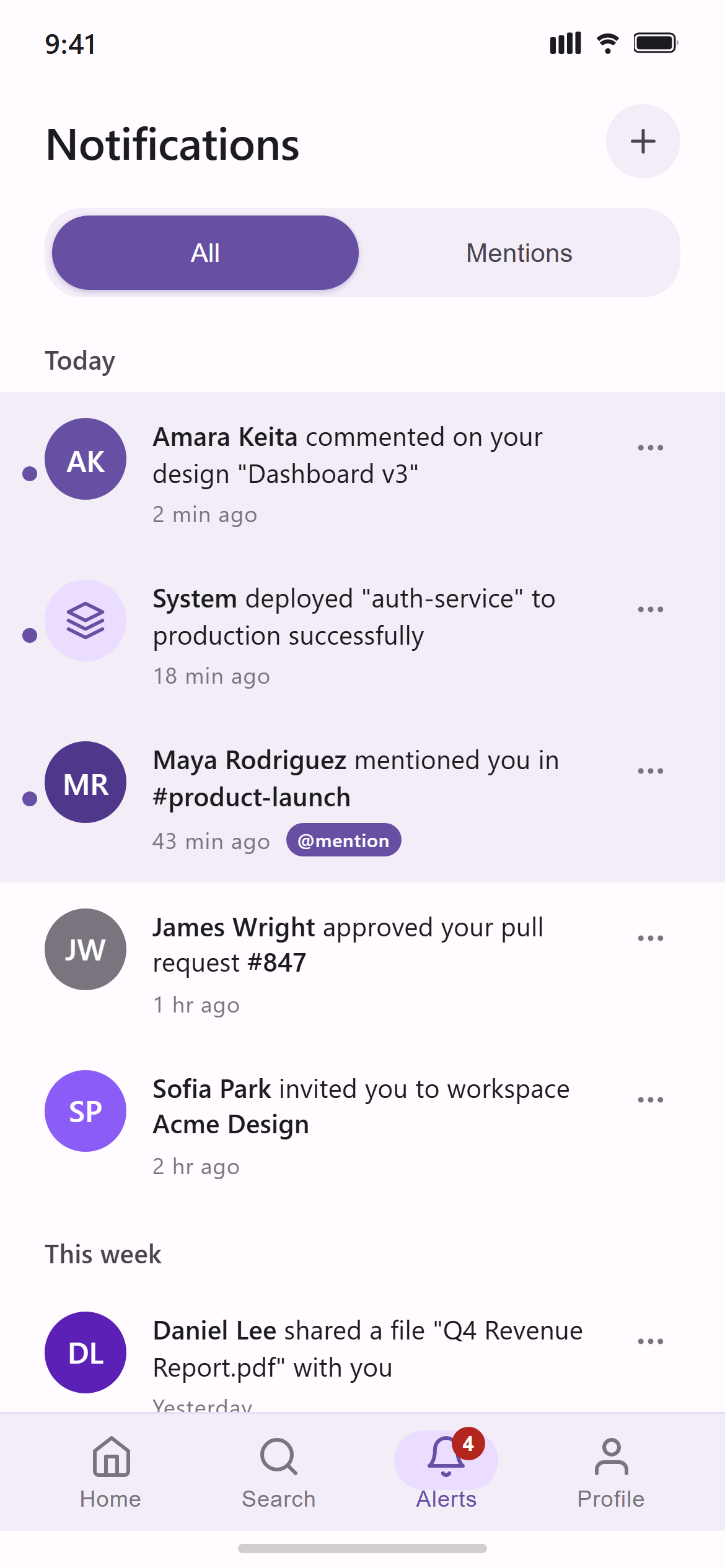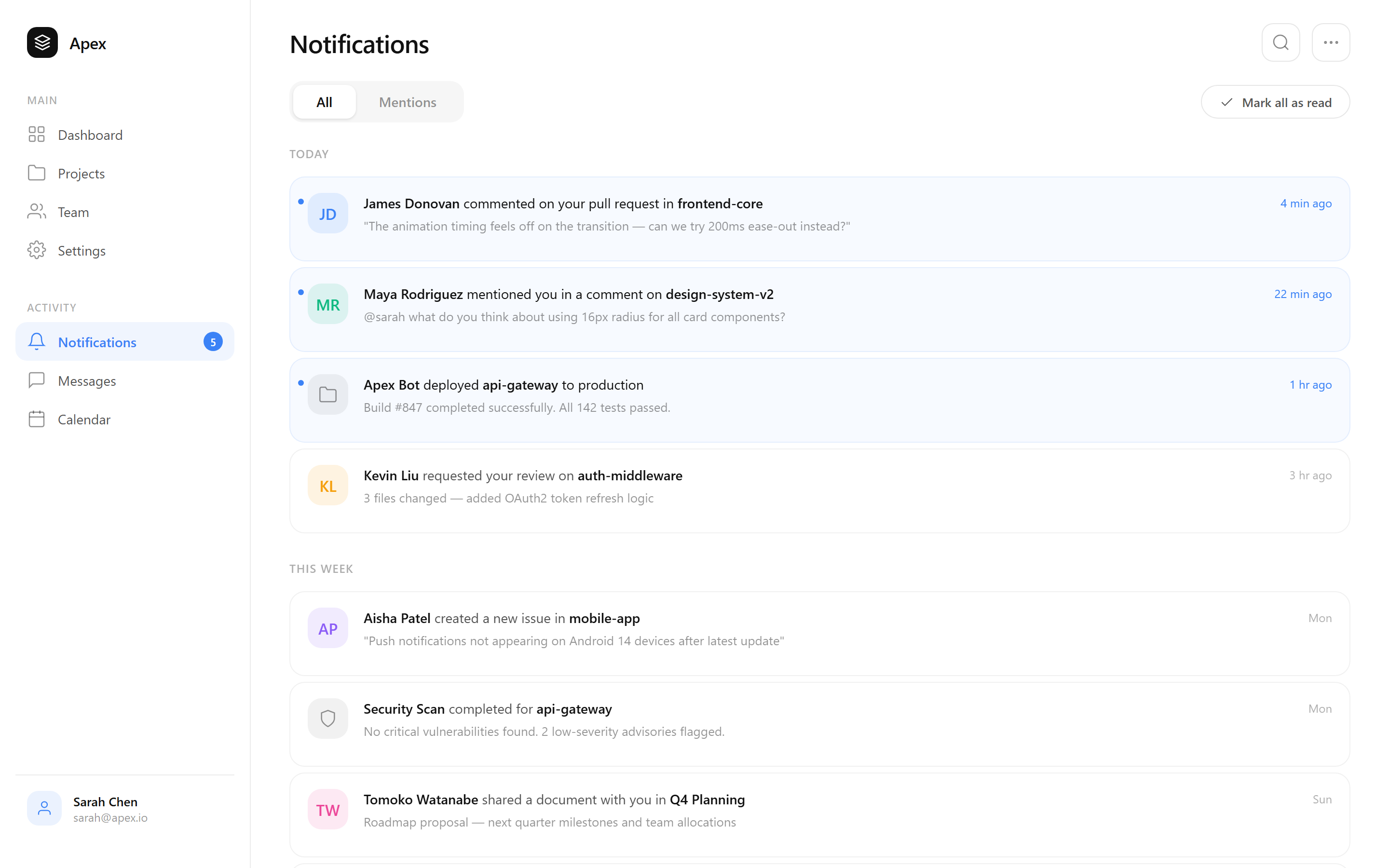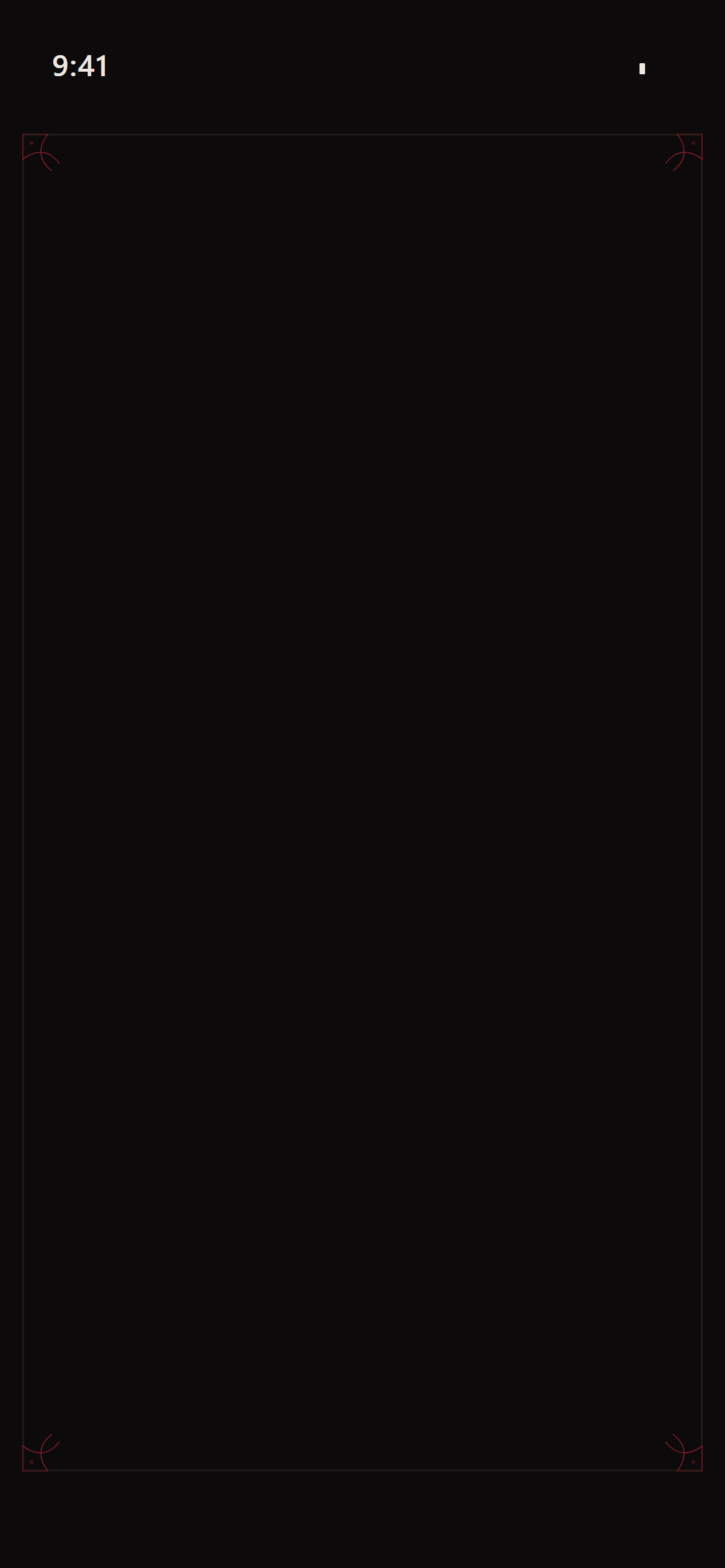
Gothic Dark Notifications
A ready-to-paste notifications screen prompt for mobile apps. Paste it into Lovable, v0, Cursor, Bolt or Claude and you get this interface back.
Prompt
Act like a frontend developer with 15 years of experience. I want the exact same UI with 95-99% similarity.

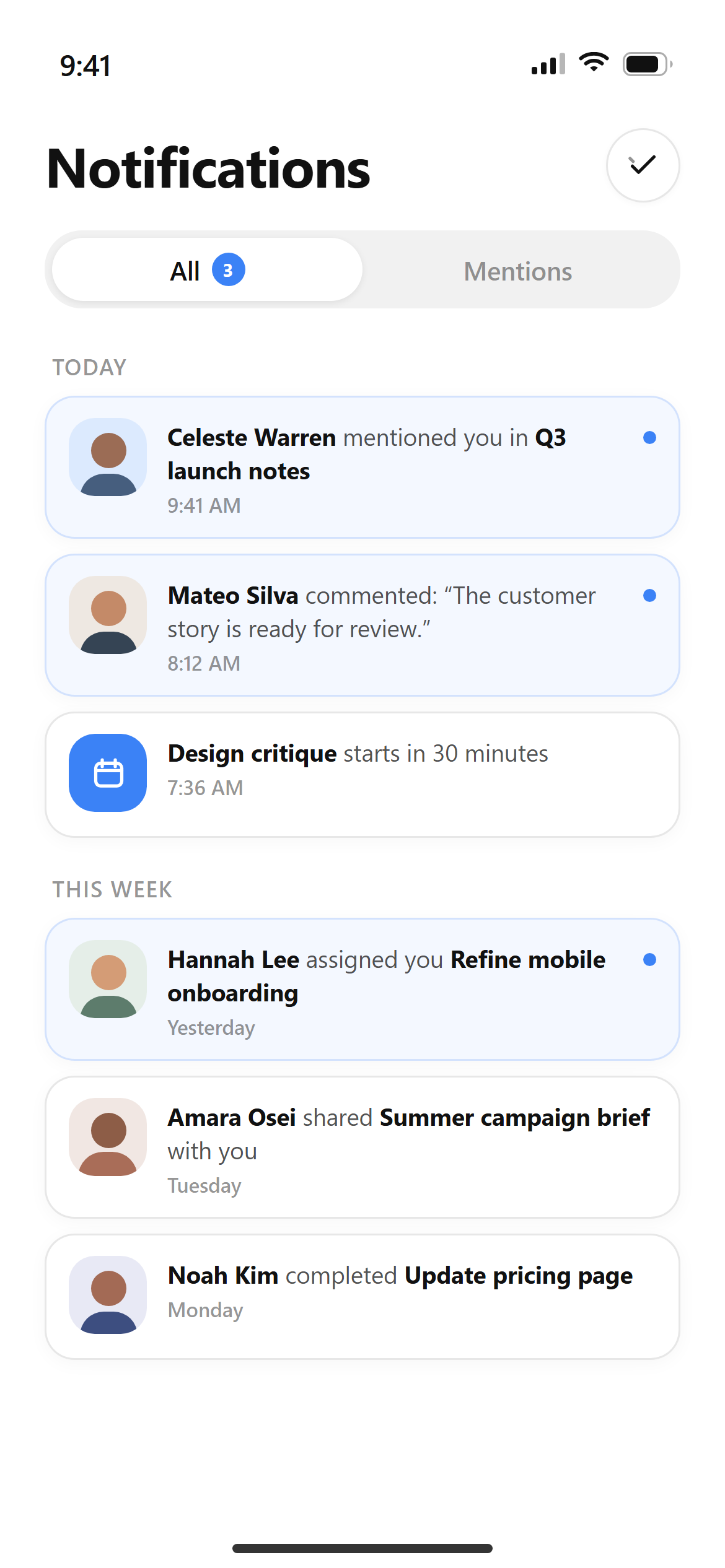
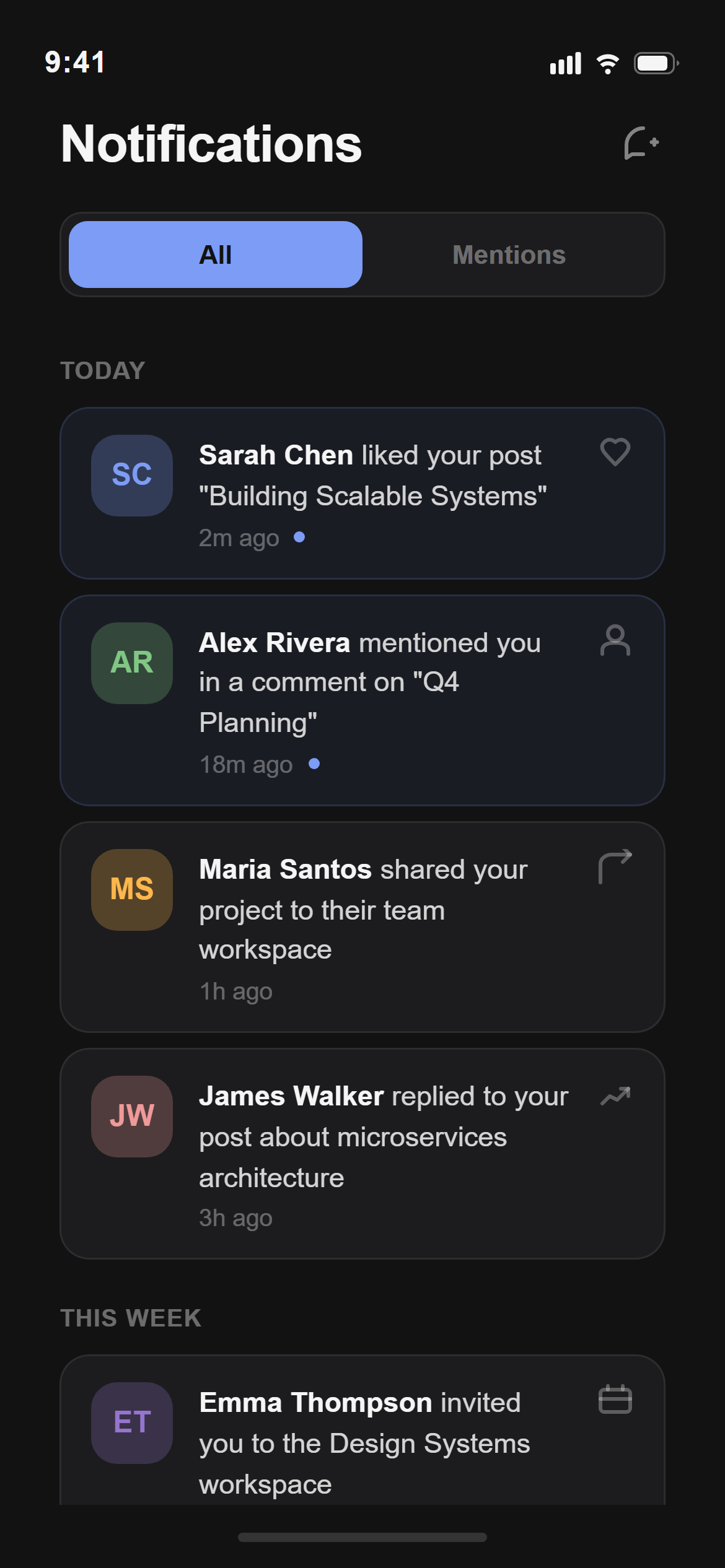
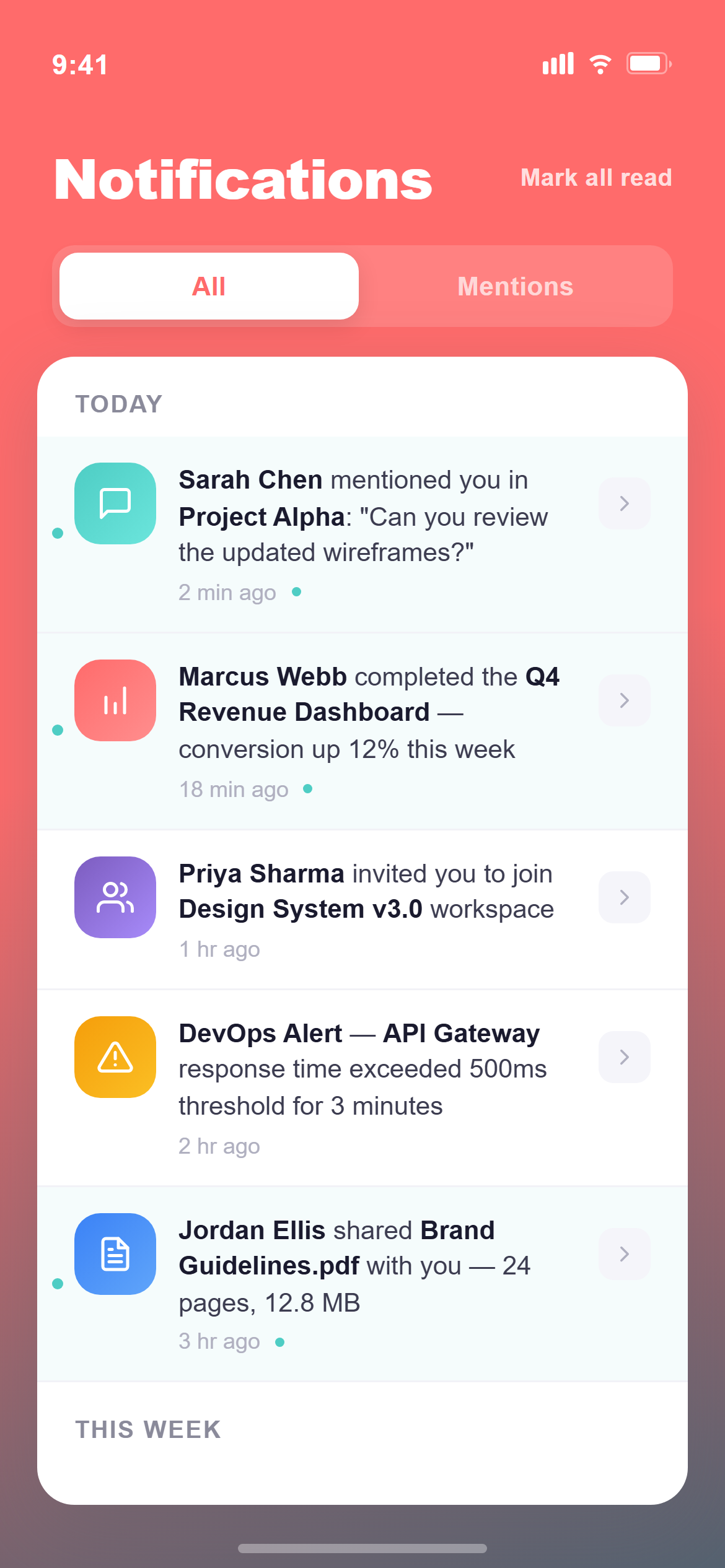
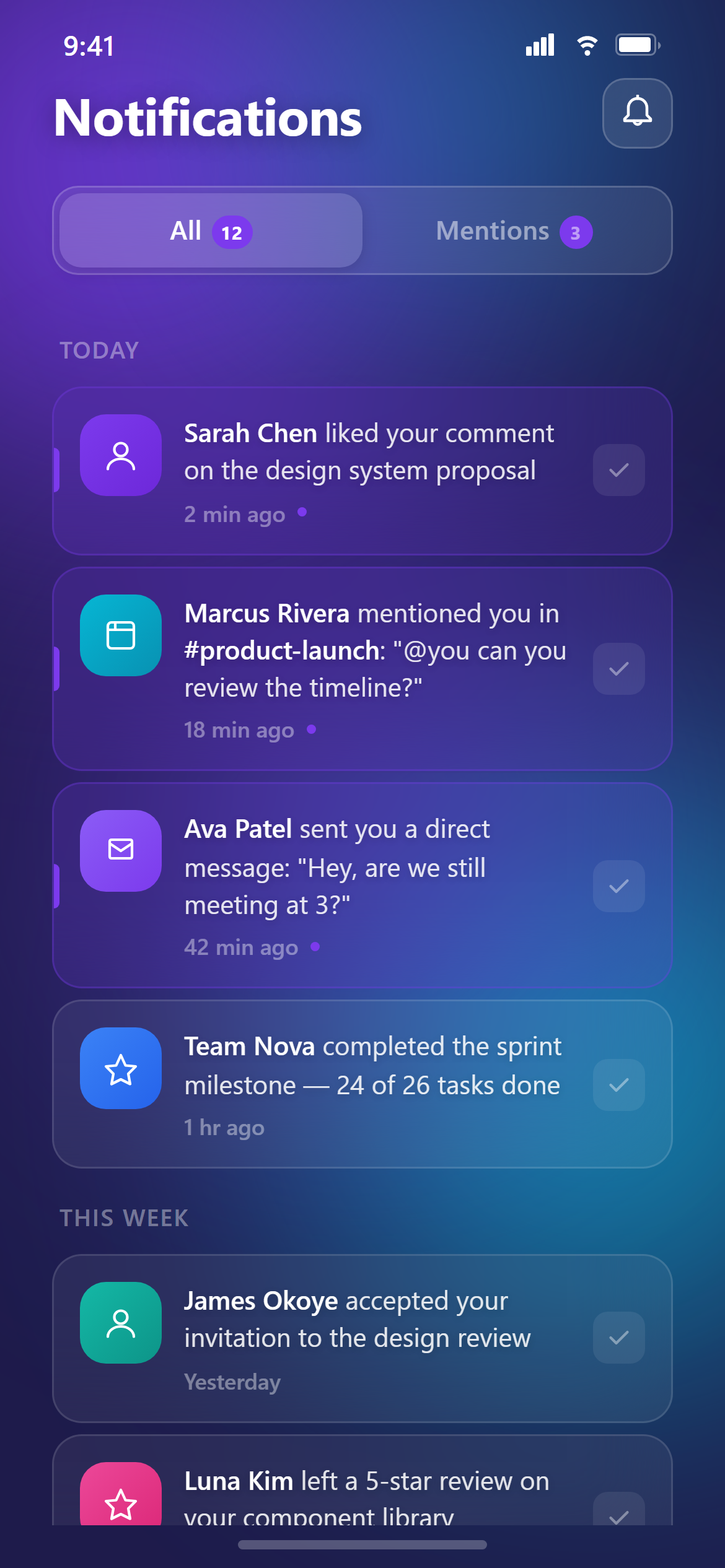
Design a notifications screen with All/Mentions segmented tabs, notification rows grouped under "Today" and "This week" headers, each row with an avatar or icon, a message with the actor name in bold, a timestamp, and unread rows subtly highlighted for a responsive mobile and web app.

Visual style — Gothic Dark:
A near-black background with ornate thin filigree line-art borders framing cards, blackletter-inspired display headings paired with a clean body sans, and a single deep accent used sparingly. Dramatic, ornate, dark-romantic.

Color palette — Blood Bone:
Background #0C0A0A, surfaces #151212. Text #EDE7E3. Accent blood red #8A1E2B.

Commit fully to this style — it should be unmistakable at a glance. Use realistic content, not placeholder text. Keep animations smooth (200ms ease-out).
Part of the Gothic Dark style pack — 14 screens that share one palette and type scale, so a whole app stays consistent.
How to use it
- Copy the prompt above.
- Paste it into your AI coding tool.
- Add your own product details — screen name, real copy, data fields.
- Attach the screenshot too. Vision models match a design far more closely when they can see it.