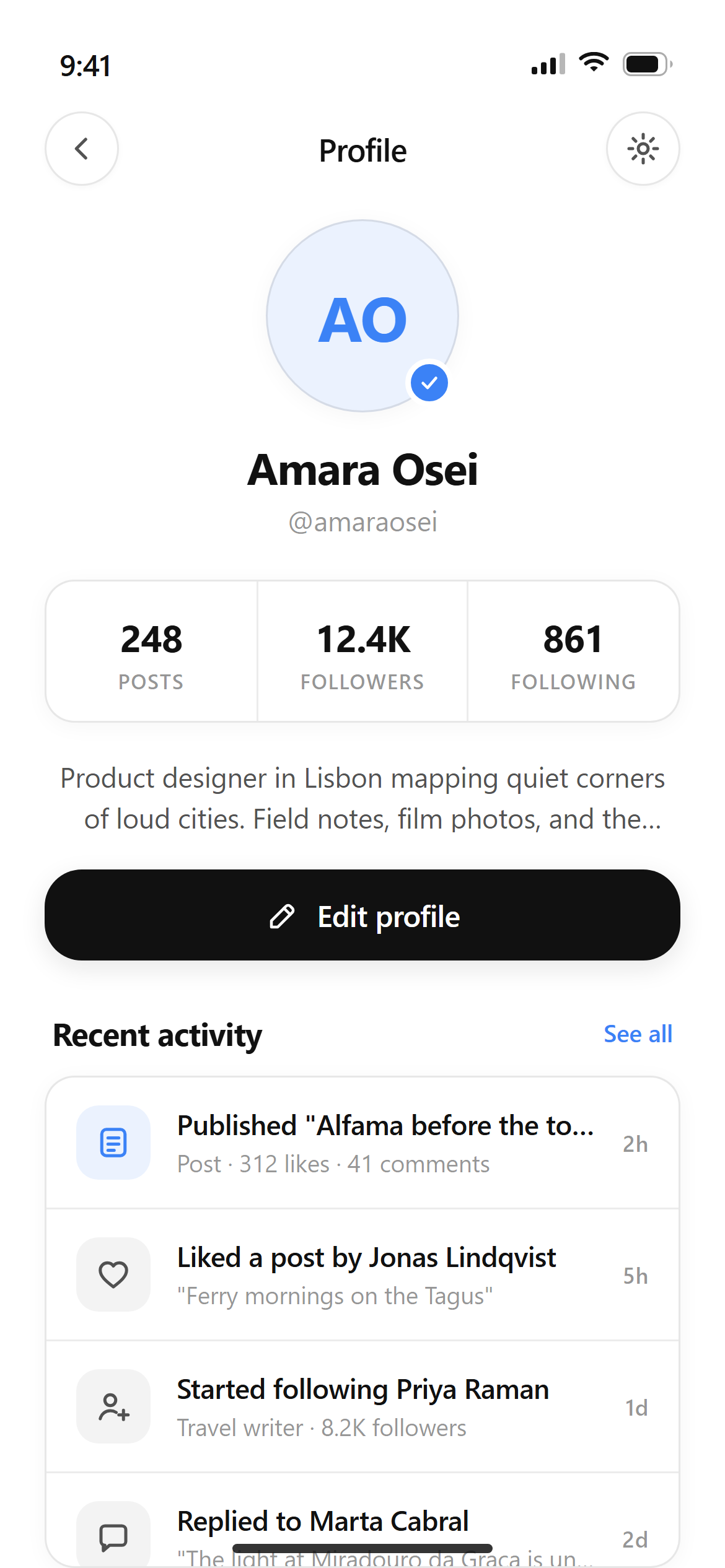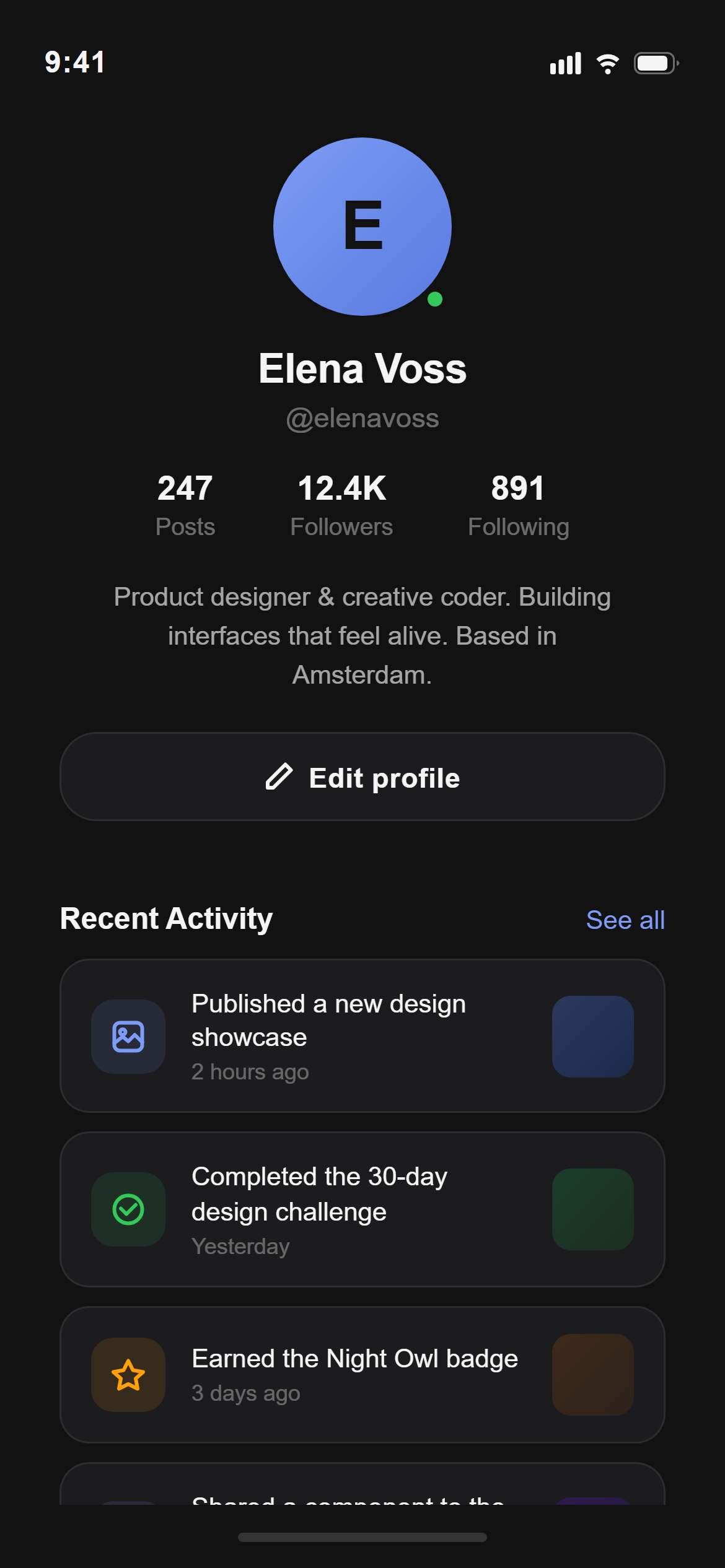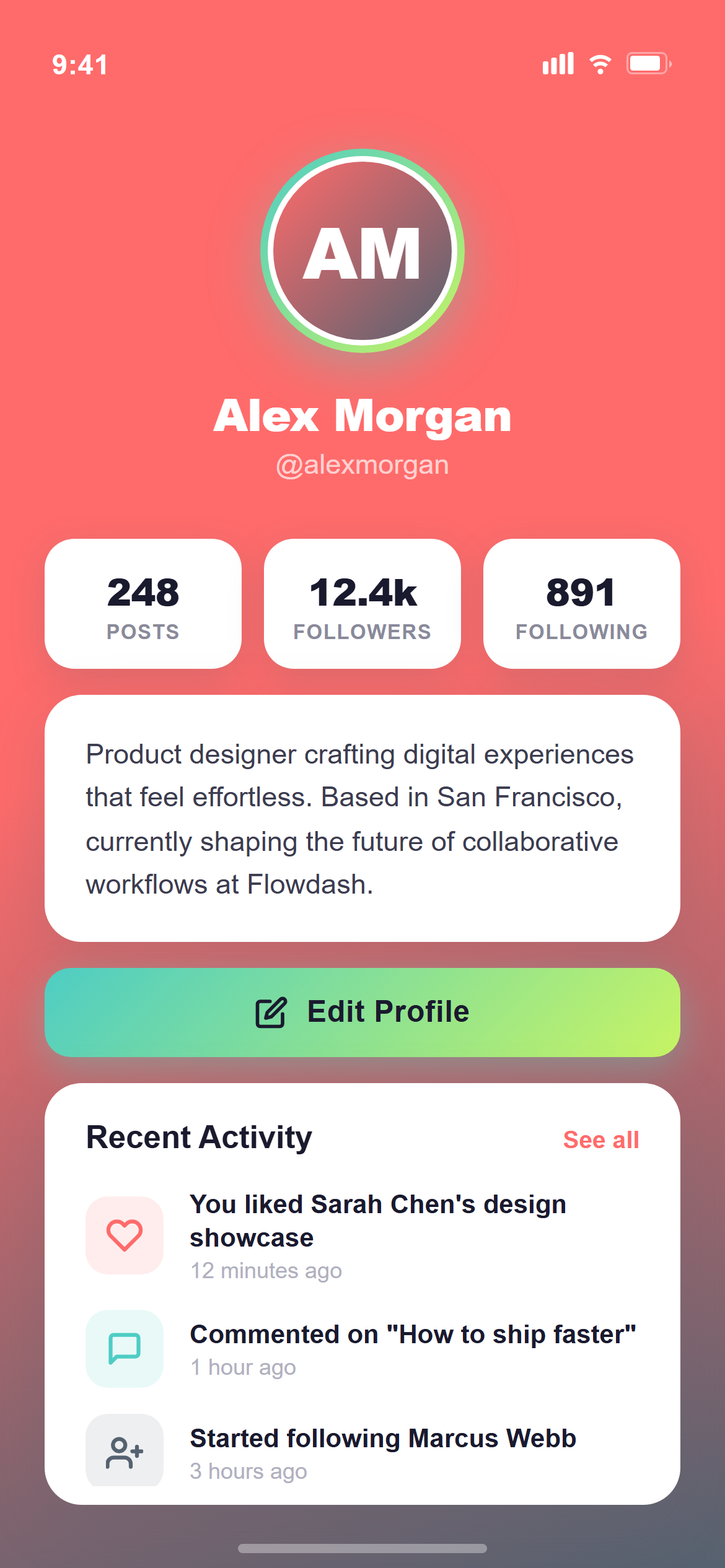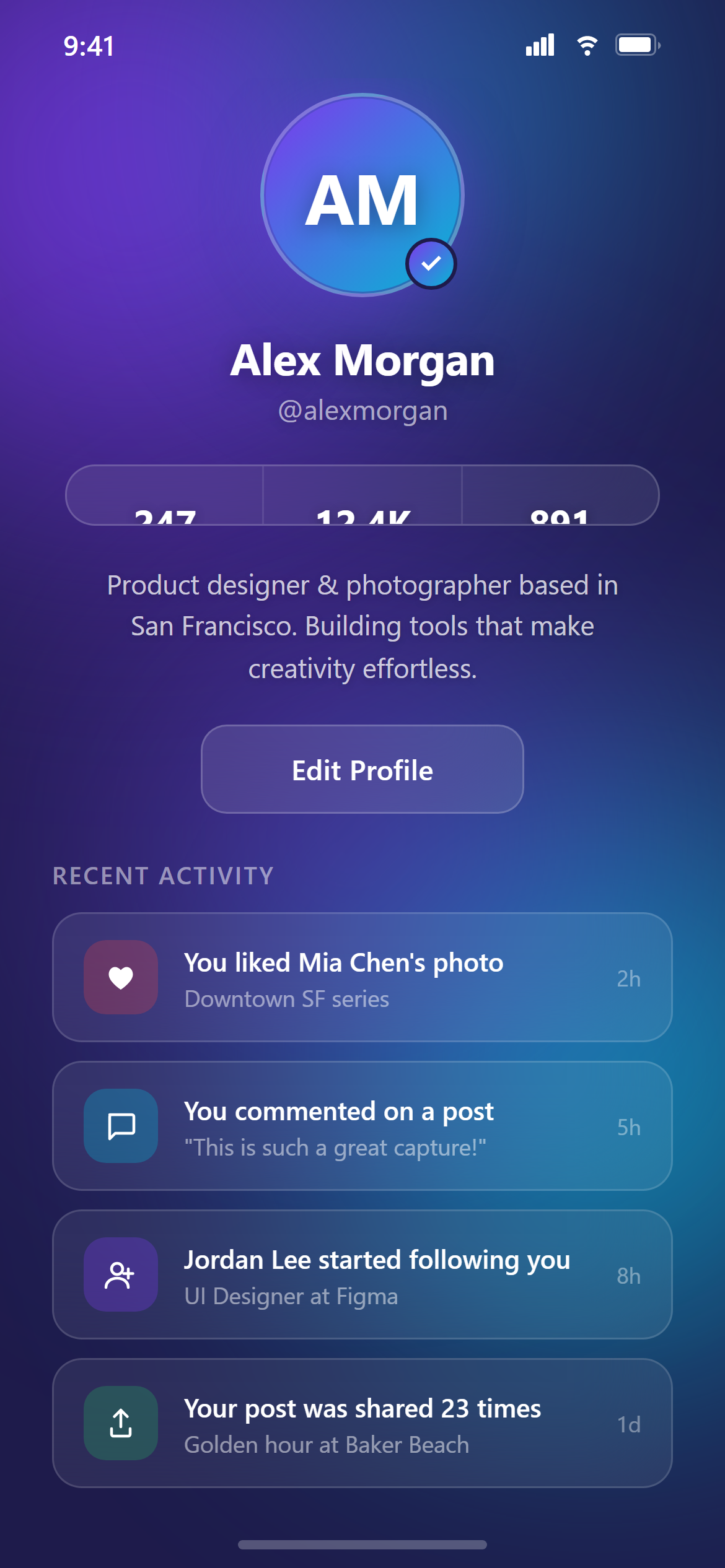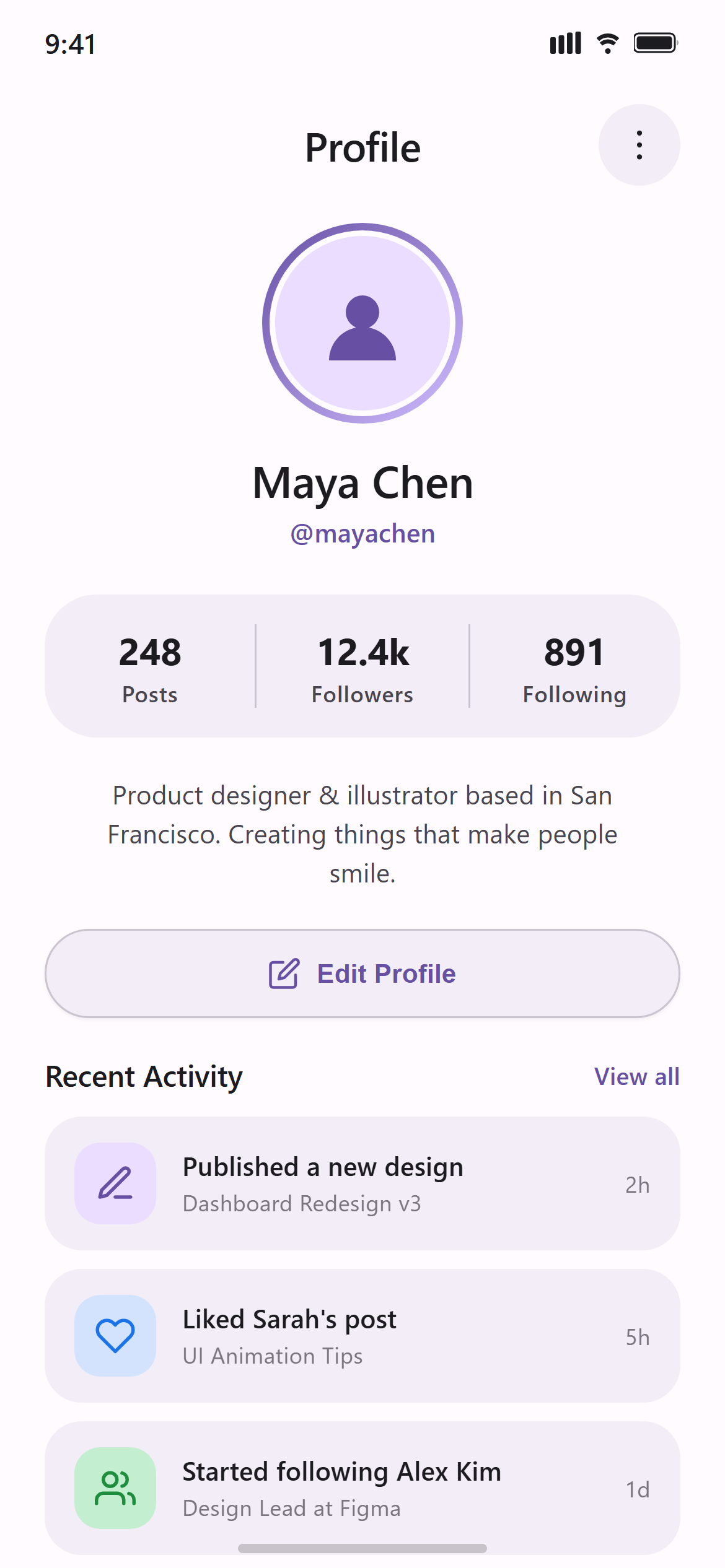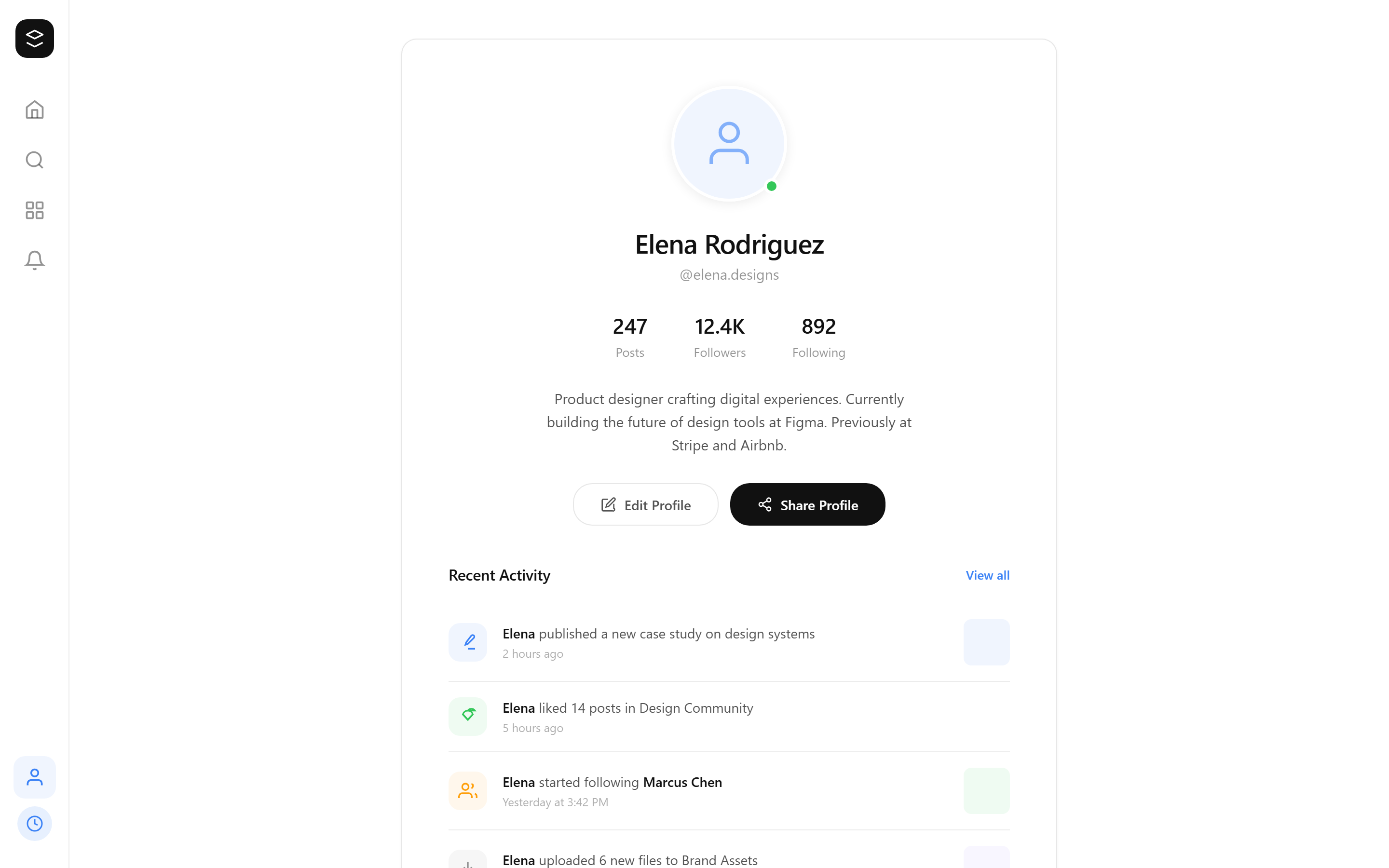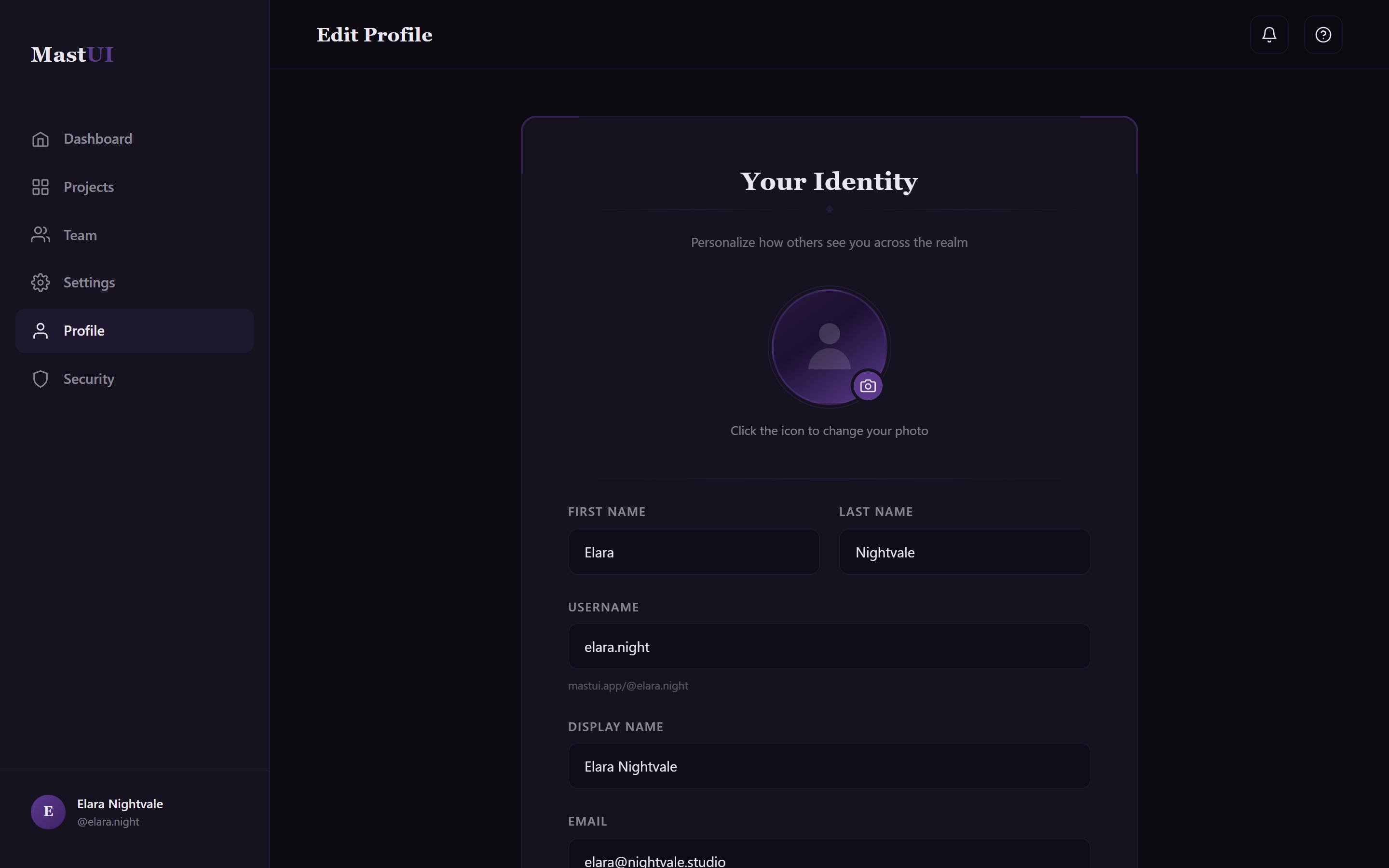
Gothic Dark Edit Profile
A ready-to-paste profile screen prompt for web apps. Paste it into Lovable, v0, Cursor, Bolt or Claude and you get this interface back.
Prompt
Act like a frontend developer with 15 years of experience. I want the exact same UI with 95-99% similarity.

Platform: This is a RESPONSIVE design — it should work on both mobile and desktop. Use mobile layout patterns (bottom nav, stacked content) for mobile, and desktop layout patterns (sidebar/nav bar, wider content areas) for web.

Design an edit-profile screen with a large avatar and a change-photo button, labelled text fields for name, username and bio, and a save button.

Visual style — Gothic Dark:
A near-black background with ornate thin filigree line-art borders framing cards, blackletter-inspired display headings paired with a clean body sans, and a single deep accent used sparingly. Dramatic, ornate, dark-romantic.

Color palette — Violet Bone:
Background #0B0A11, surfaces #151320. Text #EAE7F0. Accent violet #5B3A8C.

Typography — use these exact font families:
- Headings / display: Georgia, "Times New Roman", serif
- Body / labels: -apple-system, BlinkMacSystemFont, "Segoe UI", sans-serif

Commit fully to this style — it should be unmistakable at a glance. Use realistic content, not placeholder text. Keep animations smooth (200ms ease-out).
How to use it
- Copy the prompt above.
- Paste it into your AI coding tool.
- Add your own product details — screen name, real copy, data fields.
- Attach the screenshot too. Vision models match a design far more closely when they can see it.