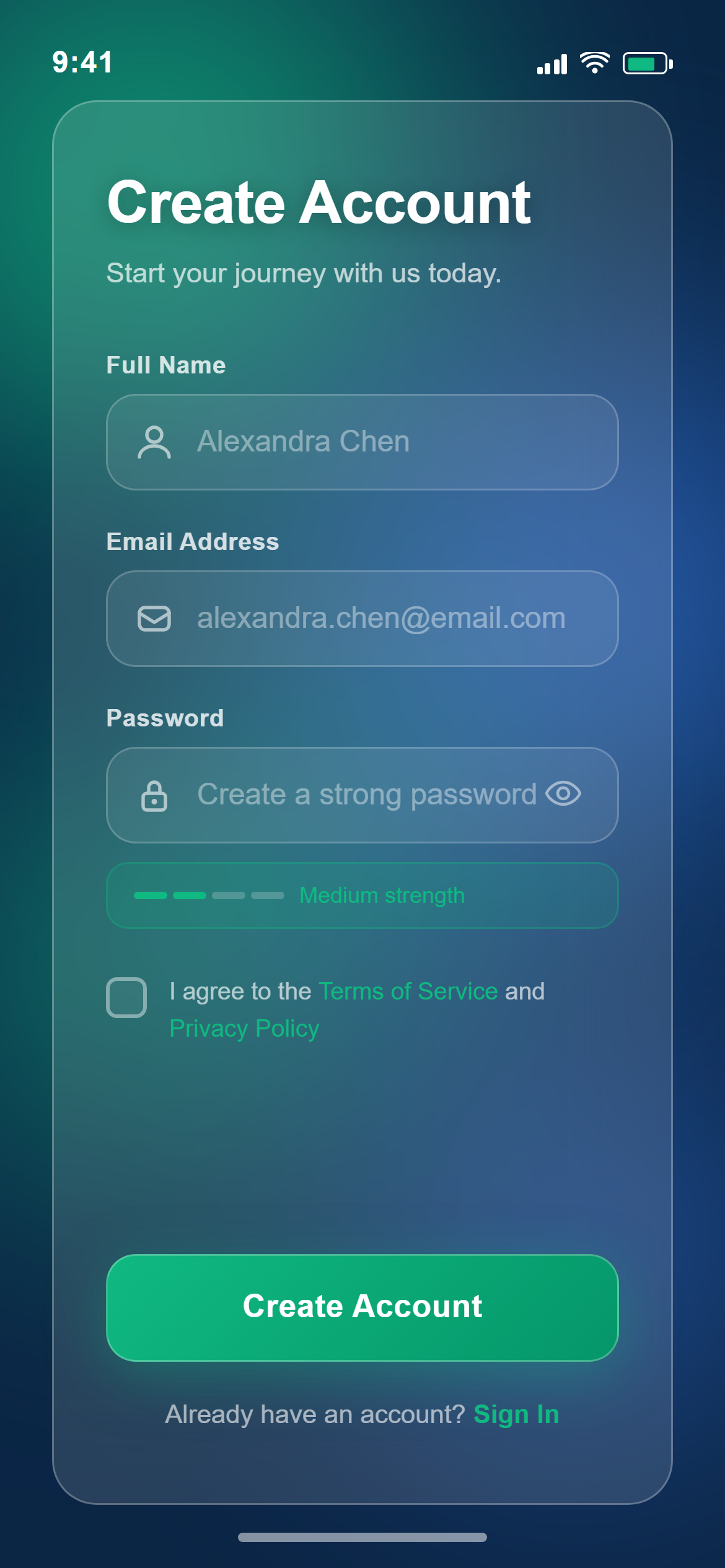
Glassmorphism Create Account
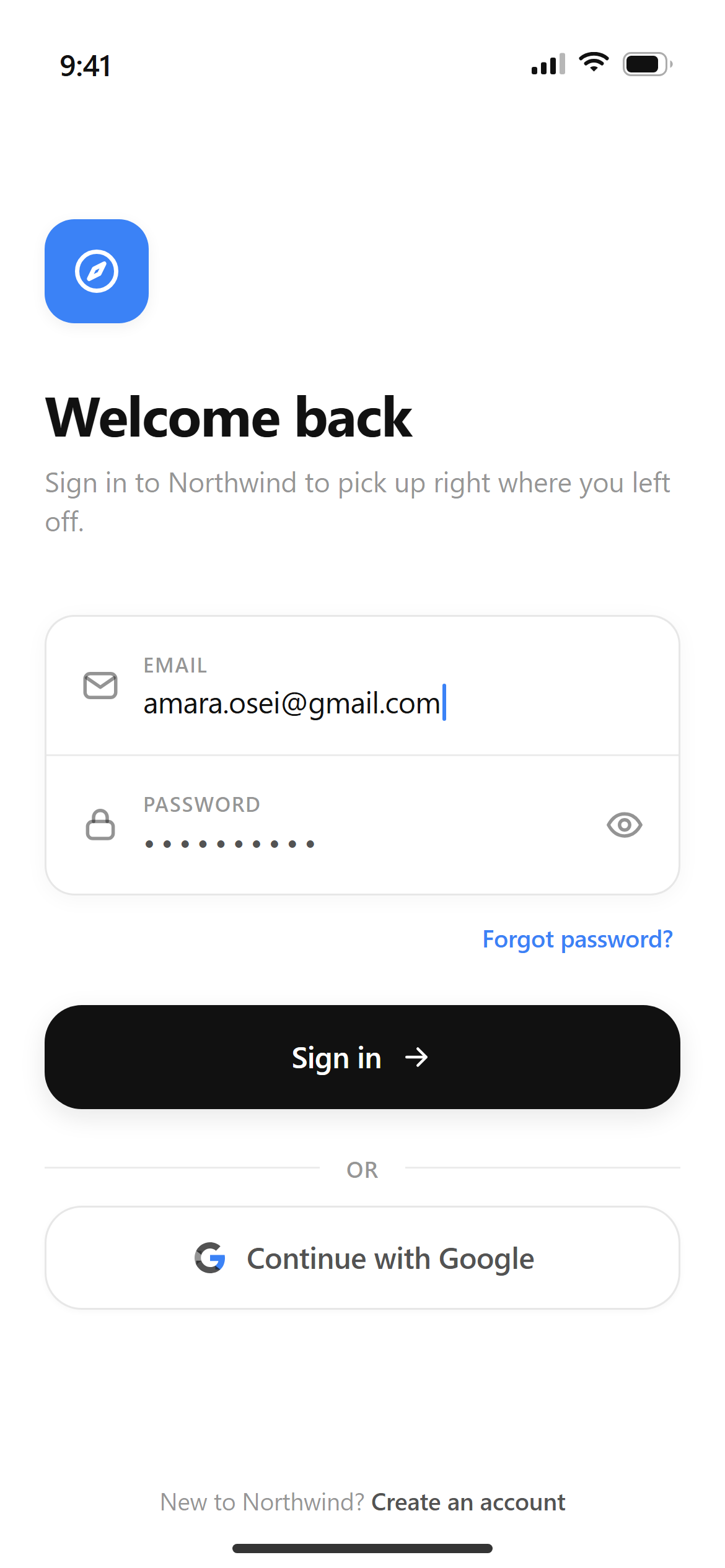
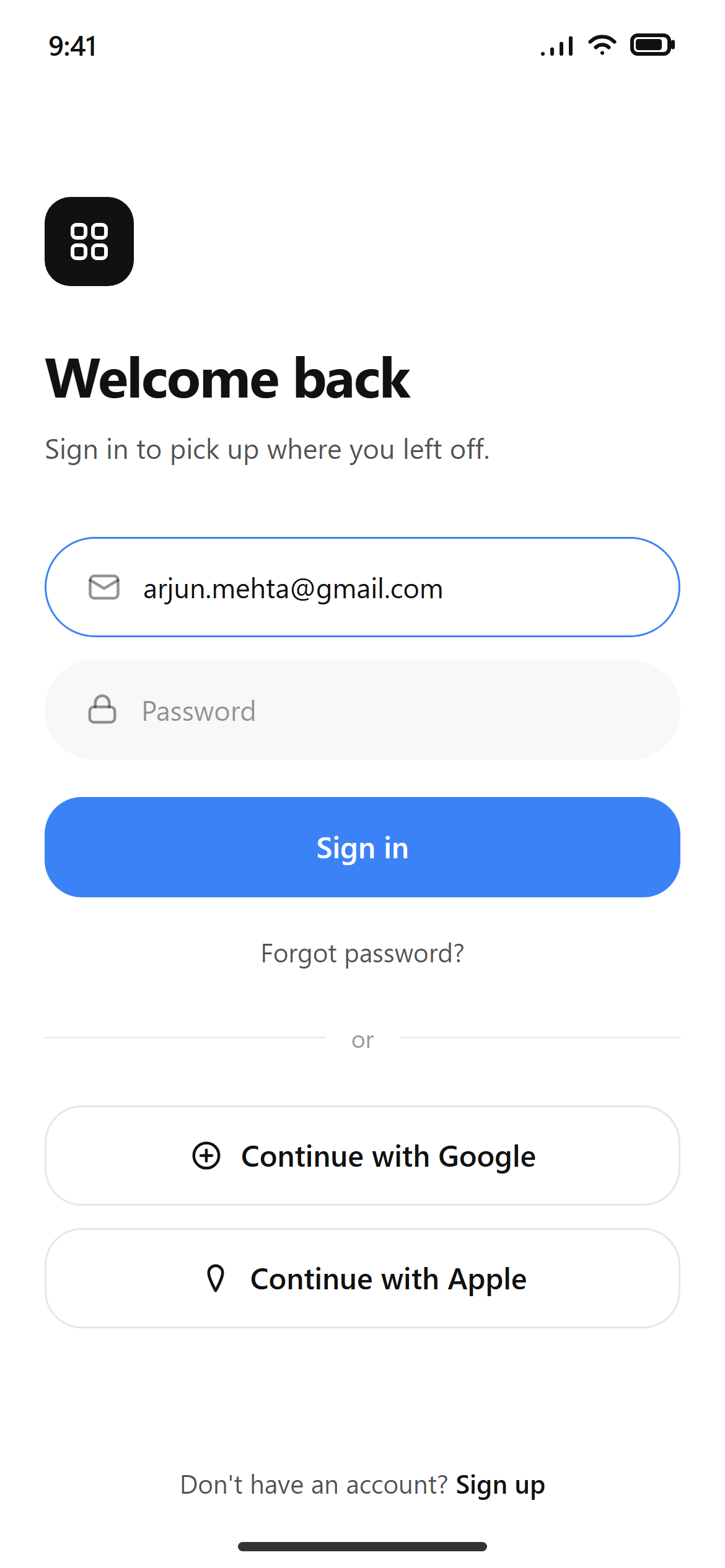
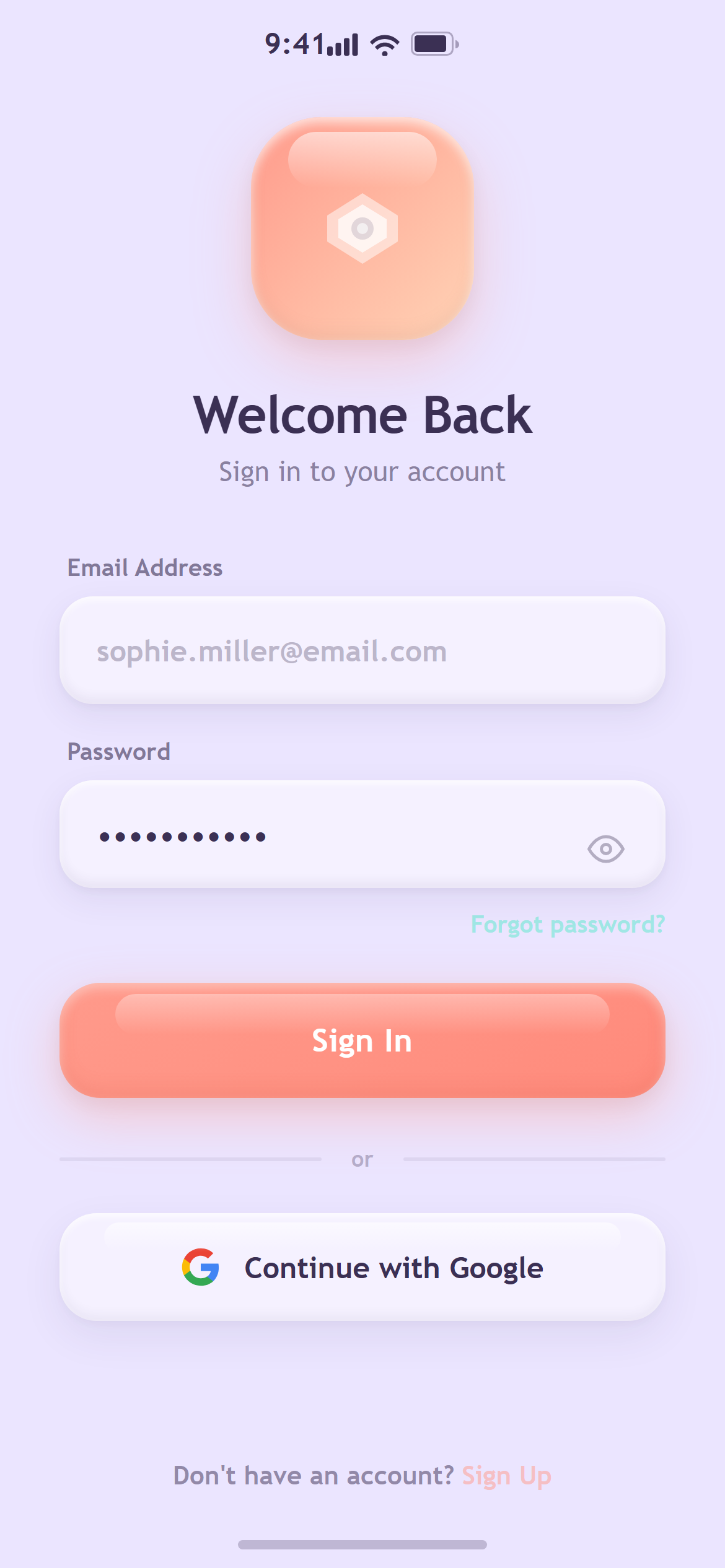
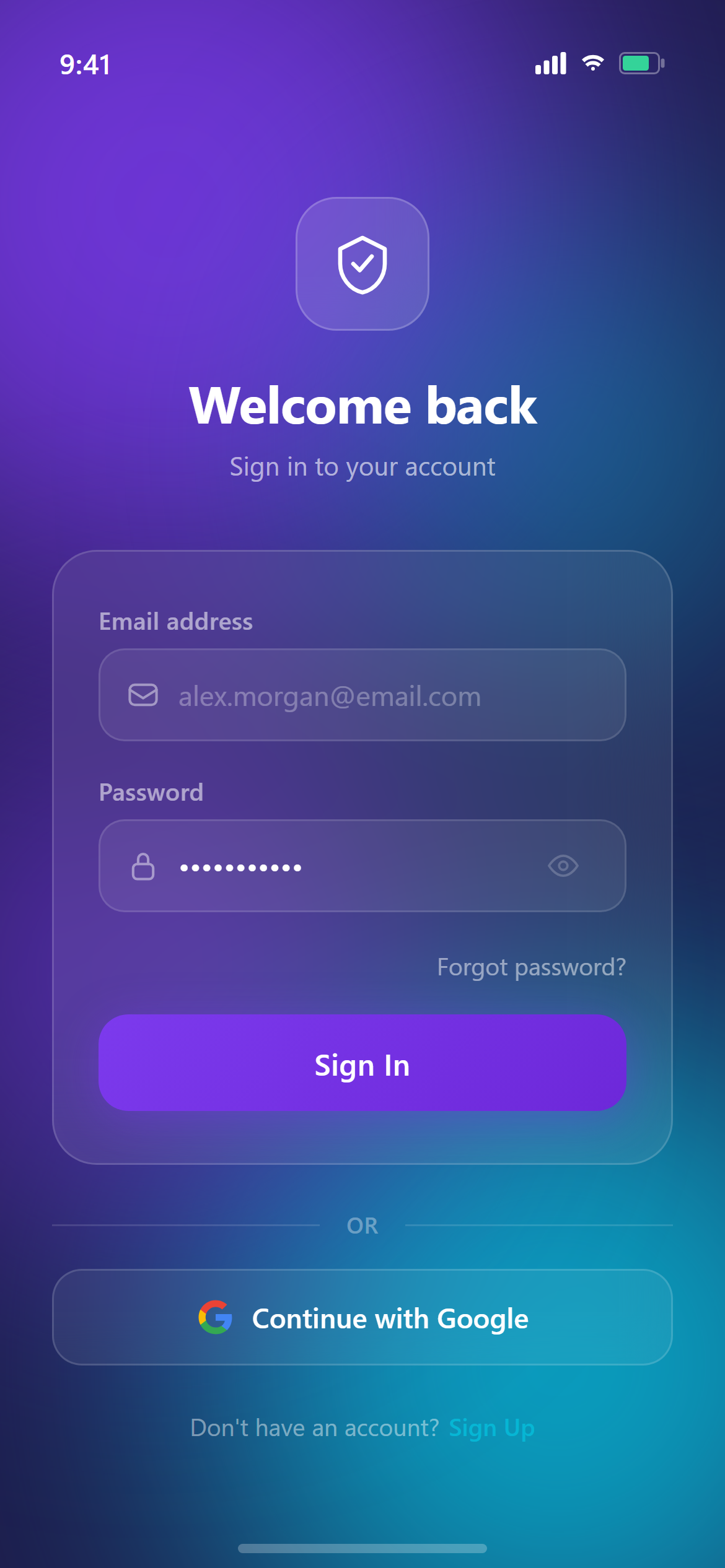
A ready-to-paste login screen prompt for mobile apps. Paste it into Lovable, v0, Cursor, Bolt or Claude and you get this interface back.
Prompt
Design a sign-up screen with name, email and password fields, a password-strength hint, a terms checkbox, and a primary create-account button for a mobile app.

Visual style — Glassmorphism:
A saturated blurred background of large soft color blobs bleeding into each other. Every surface is frosted glass: a low-opacity white fill, backdrop-filter blur(24px), a 1px rgba(255,255,255,0.25) highlight border catching light from the top-left, and 24px radius. White text with a subtle shadow for legibility. Layered depth, translucency everywhere, light and futuristic.

Color palette — Aurora:
Background blobs #10B981 emerald and #3B82F6 blue on a #0B2545 base.

Commit fully to this style — it should be unmistakable at a glance. Use realistic content, not placeholder text. Keep animations smooth (200ms ease-out).
How to use it
- Copy the prompt above.
- Paste it into your AI coding tool.
- Add your own product details — screen name, real copy, data fields.
- Attach the screenshot too. Vision models match a design far more closely when they can see it.