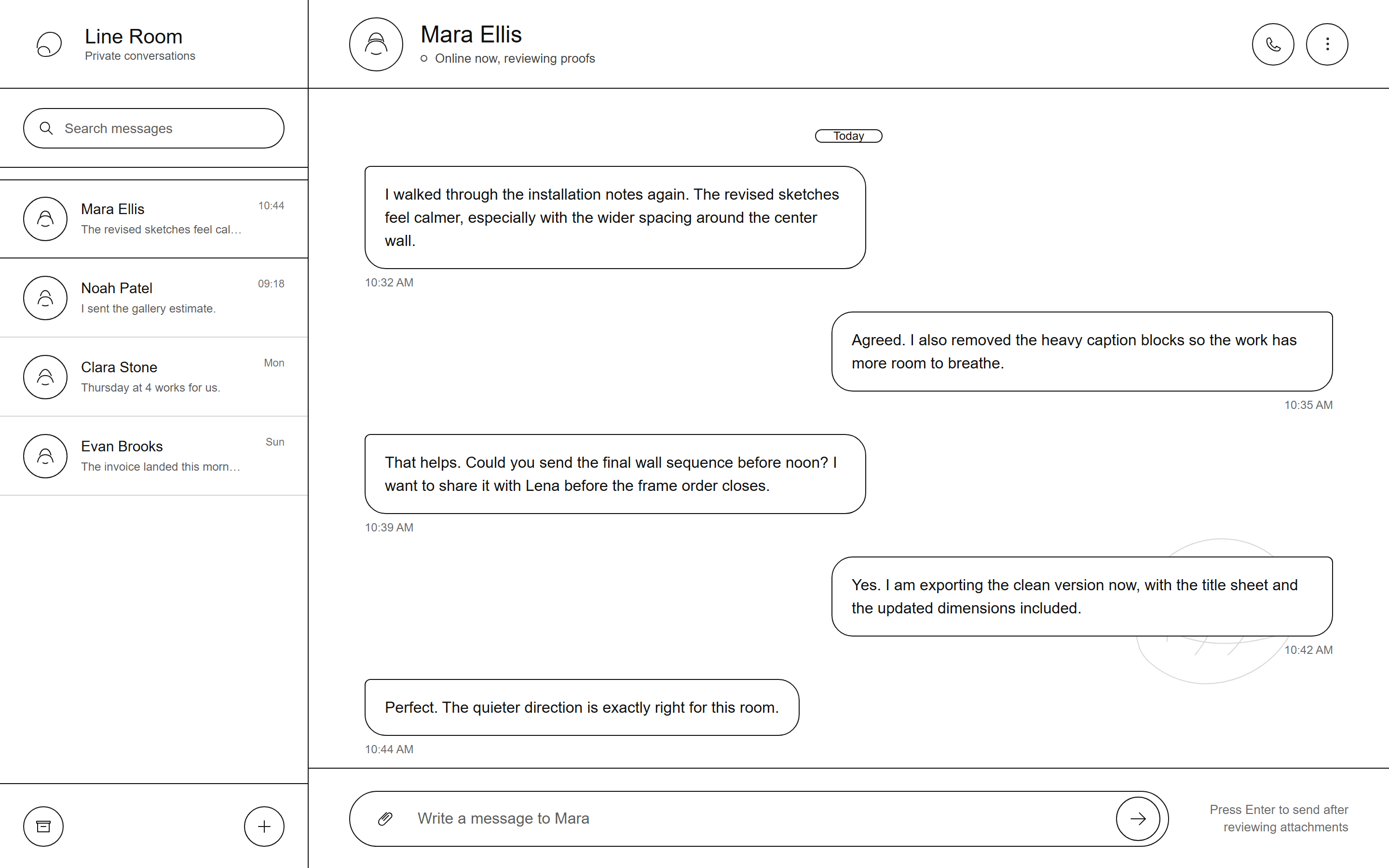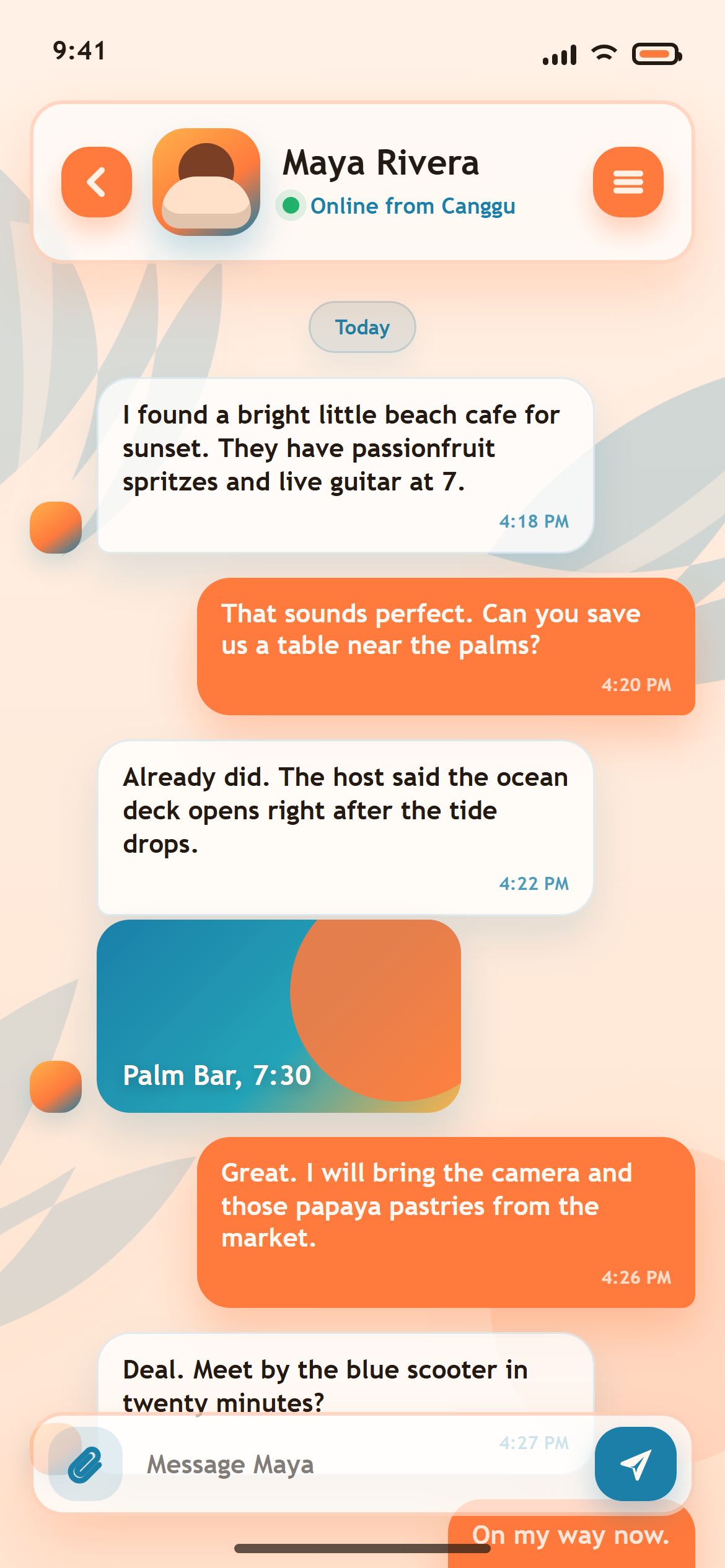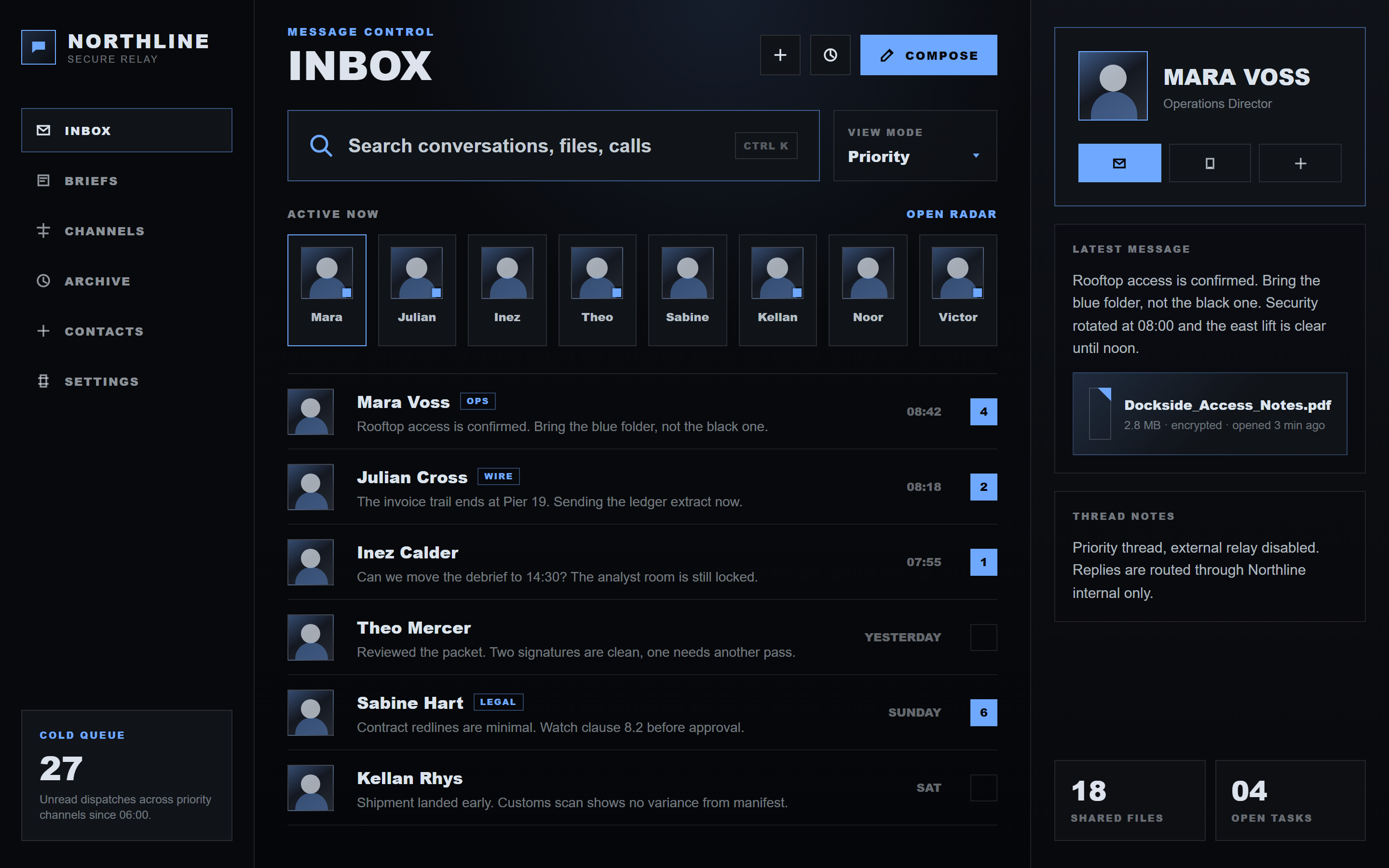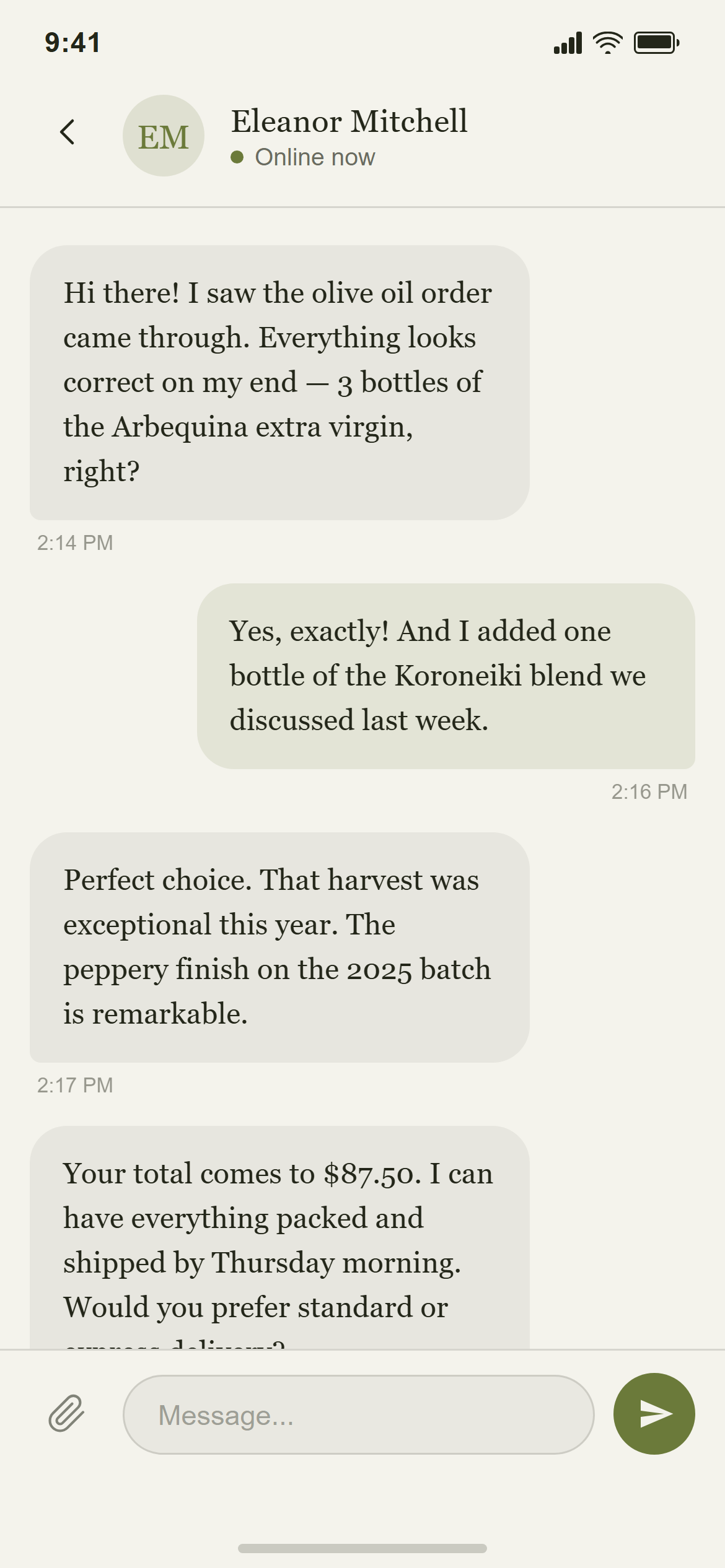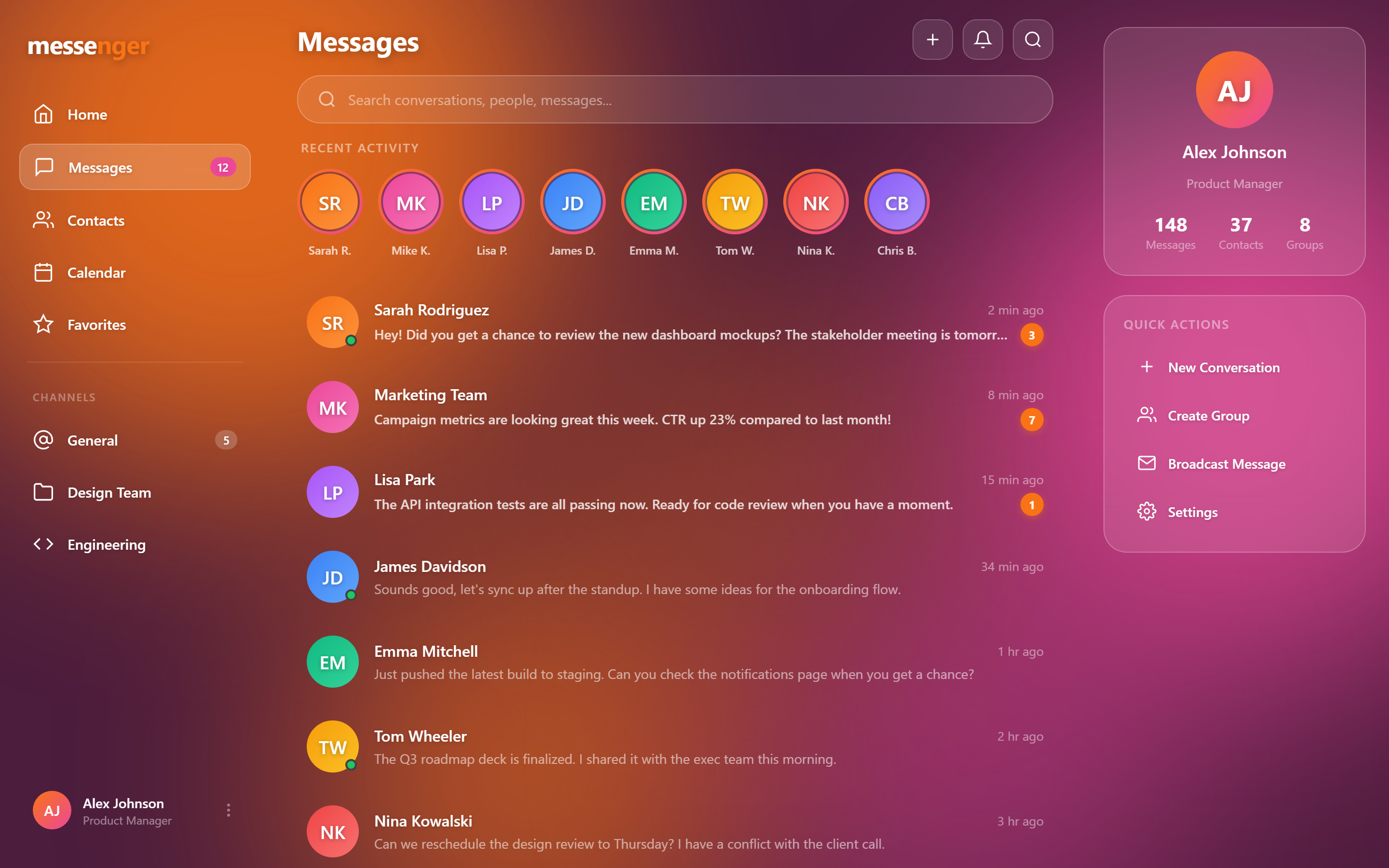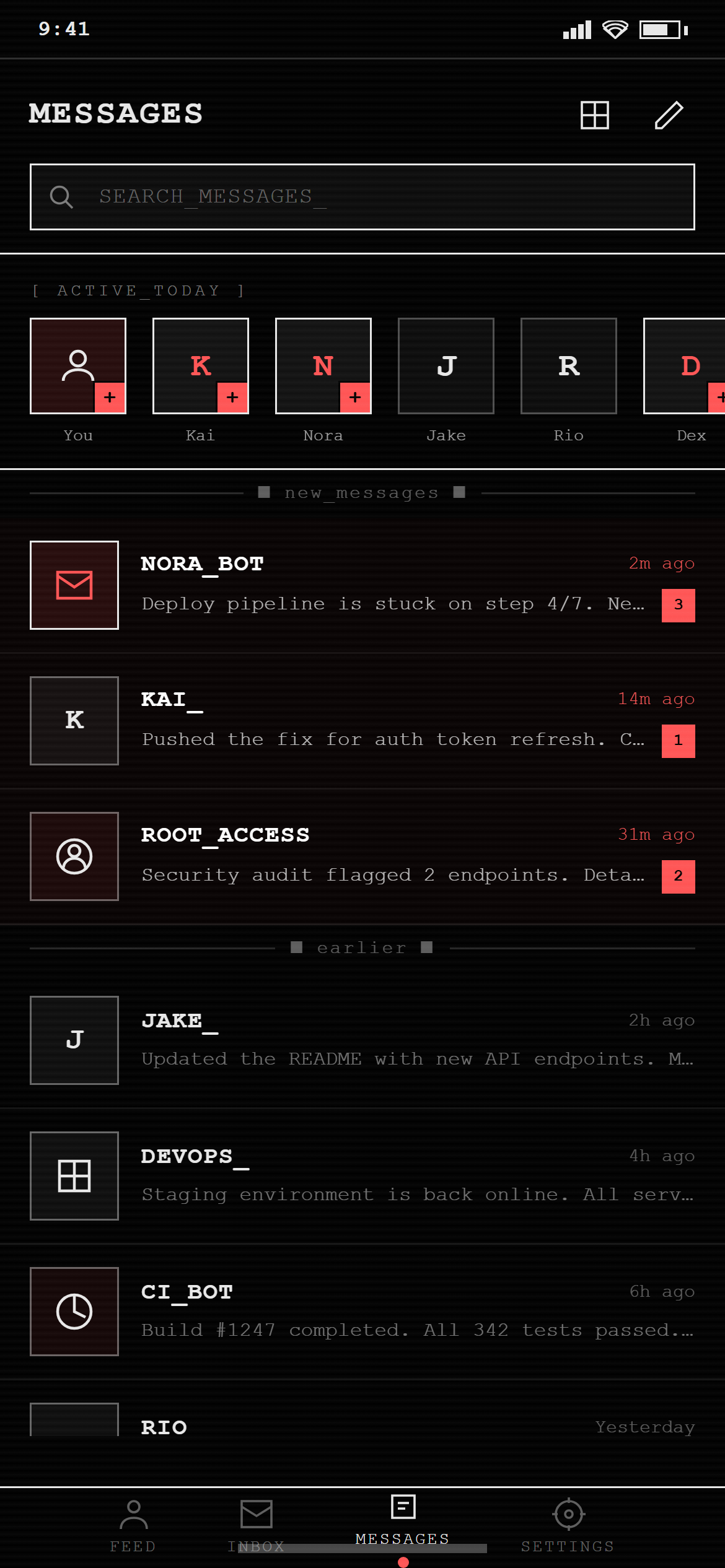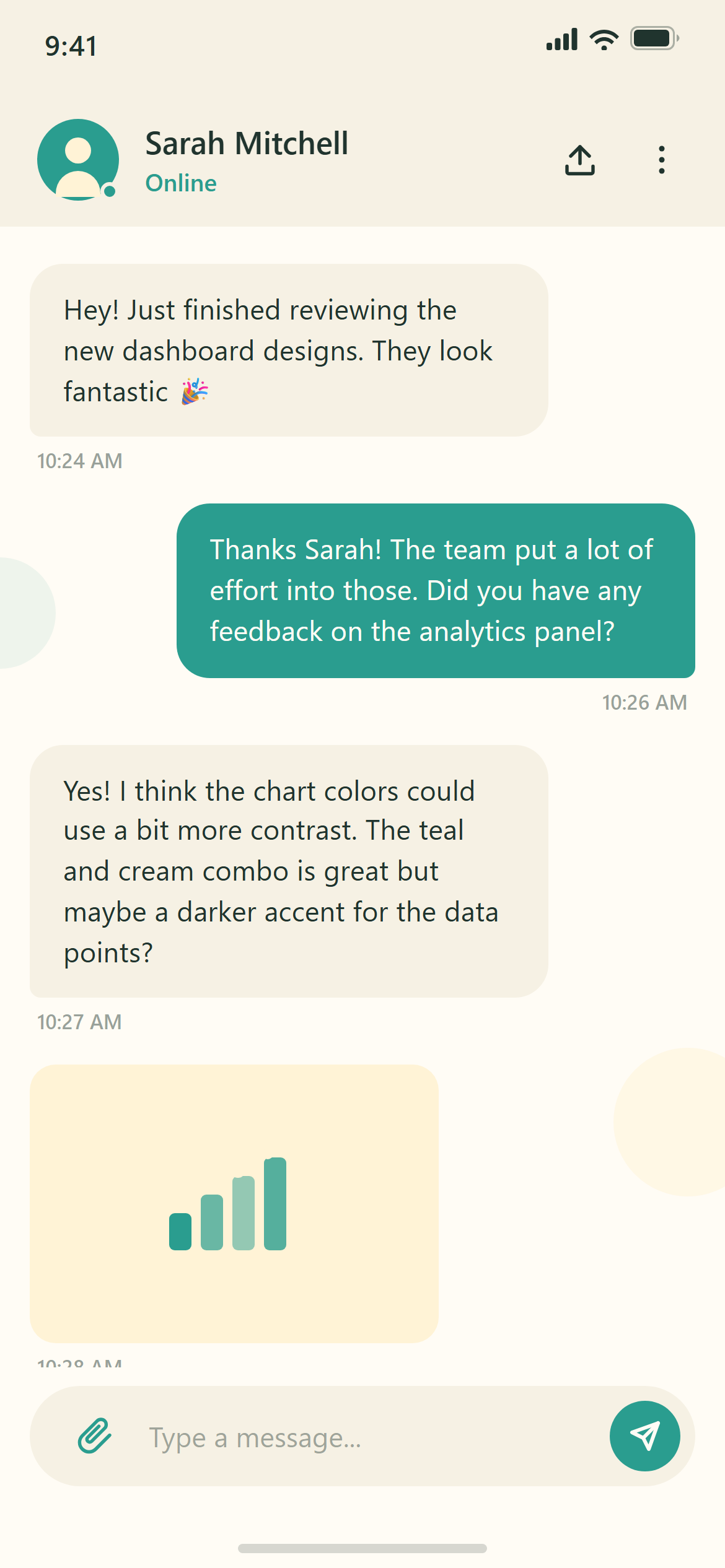
Flat Design 2.0 Chat Conversation
A ready-to-paste chat screen prompt for mobile apps. Paste it into Lovable, v0, Cursor, Bolt or Claude and you get this interface back.
Prompt
Act like a frontend developer with 15 years of experience. I want the exact same UI with 95-99% similarity.

Design a chat screen with a header showing avatar, name and online status, alternating incoming and outgoing message bubbles with timestamps, and a rounded input bar with an attach icon and a send button for a responsive mobile and web app.

Visual style — Flat Design 2.0:
Large soft-color geometric illustration blocks with simple rounded blob-people figures as decorative accents. Flat solid-fill cards at 12px radius, no shadow, no gradient, no texture. Confident single-weight sans-serif. Clean, friendly, corporate-startup illustration style.

Color palette — Teal Cream:
Background #FFFCF5, surfaces #F6F1E4. Text #20342E. Illustration teal #2A9D8F and cream #FFF3D6.

Commit fully to this style — it should be unmistakable at a glance. Use realistic content, not placeholder text. Keep animations smooth (200ms ease-out).
How to use it
- Copy the prompt above.
- Paste it into your AI coding tool.
- Add your own product details — screen name, real copy, data fields.
- Attach the screenshot too. Vision models match a design far more closely when they can see it.