Cottagecore Profile
A ready-to-paste profile screen prompt for web apps. Paste it into Lovable, v0, Cursor, Bolt or Claude and you get this interface back.
Prompt
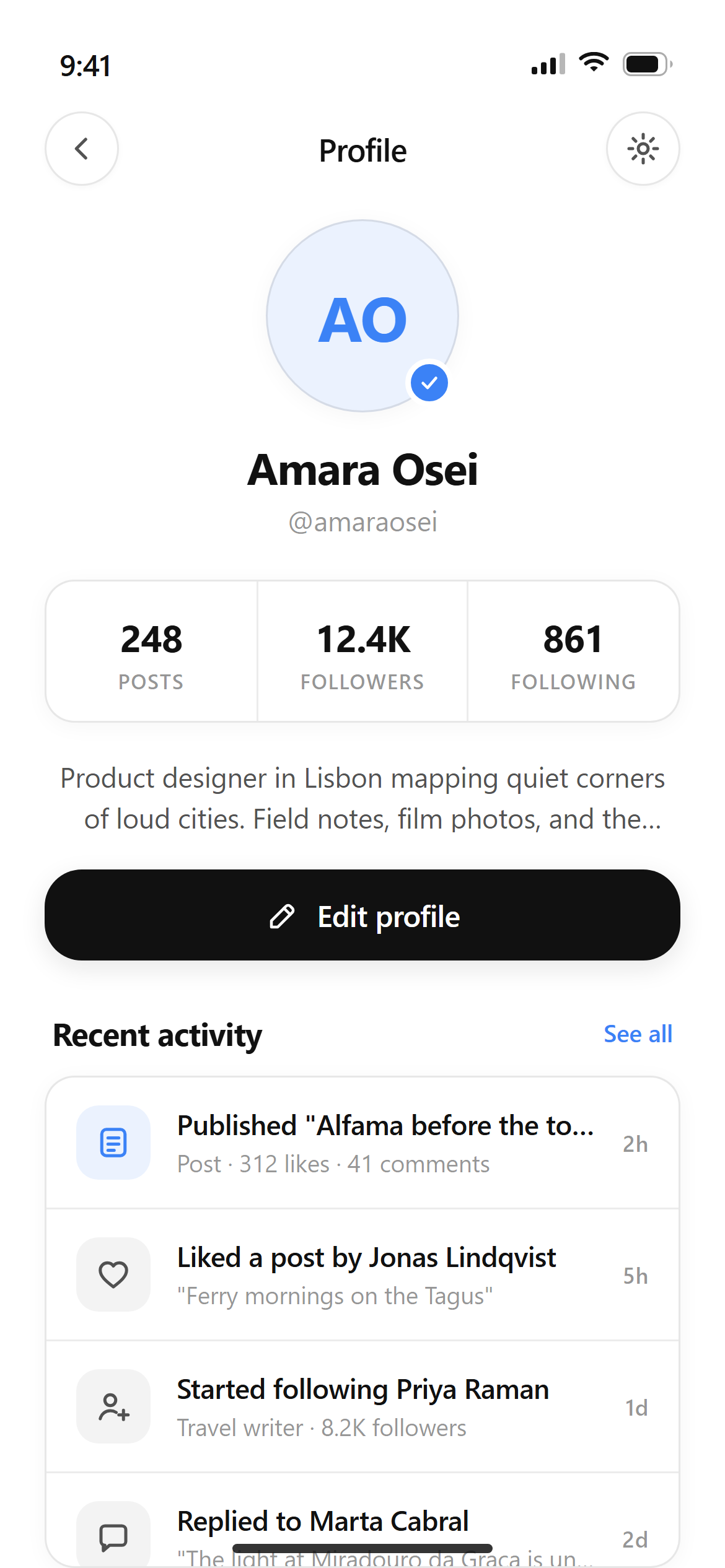
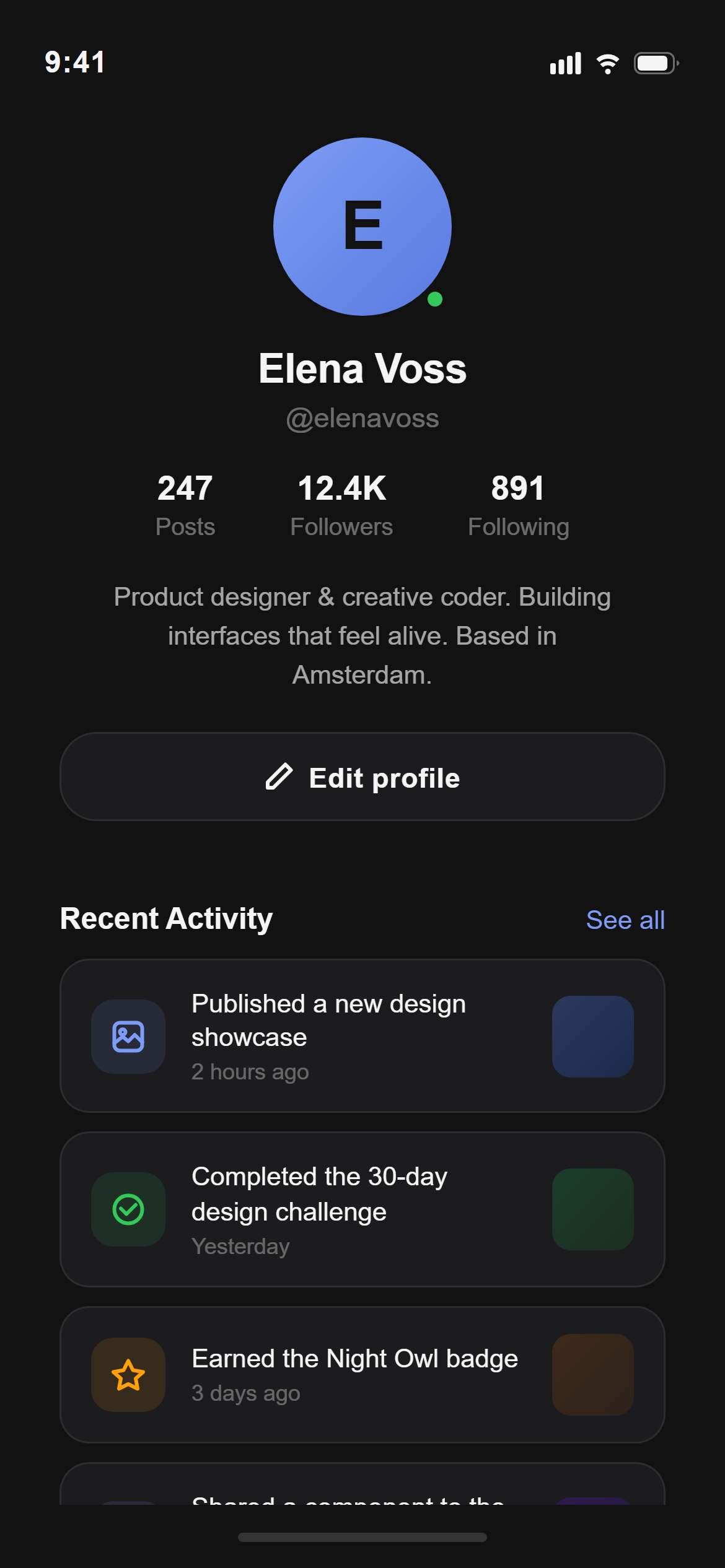
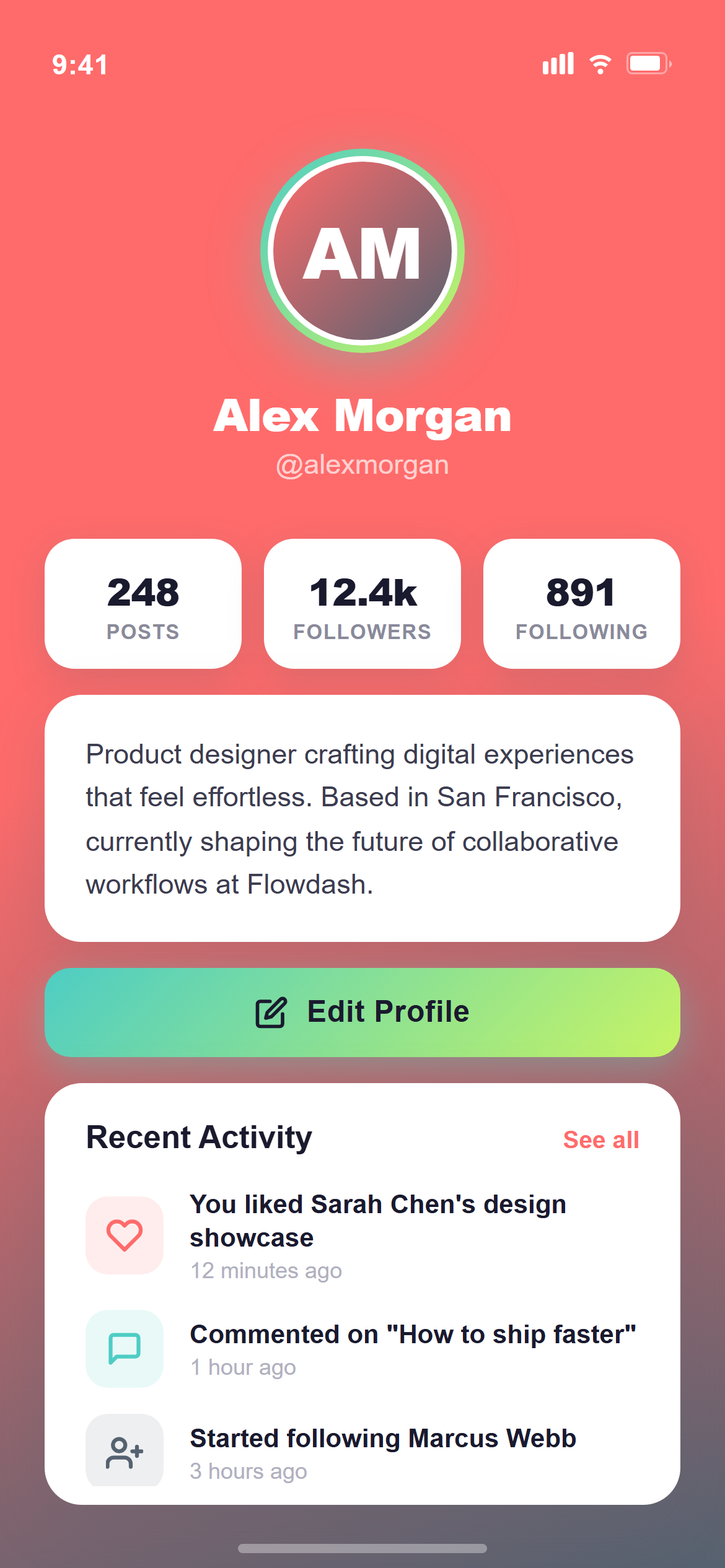
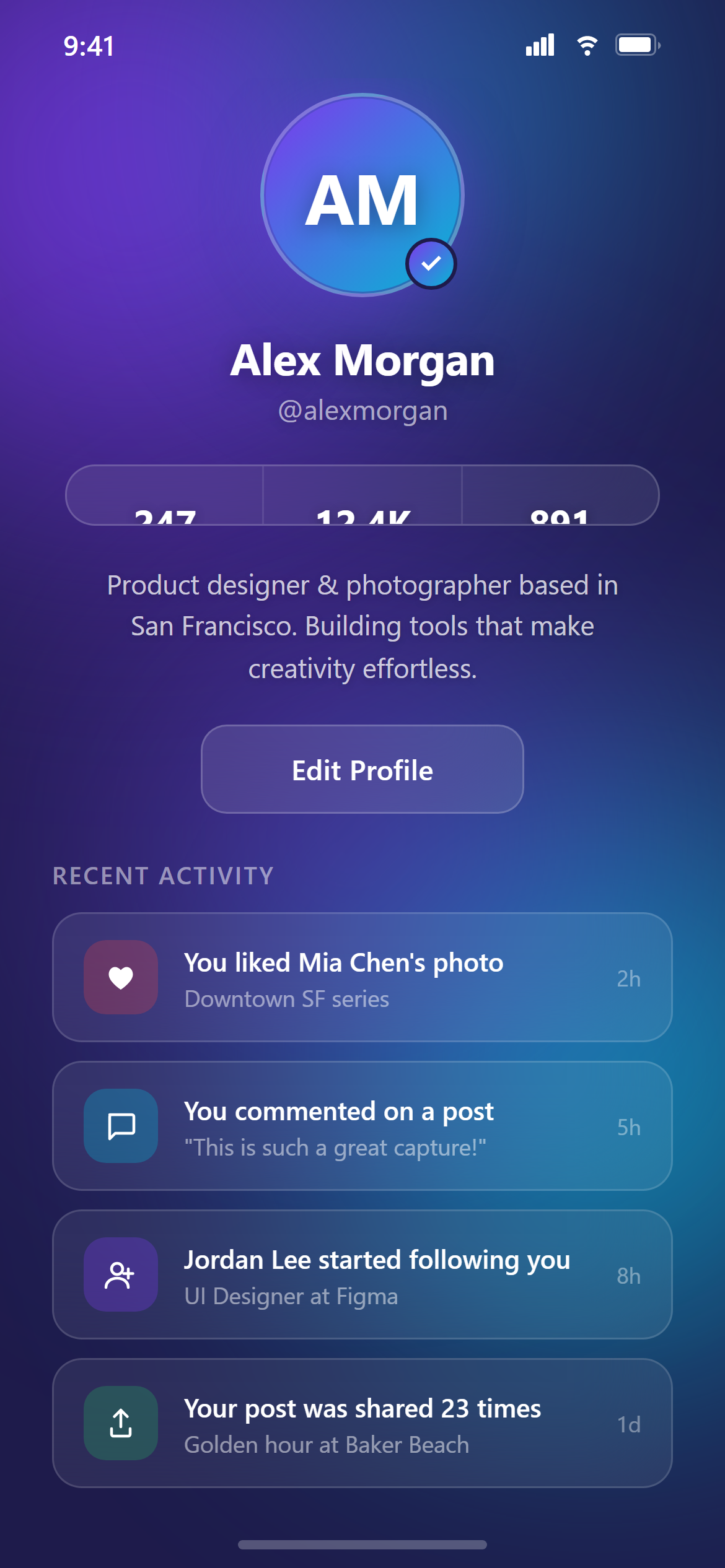
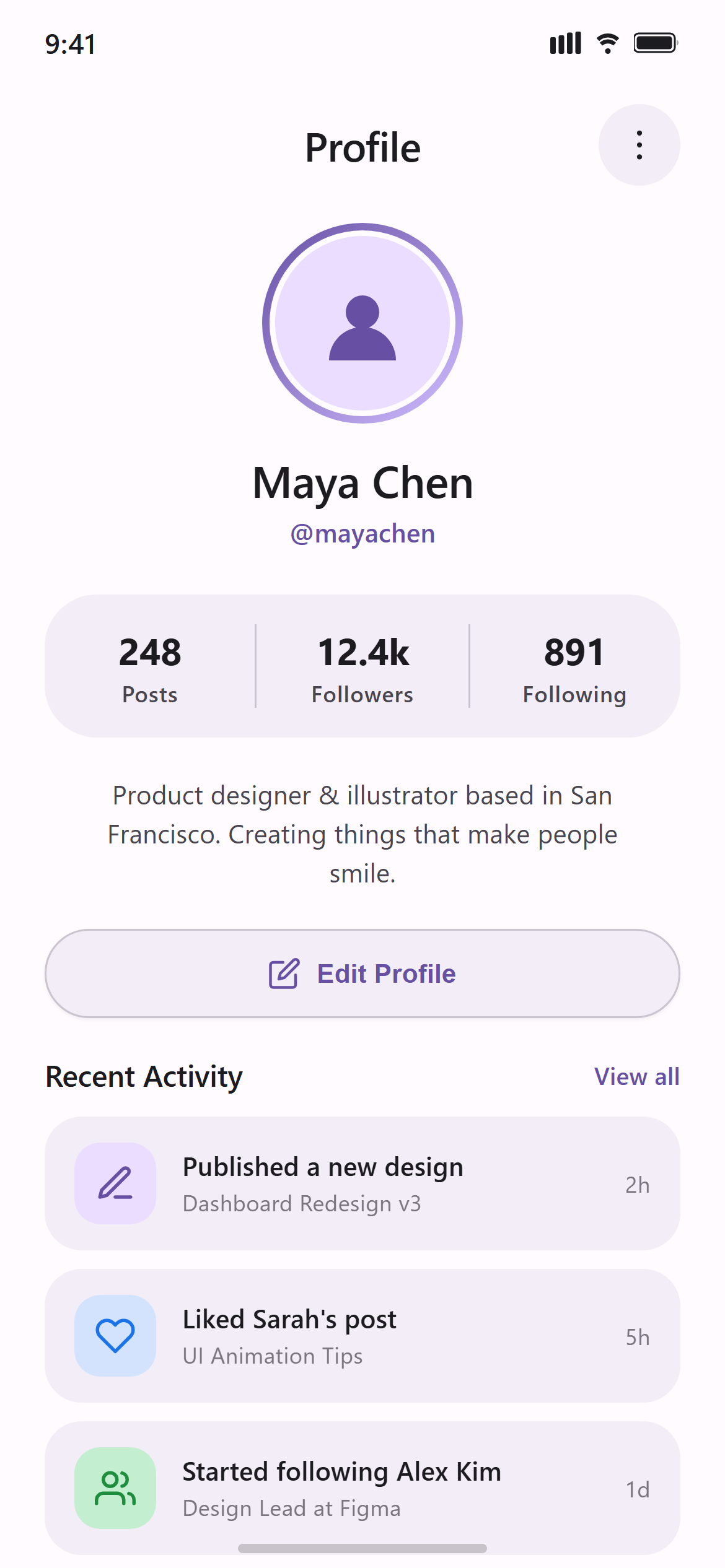
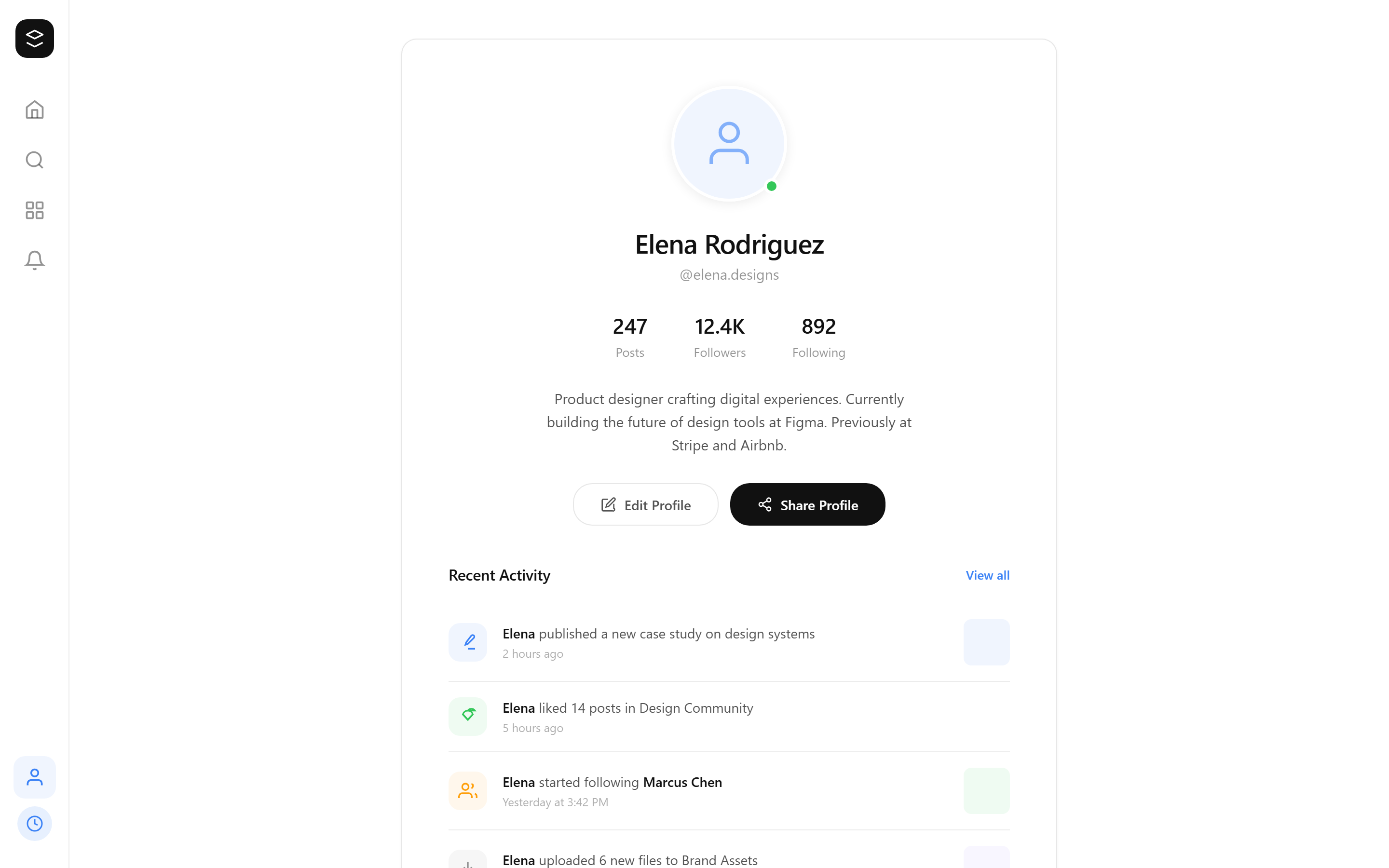
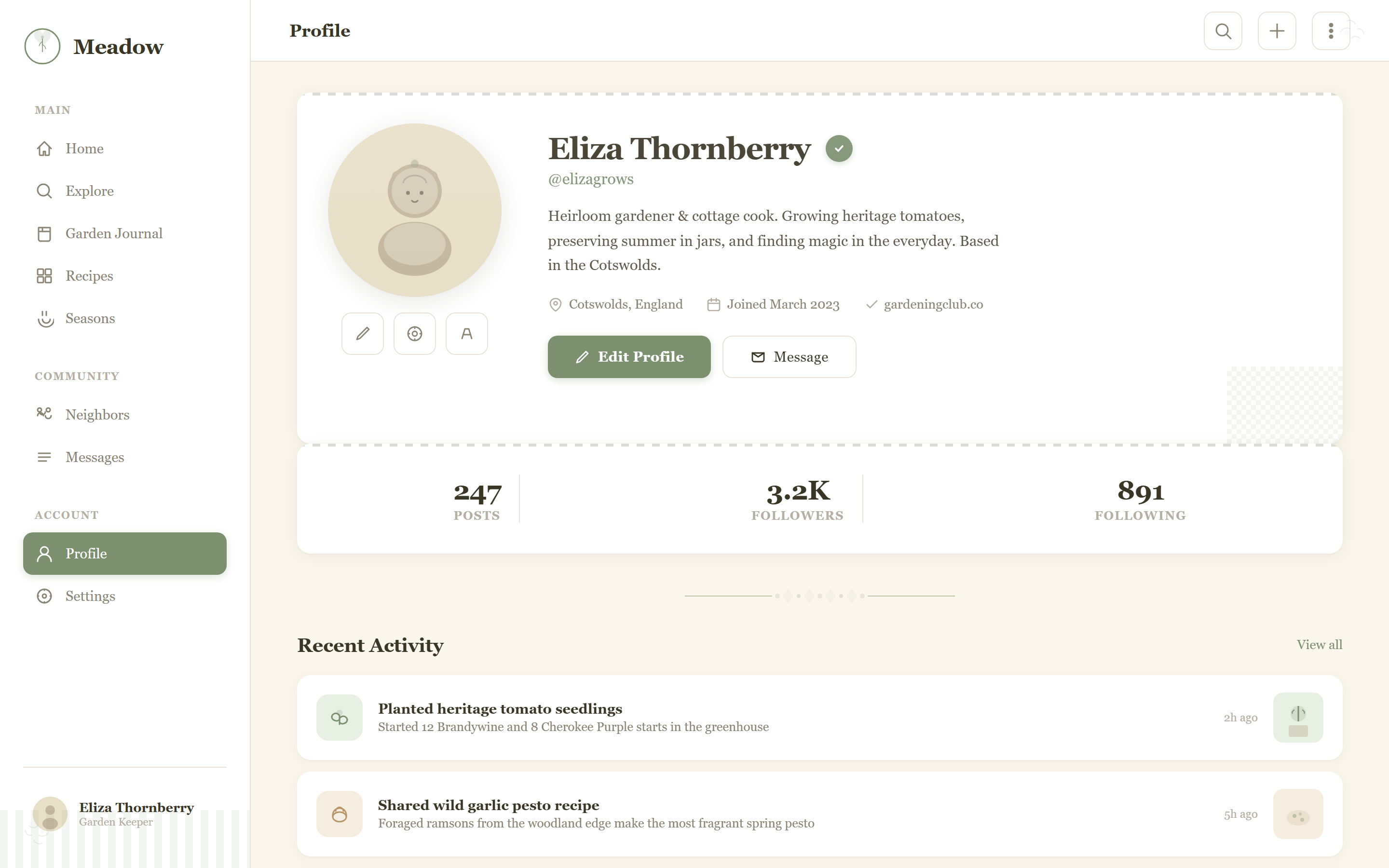
Design a profile screen with a large centered avatar, name and username, a three-column stats row (posts, followers, following), a two-line bio, an edit-profile button, and a recent-activity list for a responsive mobile and web app.

Visual style — Cottagecore:
Soft floral-sprig line motifs as decorative borders, gingham-check texture accents, and warm cream cards at 14px radius with soft natural shadows. A cozy serif-meets-handwritten heading pairing. Rustic, wholesome, countryside warmth.

Color palette — Cream Sage:
Background #FBF6EC, cards #FFFFFF. Text #3A3626. Accent sage #7C9070.

Commit fully to this style — it should be unmistakable at a glance. Use realistic content, not placeholder text. Keep animations smooth (200ms ease-out).
Part of the Cottagecore style pack — 14 screens that share one palette and type scale, so a whole app stays consistent.
How to use it
- Copy the prompt above.
- Paste it into your AI coding tool.
- Add your own product details — screen name, real copy, data fields.
- Attach the screenshot too. Vision models match a design far more closely when they can see it.