Blueprint Simple Pricing
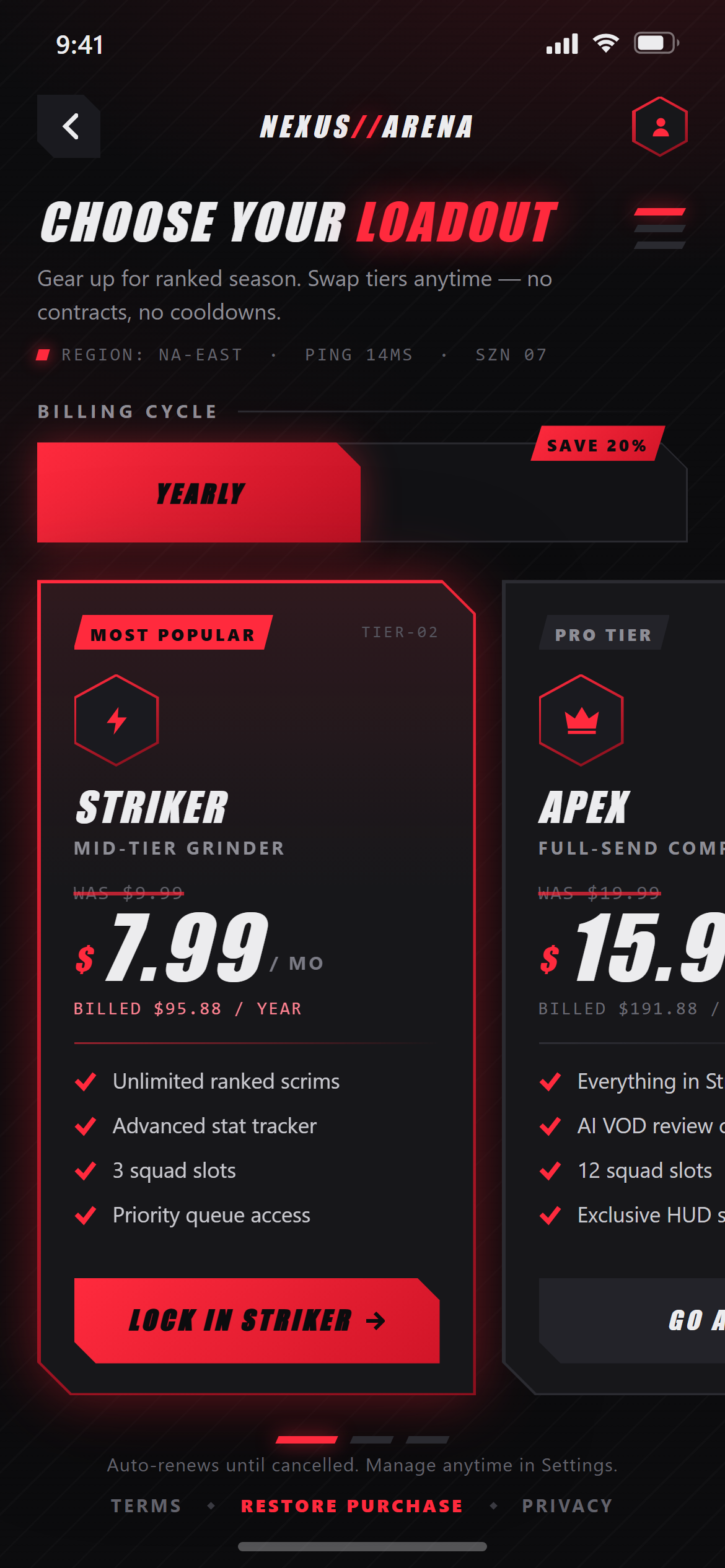
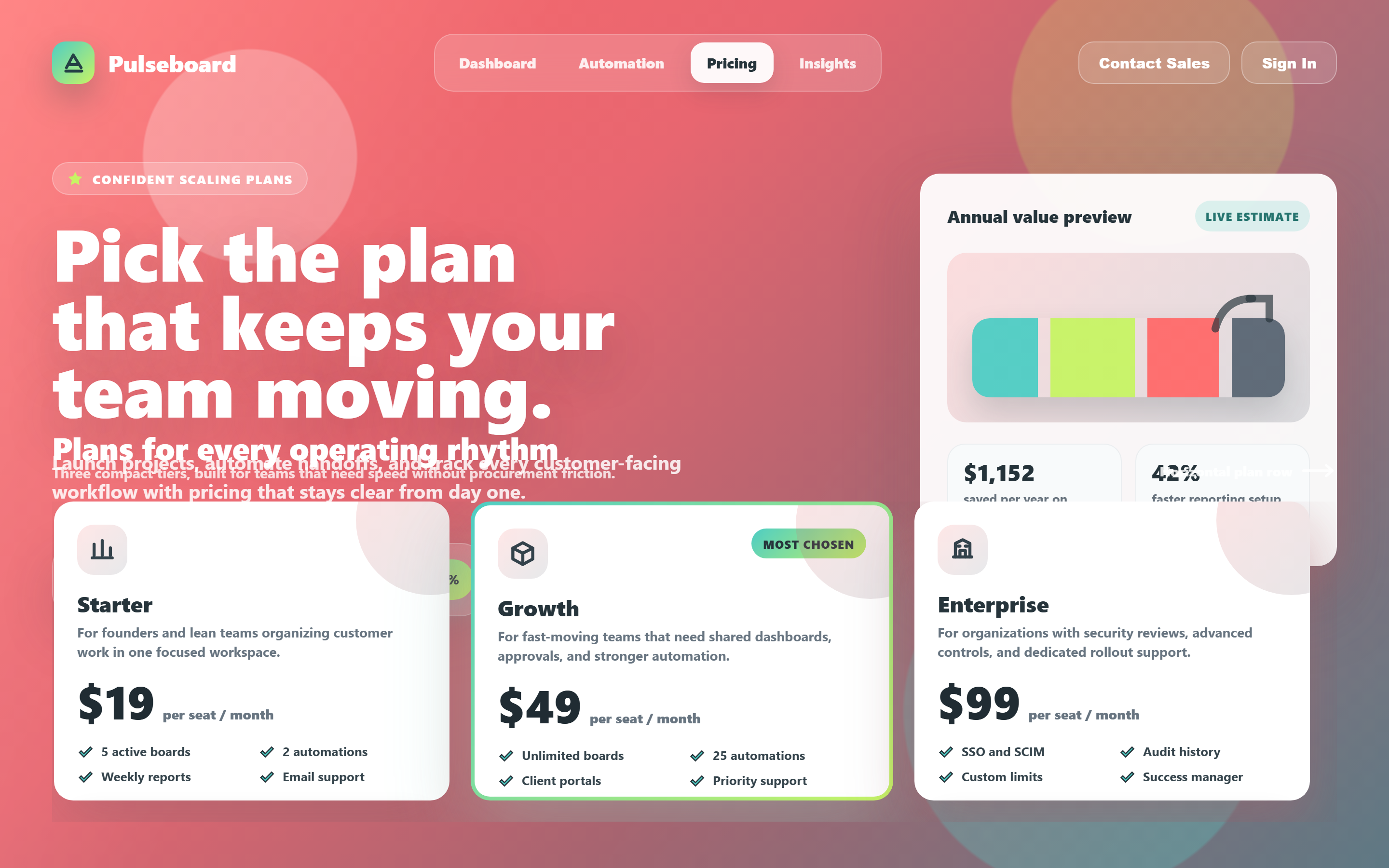
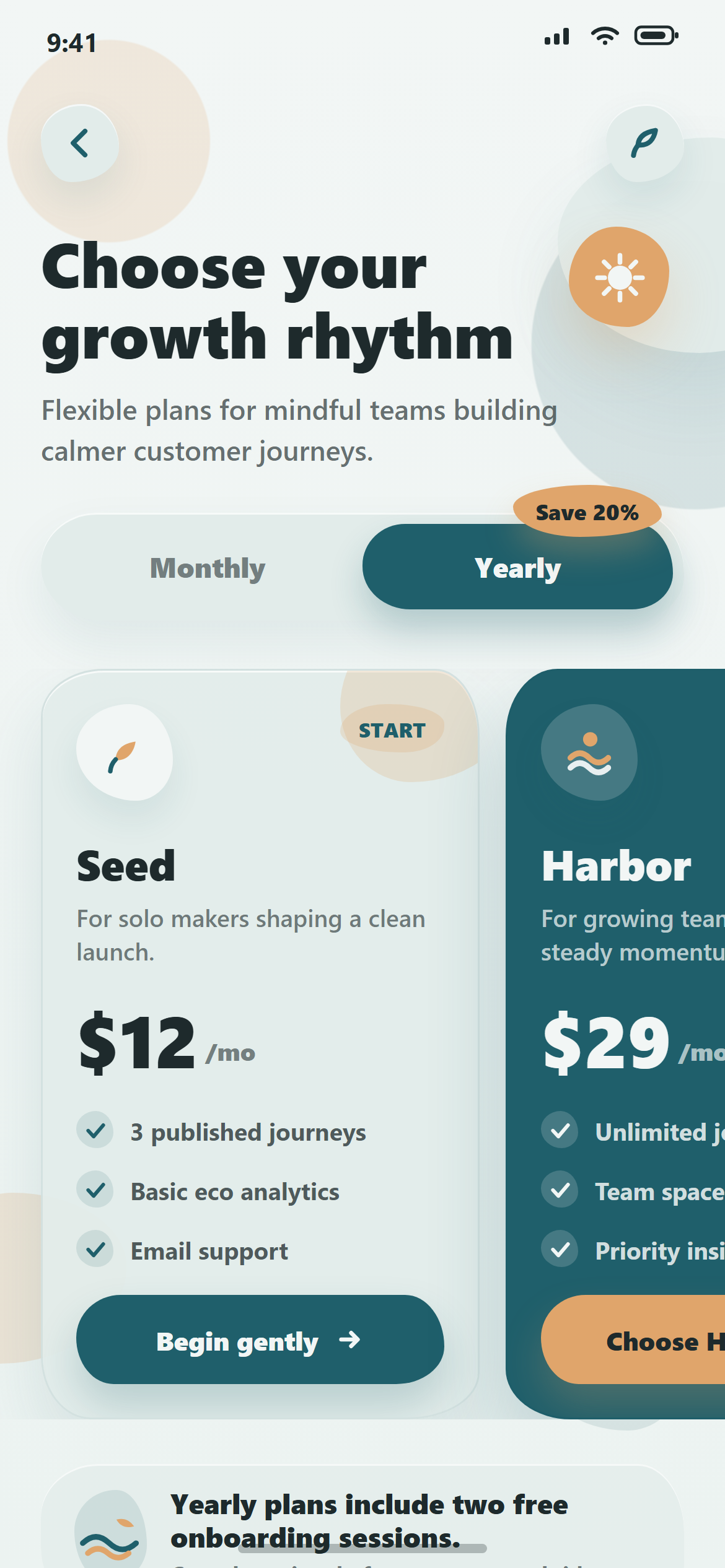
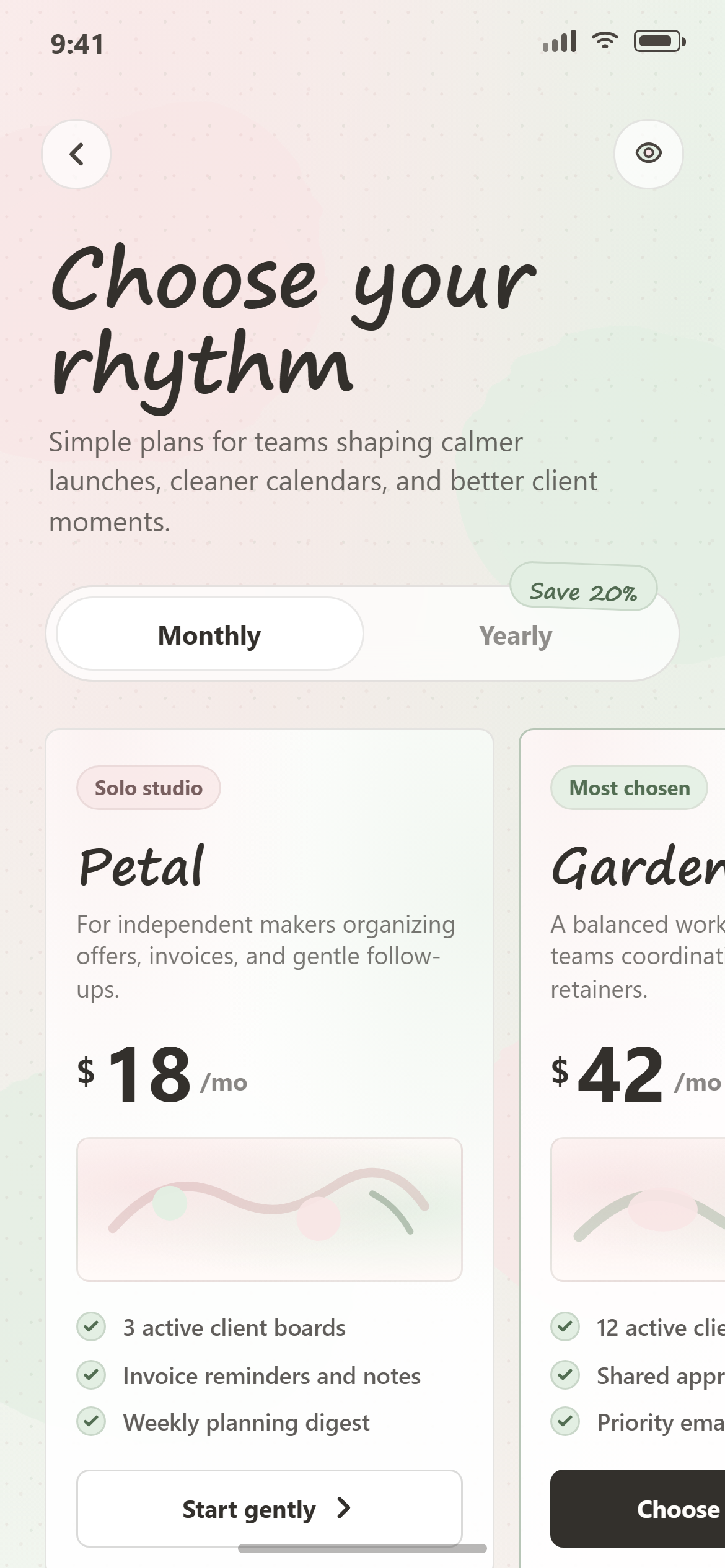
A ready-to-paste pricing screen prompt for mobile apps. Paste it into Lovable, v0, Cursor, Bolt or Claude and you get this interface back.
Prompt
Act like a frontend developer with 15 years of experience. I want the exact same UI with 95-99% similarity.

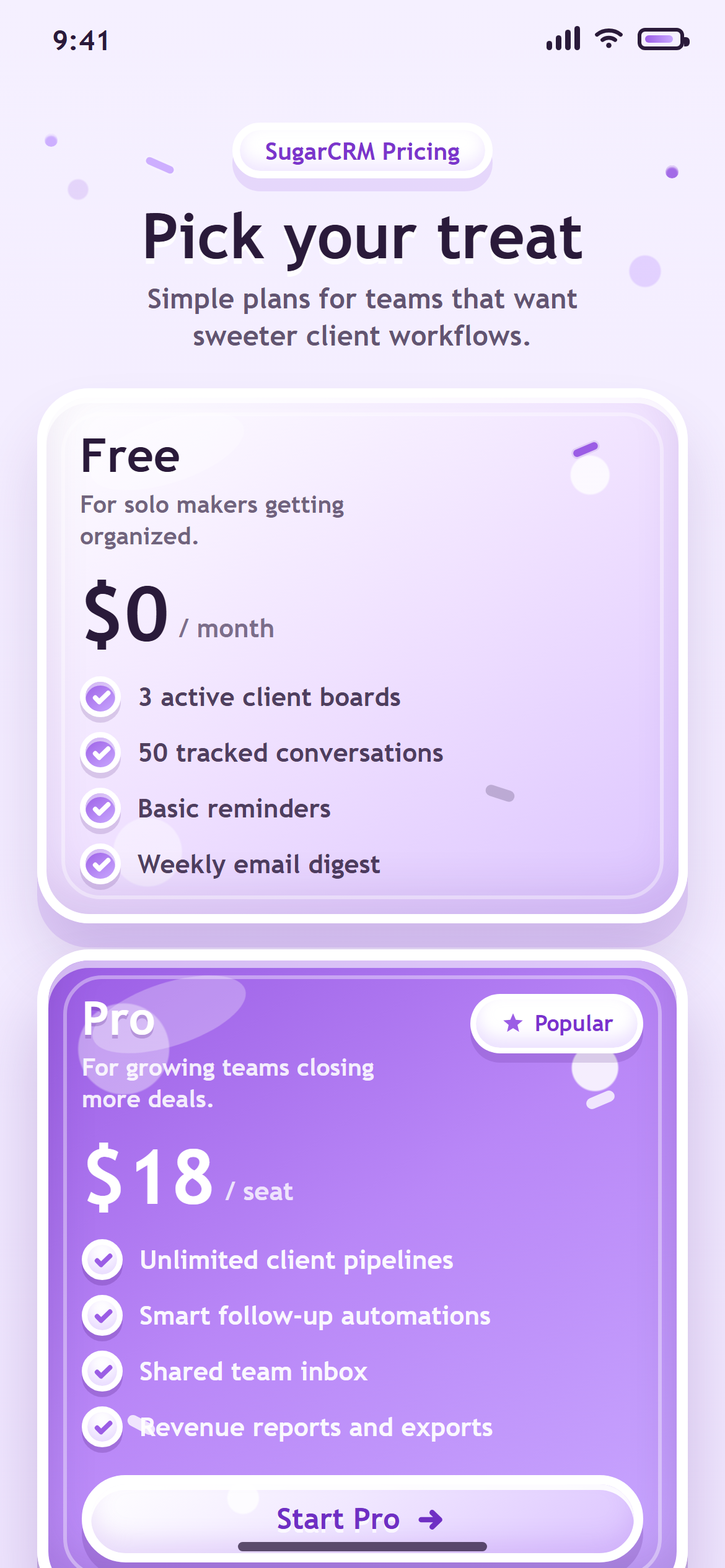
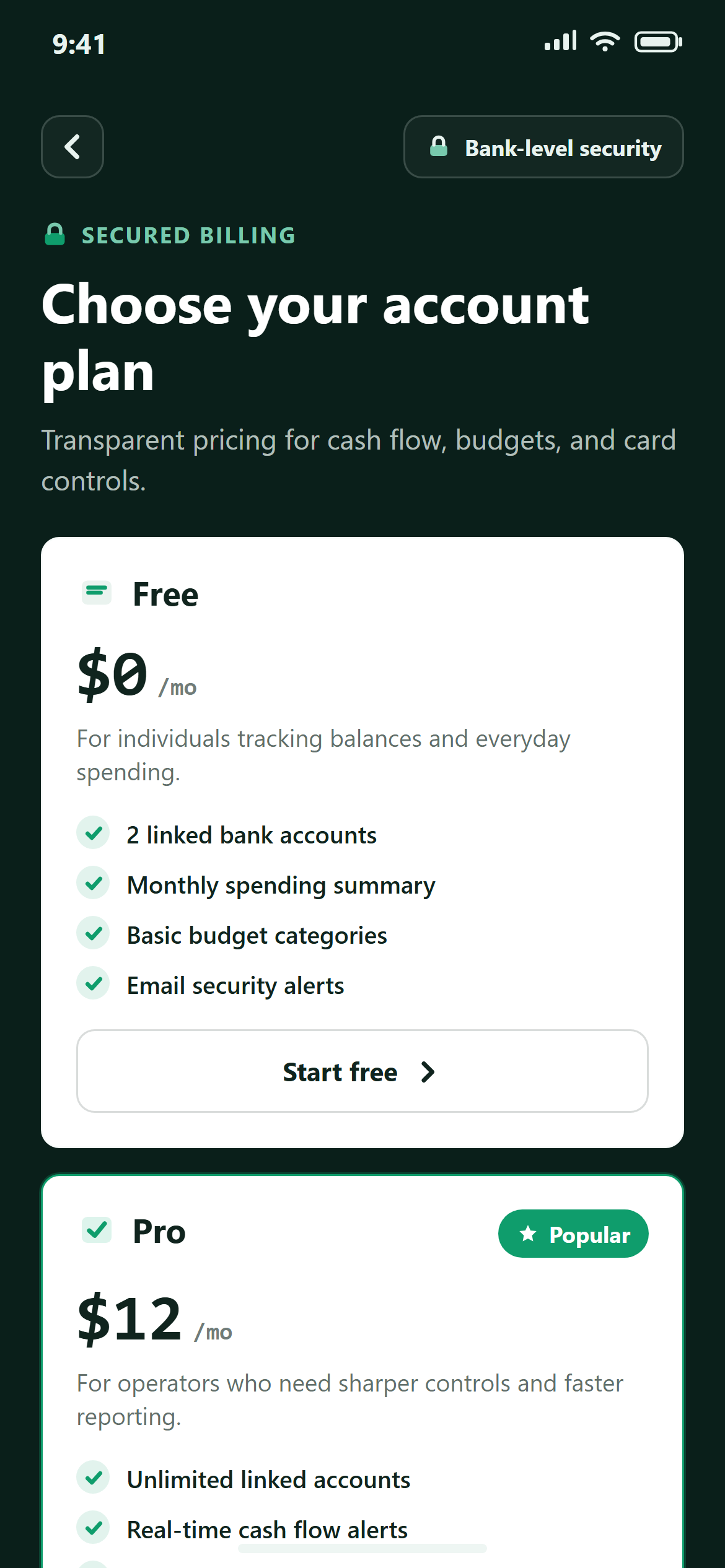
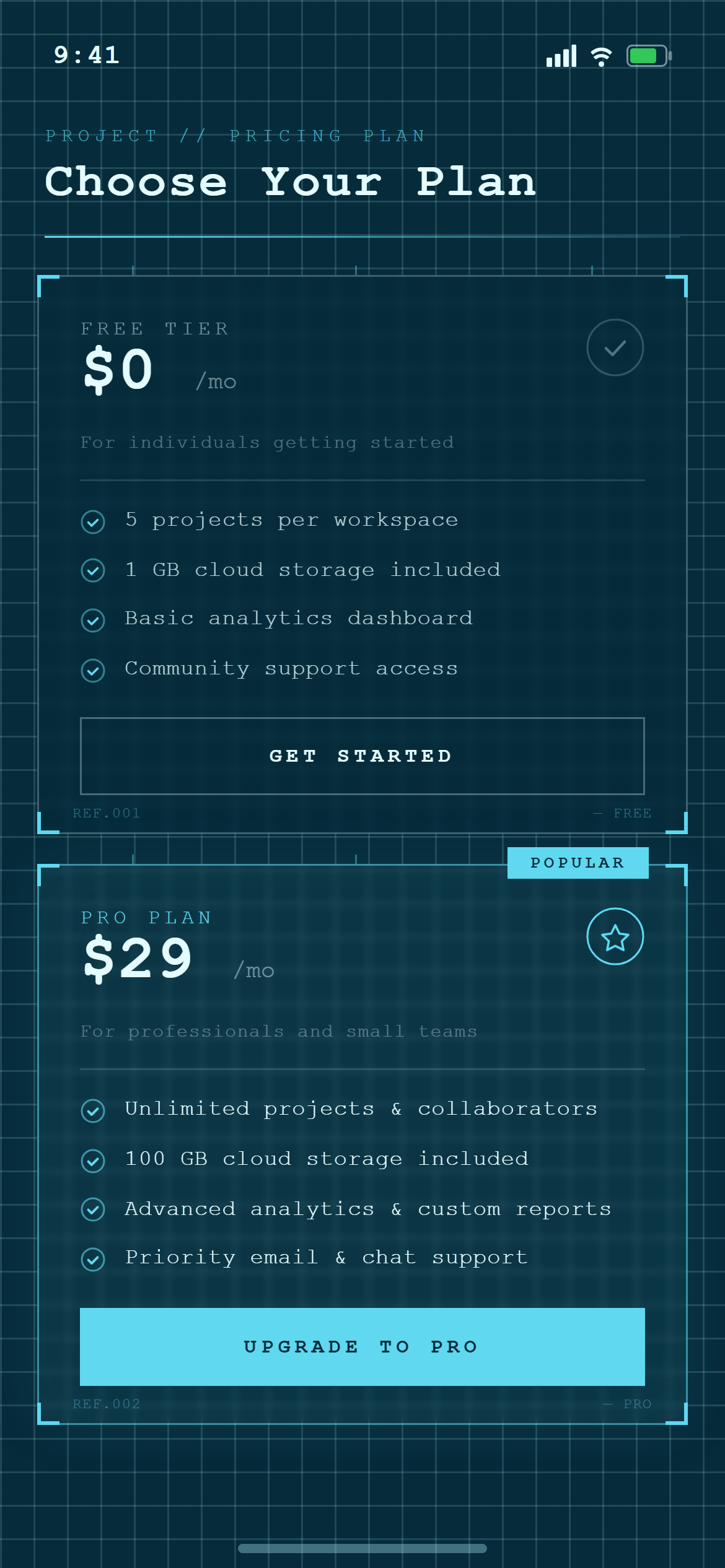
Design a pricing screen with two plan cards (Free and Pro) stacked vertically, the Pro card visually highlighted with a "Popular" chip, each listing four features with small check icons for a responsive mobile and web app.

Visual style — Blueprint:
A deep blue canvas with a fine white grid-line texture throughout, thin white 1px construction-line borders on cards, and corner crop-mark ticks on card edges. Technical monospace for labels and measurements. Precise, drafting-table, technical-drawing feel.

Color palette — Cyan Blueprint:
Background #062B3A, grid lines rgba(180,240,255,0.15). Text #E4FBFF. Accent cyan #5FD8F0.

Commit fully to this style — it should be unmistakable at a glance. Use realistic content, not placeholder text. Keep animations smooth (200ms ease-out).
How to use it
- Copy the prompt above.
- Paste it into your AI coding tool.
- Add your own product details — screen name, real copy, data fields.
- Attach the screenshot too. Vision models match a design far more closely when they can see it.